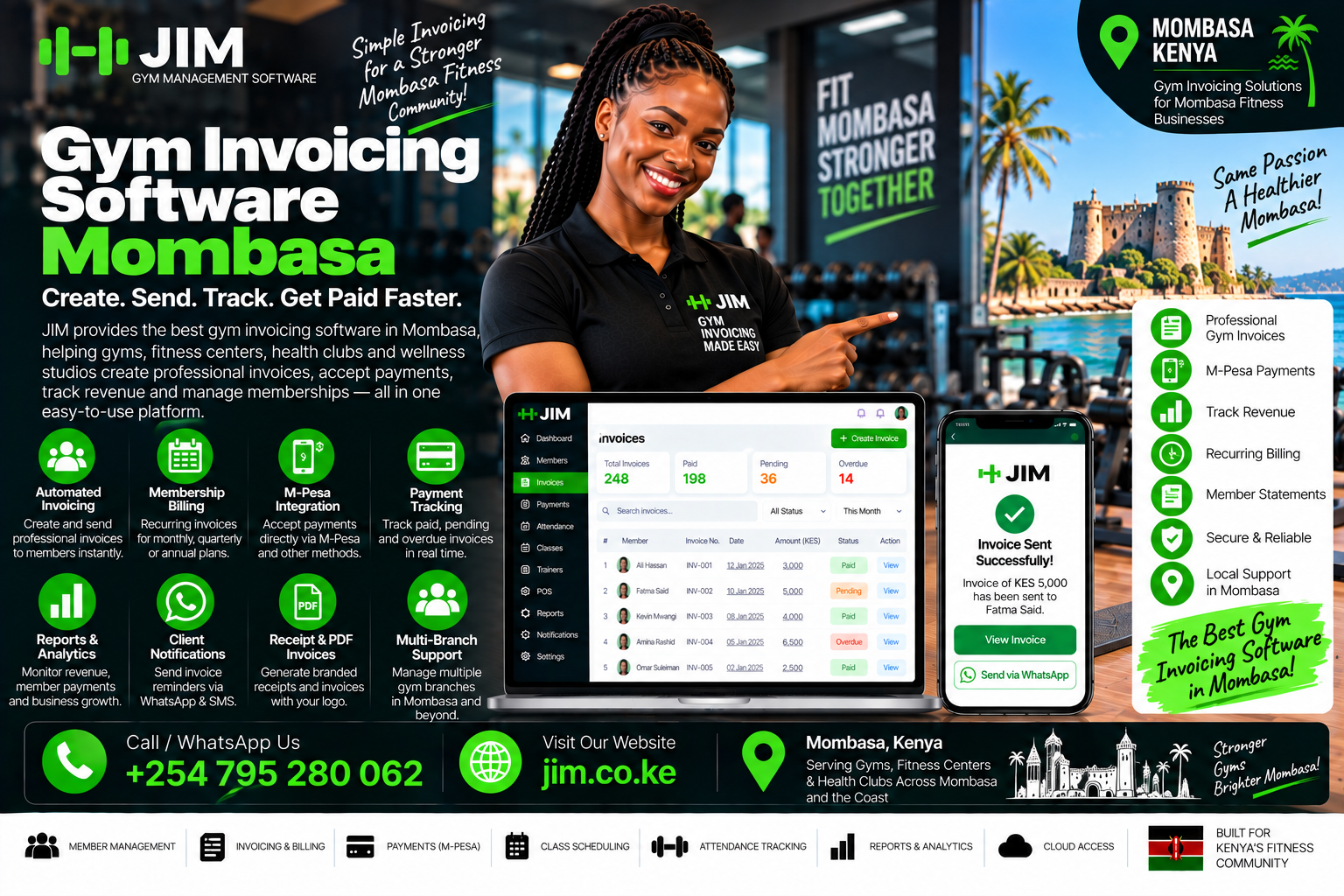

Gym Management System in NakuruRunning a gym involves much more than providing equipment and helping people exercise. Behind every successful fitness business is a reliable way to manage memberships, record payments, organise trainers, monitor attendance, and communicate with customers. When these activities depend on notebooks, scattered spreadsheets, and personal messages, even a well-equipped gym can struggle to stay organised.

A gym management system in Nakuru brings these activities into one place. It helps your team know who has an active membership, which payments have been confirmed, when subscriptions expire, and which members may need follow-up. Instead of searching through different records, staff can find the information they need while serving customers.

For a gym serving people in Nakuru’s town centre, residential neighbourhoods, or surrounding communities, this organisation has practical value. Some members train before work. Others attend evening classes or visit only on weekends. Your management processes should support those different routines without creating confusion at reception.

However, choosing software requires more than comparing attractive dashboards. You need to understand how the system handles real situations: partial payments, membership freezes, delayed transaction confirmations, missed classes, and staff changes.

This guide explains what to look for, how the main features work, and how to introduce a system that supports your gym’s daily operations and long-term growth.

1. What Is a Gym Management System?

A gym management system is software that helps a fitness business organise its administrative and operational work. Its central purpose is to connect member information with memberships, payments, attendance, and services.

Consider what happens when someone joins your gym. Your receptionist collects their contact details, explains available packages, records the chosen plan, confirms payment, and communicates the membership start date. Later, staff need to check whether that person can access the facility, book a class, or use a personal training session.

Without a shared system, each step may create a separate record. The member’s name goes into a register, the payment appears in an M-PESA message, and the renewal date is written in a spreadsheet. Those records can disagree or become difficult to find.

With suitable software, the information is linked. Staff open the member’s profile and see the relevant details together.

Depending on the product and subscription, features may include:

  • Member registration and searchable profiles.
  • Membership plans, renewals, and expiry tracking.
  • Billing and payment records.
  • Attendance and check-in tools.
  • Class and personal training bookings.
  • Member reminders and communication.
  • Staff permissions and activity logs.
  • Financial and operational reports.

Not every gym needs every feature immediately. A small facility may benefit most from accurate membership and payment tracking, while a busy studio may prioritise bookings and session balances.

2. Why Gym Owners in Nakuru Need Better Operational Visibility

A gym can appear busy without giving its owner a clear picture of business performance. People may be training throughout the day, yet the owner may still struggle to answer basic questions about active memberships, unpaid balances, or upcoming renewals.

This uncertainty makes management reactive. Staff discover expired subscriptions when members arrive. Trainers learn about booking changes late. Owners review collections only after a disagreement or cash shortage appears.

A gym management system in Nakuru can help by making essential information available during everyday work.

For example, the receptionist should be able to confirm a member’s status without calling the owner. A trainer should know which clients are scheduled for the afternoon. The owner should be able to review collections without asking several people to send separate updates.

The benefits depend on how consistently the gym uses the software. A system with incomplete records will still produce an incomplete picture. That is why clear procedures matter alongside technology.

Local relevance also comes from the business model. A neighbourhood gym selling daily passes has different requirements from a studio offering prepaid classes. A facility serving corporate groups may need company billing, while an independent trainer may need session tracking.

The right system reflects those differences. It provides useful visibility into your actual operations instead of forcing your gym into an unsuitable process.

3. Signs Your Current Management Process Needs Improvement

You do not need a large membership base before operational problems become expensive. Even a small gym can spend too much time correcting records or answering questions that should be straightforward.

One warning sign is repeated disagreement about expiry dates. If members and staff regularly calculate different renewal dates, your membership rules may be unclear or inconsistently recorded.

Another is dependence on one employee. When only one receptionist knows where payments are recorded or which members have special arrangements, their absence creates delays.

Watch for these additional problems:

  • Staff cannot quickly identify active members.
  • Payment confirmations remain in personal phone messages.
  • Different spreadsheets contain conflicting balances.
  • Members receive reminders after they have already paid.
  • Trainers accidentally accept overlapping bookings.
  • Managers cannot explain adjustments or discounts.
  • Reports require several hours of manual preparation.
  • Members repeat the same information to different employees.

These issues do not automatically mean you need the most expensive software available. They indicate that your processes need a reliable shared record.

Before comparing products, list your three most disruptive problems. Perhaps reception queues are too long, renewals receive little follow-up, and payment matching takes too much time.

Use those problems to guide the buying decision. A system that solves them clearly is more valuable than one offering many impressive features your team rarely uses.

4. Build a Reliable Member Database

A useful member database gives each customer one clear identity within your gym. It should make information easy to find while avoiding unnecessary data collection.

Start with essential details such as the member’s name, phone number, membership plan, start date, expiry date, and account status. Where appropriate, you may also record an emergency contact and communication preferences.

Accuracy matters more than collecting a long list of fields. A misspelled name can be corrected, but duplicate profiles can cause deeper problems. A payment may be attached to one profile while attendance is recorded under another.

Ask whether the system can search by different identifiers, including phone number or membership number. This helps staff find the correct person quickly during busy periods.

A strong member profile should also show relevant history. Staff may need to see previous plans, recorded payments, approved freezes, and account adjustments. That history helps resolve questions without relying on memory.

Keep notes factual and useful. For example, “Membership frozen from 10 to 24 June, approved by manager” provides clear operational information. Vague comments or personal opinions are less helpful.

Access should reflect responsibility. Receptionists may need contact and membership information, while trainers may need schedules and session balances.

A well-maintained database becomes the foundation for better service, accurate billing, meaningful reports, and smoother staff handovers.

5. Choose Membership Plans That Match Your Business

Membership software should support the packages you actually sell. Otherwise, staff may create workarounds that weaken the accuracy you hoped to achieve.

Your gym might offer day passes, weekly access, monthly memberships, quarterly packages, annual subscriptions, or prepaid personal training sessions. Some packages may include group classes, while others provide access only during selected hours.

Each plan needs clear rules. Decide when it begins, when it ends, what services it includes, and whether any limits apply.

For instance, “one month” can mean different things. Some gyms use a calendar-month arrangement. Others provide access for a fixed number of days from the activation date. The software should reflect your policy and display the resulting expiry date clearly.

Also consider future renewals. If a member pays early, should the new period begin immediately or after the current membership ends? An unclear rule can accidentally remove paid access days.

Promotional plans deserve the same care. If you offer a discounted introductory package, record its conditions rather than relying on verbal explanations.

Ask a vendor to demonstrate:

  • Early and late renewals.
  • Future membership start dates.
  • Plan upgrades and downgrades.
  • Limited-session packages.
  • Off-peak access restrictions.
  • Approved discounts.
  • Membership freezes.

A gym management system in Nakuru should make your packages easier to administer and explain. Members should understand what they purchased, and staff should apply the rules consistently.

6. Handle Freezes, Transfers, and Special Arrangements Clearly

Membership exceptions can create confusion when they are managed through informal conversations. A member may request a temporary pause, another may seek a transfer, and someone else may receive an extension after a service interruption.

These situations need a documented process.

Start by deciding which exceptions your gym allows. For example, you might permit freezes for selected plans, require advance notice, or limit how often a membership can be paused. The policy should be understandable before a customer purchases a package.

The system should record the request, approval, relevant dates, and effect on the membership. If a freeze extends the expiry date, staff should see both the original arrangement and the updated outcome.

Transfers need similar clarity. If memberships can move between people, determine what information changes and which historical records remain attached to the original member. Avoid simply renaming an existing profile, which can mix two people’s attendance and payment histories.

Special arrangements should have appropriate approval. A receptionist may record a request, while a manager authorises the change.

The goal is consistency. Members should receive the treatment your policies promise, and staff should have enough information to explain decisions respectfully.

Good software supports this process through visible records and controlled permissions. It cannot replace clear policies, but it can help your team apply them without depending on remembered conversations.

7. Manage M-PESA Payments With Clear Confirmation

Payment handling deserves close attention when selecting gym software. A member’s payment must be connected to the correct account, amount, and service before staff can rely on the resulting membership status.

An M-PESA message or screenshot may help identify a transaction, but it should not be the only basis for confirming that your business received the money.

Some systems support manual payment recording. Others connect to payment services and receive transaction results automatically. Safaricom’s Daraja platform provides APIs that can support M-PESA integration into business applications, but each vendor’s implementation and merchant setup must be checked. Source: Safaricom Daraja

During a demonstration, ask the provider to show the complete process. A successful payment should appear in the correct member account with its reference and status.

Also test exceptions. What happens when the payer’s phone number differs from the member’s number? Can a parent pay for a student? How does the system handle a payment that arrives without a usable membership reference?

There should be a review process for unmatched transactions. Staff need a way to investigate without creating a second payment record.

Avoid assuming that every advertised M-PESA feature includes automatic membership activation, reconciliation, refunds, or recurring collection. Ask exactly what is included and which actions still require staff approval.

8. Account for Partial Payments, Reversals, and Pending Transactions

A payment process is only dependable if it handles situations beyond a successful full payment.

Suppose a member pays part of a monthly fee and promises to clear the balance later. Your system should show the total charge, amount received, outstanding balance, and any agreed due date.

Your access policy is a separate decision. You may allow temporary access, require full payment before activation, or approve exceptions individually. The software should support the policy without hiding the unpaid amount.

Pending payments need a clear status too. Starting a payment request does not mean the transaction succeeded. Staff should know whether a payment is awaiting confirmation, completed, failed, or under review.

Ask how the system deals with delayed confirmations. It should provide a controlled way to investigate and update the record without duplicating the transaction.

Reversals and refunds should preserve history. Deleting the original payment makes it harder to explain what happened. A better process records the adjustment and its effect on the member’s balance.

Also separate payment confirmation from membership activation where your business rules require it. An unmatched amount may need review before access is granted.

These details may seem minor during a sales presentation. In daily operations, they help prevent disputes, incorrect balances, and accidental access changes that frustrate both members and staff.

9. Make Attendance and Check-In Simple

Check-in is one of the most frequently used parts of a gym management system. It should be quick enough for busy periods and clear enough for staff to make consistent decisions.

When a member arrives, the system should help reception identify the person, confirm their membership status, and record the visit.

Different products use different methods. Options may include staff-assisted searches, membership cards, QR codes, or integrations with access hardware. The best choice depends on your facility, budget, and operating model.

A smaller gym may work well with a searchable reception screen. A larger operation may benefit from faster self-service methods. Hardware adds costs and maintenance needs, so assess the whole setup.

Test everyday exceptions. What happens if a member forgets their card, their phone battery dies, or the scanner stops working? Staff should have an approved alternative.

Membership alerts should also be handled respectfully. Reception should be able to discuss an issue privately instead of displaying sensitive account information where others can see it.

Attendance records can support planning as well as access checks. They may reveal busy periods, quieter hours, and changing member habits.

However, a recorded entry does not necessarily show workout duration or satisfaction. Use attendance information as a useful operational signal, supported by conversations and other evidence.

10. Organise Classes Without Booking Confusion

Group classes introduce a different set of management requirements. Your gym needs to coordinate instructors, available space, equipment, member bookings, and capacity.

Without a reliable process, popular sessions can become overcrowded while cancellations leave spaces unused.

Class management software should show the timetable clearly and prevent bookings beyond the approved limit. Staff and members should be able to understand when a class takes place, who teaches it, and whether spaces remain.

If the system offers a waitlist, ask how it works. Does a cancellation automatically create an offer for the next person? How long do they have to accept? Is a message sent, and can staff see whether the space was filled?

Define cancellation rules before enabling automation. Members should know when they can cancel and whether late cancellations affect session balances.

The system should also reflect package eligibility. A member with general gym access may not automatically qualify for every specialist class.

Instructor changes need a clear communication process. If a substitute trainer takes over or a session moves to another time, update the booking record and notify affected members.

Reliable scheduling helps your gym use its available space well. More importantly, it gives members confidence that a confirmed booking means they can attend the session they expected.

11. Track Personal Training Sessions Accurately

Personal training often involves packages that work differently from general gym memberships. A client may purchase several sessions, schedule them across different weeks, and train with a specific instructor.

Your system should distinguish the package purchase from individual appointments. The payment record explains what the client bought, while the session history shows what has been used.

For example, a ten-session package should show sessions completed, upcoming bookings, cancellations, and the remaining balance. Staff should not need to reconstruct this information from messages.

Decide when a session is deducted. It might be after attendance is confirmed, rather than when the booking is first created. If late cancellations consume a session, the system should apply the stated policy and retain a record.

Trainer availability matters too. The booking process should prevent overlapping appointments and account for working hours or planned leave.

If your gym calculates trainer earnings from completed sessions, ask how those reports are produced. Managers should be able to review adjustments and exceptions.

Members also benefit from visibility. A clear statement of remaining sessions reduces uncertainty and makes renewal conversations easier.

A gym management system in Nakuru should support personal training in a way that fits your service model, whether trainers are employees, contractors, or independent professionals operating under an agreed arrangement.

12. Use Reminders to Support Renewals

Renewal reminders can improve communication by giving members time to act before their access ends. They are most useful when the underlying membership information is accurate.

A practical reminder includes the gym’s name, the expiry date, and a clear next step. Members should understand whether they need to contact reception, use an approved payment option, or follow a secure renewal link.

Keep the tone helpful. A reminder is an opportunity to support continuity, not to pressure someone into an immediate purchase.

Your schedule should reflect your membership cycle. A monthly plan may need a short sequence around expiry, while an annual package may require earlier notice.

Avoid sending the same message repeatedly. If a member has renewed, the reminder sequence should stop. If payment is pending, staff may need to review the account before further messages go out.

Communication preferences matter. Record the channels members have agreed to use and provide a practical way to update those preferences.

Before choosing software, check whether messaging is included in the subscription or charged separately. Also ask how delivery failures appear and who follows them up.

Automation works best when it handles routine communication while leaving room for human judgement. Some members need a simple reminder; others need help resolving a question about their plan.

13. Improve Retention Through Useful Follow-Up

A renewal date tells you when a membership ends. Attendance patterns can help you identify members who may need support before that point.

Someone who trained regularly and then stops attending may be losing motivation, struggling with their schedule, or facing an unrelated challenge. The system can help your team notice the change.

Avoid treating every absence as a cancellation risk. Some members travel or train less frequently by preference. Use the record to start a considerate conversation.

A useful follow-up might ask whether the member needs help finding suitable class times or arranging an introductory session with a trainer.

Keep messages specific and manageable. A busy gym does not need to contact everyone with the same script. Staff can prioritise members whose attendance has changed significantly or who requested follow-up during registration.

Record the outcome where relevant. If a member explains that they will be away for two weeks, another employee should not contact them the following day with the same question.

Retention also depends on the service itself. Clean facilities, maintained equipment, reliable timetables, and respectful staff remain essential.

Software supports those relationships by making information available. It does not replace the coaching, encouragement, and daily experience that give members reasons to continue training at your gym.

14. Review Reports That Lead to Decisions

A dashboard is valuable when it helps you decide what to do next. It should make important questions easier to answer without overwhelming you with numbers.

Start with a small set of reports: active memberships, upcoming expiries, collections, unpaid balances, attendance, and new registrations.

Check how each figure is defined. “Active member” might mean someone with a current paid membership, someone who attended recently, or anyone whose profile has not been archived. Those are different measures.

Similarly, cash collected during a month is not always the same as income attributable to that month. An annual payment covers a longer service period, while a partial payment may leave an outstanding amount.

Your gym software should explain what its reports represent. Where necessary, use an accountant to interpret financial information and determine the records your business needs.

Compare periods consistently. A full month should not be compared casually with an incomplete month without acknowledging the difference.

Reports should also support investigation. If discounts increased, can you see which transactions contributed? If attendance fell, can you identify the affected plans or sessions?

Good reporting creates practical actions: review a package, contact members, adjust a timetable, or check an unusual transaction. The purpose is clearer management, supported by records your team can explain.

15. Protect Records With Appropriate Staff Permissions

Different employees need different levels of system access. Giving everyone the same unrestricted account creates unnecessary confusion and makes accountability harder.

A receptionist may need to register members, record approved payments, and check membership status. A trainer may need appointment schedules and assigned client information. An owner may need financial reports and account settings.

Permissions should reflect those responsibilities.

Pay particular attention to actions that change financial or membership records. Discounts, refunds, backdated adjustments, payment deletions, and free extensions may need manager approval.

Each staff member should use an individual account where the product supports it. Shared logins make it difficult to establish who changed a record or completed a task.

An activity history can help resolve errors. If a membership expiry changes unexpectedly, a manager should be able to see the action, time, and responsible account.

Review access when roles change. An employee who moves from reception to training may no longer need the same permissions. Remove access promptly when someone leaves.

Also ask how account recovery works. Your gym should retain appropriate control if a staff phone is lost or an administrator becomes unavailable.

These measures support everyday business continuity as well as security. Clear access makes it easier for staff to work confidently within their responsibilities.

16. Keep Member Information Private and Purposeful

Gym records can contain information that members expect you to handle carefully. Contact details, emergency contacts, attendance history, and private notes should be available only where needed.

Start by collecting information for a clear purpose. If a field does not help you provide or manage the service, reconsider whether you need it.

Explain to members how their information will be used. Registration should make communication preferences and relevant notices understandable.

Be especially thoughtful about optional progress records and personal information shared with trainers. Your team should know which details belong in the system and who can access them.

When evaluating software, ask practical questions:

  • Can access be limited by role?
  • Does the provider explain its data handling?
  • Can the gym export its records?
  • How are backups managed?
  • What happens when the subscription ends?
  • How are records corrected or removed when appropriate?
  • How does the provider respond to security incidents?

Do not assume a vendor’s general security statement answers every question about your responsibilities. Request written explanations that fit your gym’s intended use.

Keep internal practices consistent with those answers. A secure platform offers limited value if staff export member lists to uncontrolled devices or share account passwords.

Responsible information handling should be part of routine service, supported by sensible procedures and appropriate professional guidance where needed.

17. Compare Cloud Access and Internet Requirements

A cloud-based gym management system may let authorised staff access records through an internet connection on supported devices. This can be useful when an owner needs visibility while away from the facility.

However, cloud access does not automatically mean the system works without internet.

Ask the provider to demonstrate what happens during a connection failure. Can staff see any recent membership information? Can they record attendance? Are payment confirmations delayed? Which actions become unavailable?

If offline features exist, clarify their limits. Stored information may be outdated, and records created on multiple devices may require careful synchronisation.

Your gym also needs a practical fallback process. Decide how staff will record essential activity during an outage and who will enter or reconcile those records afterwards.

Test this process during the trial instead of waiting for a busy evening to discover the limitations.

Device compatibility matters as well. A dashboard that works on a desktop may be awkward on a phone. Try the actual devices your receptionists, trainers, and managers expect to use.

Consider power availability, charging, and basic connectivity arrangements when budgeting.

A dependable setup combines suitable software with realistic operating procedures. The aim is to keep service organised when normal conditions change, with clear records of what happened and what needs review.

18. Evaluate the Full Cost of Ownership

The monthly subscription is only one part of the cost of a gym management system in Nakuru.

A product may charge separately for onboarding, data migration, messaging, payment integration, access hardware, additional branches, or advanced reporting. Some plans may also limit member numbers or staff accounts.

Request a written quotation showing the features and limits relevant to your gym.

It helps to separate costs into three groups: initial setup, recurring charges, and optional additions. This makes competing proposals easier to compare.

Initial costs may include importing records, configuring plans, training staff, and installing equipment. Recurring charges may include the software subscription and communication usage. Optional additions could include specialised integrations or further locations.

Also consider the cost of your team’s time. A cheaper system that requires extensive manual reconciliation may be less suitable than a clearer product with a higher subscription.

Use realistic estimates rather than promised savings. If your staff currently spend several hours preparing renewal lists, measure that work before assuming automation will remove it.

Ask how prices change as your gym grows and what happens if you downgrade or cancel.

The most useful comparison is the total cost of meeting your requirements over a defined period. Choose a system your business can sustain and your team can use consistently.

19. Understand Value Without Relying on Guaranteed Returns

Software providers may describe increased revenue, reduced administration, or better retention. Those outcomes depend on your starting point, implementation, staff habits, and member experience.

Build your own business case using measurable problems.

For example, imagine a hypothetical gym spends eight staff hours each week checking payment records and preparing renewal lists. If a new system reduces that work, the recovered time may help staff serve members or complete other tasks.

That does not automatically mean payroll costs fall. The benefit may be better use of existing staff time.

Similarly, reminders may support renewals, but they cannot guarantee that members continue. A person may leave because of location, finances, equipment, or changing priorities.

Choose a few indicators before implementation:

  • Time needed to register a member.
  • Time needed to confirm a payment.
  • Number of unresolved payment queries.
  • Accuracy of membership expiry records.
  • Renewal follow-up completion.
  • Time needed to prepare management reports.

Measure them again after the team has learned the system.

Keep the comparison fair. Seasonal changes, promotions, and price adjustments can affect results independently of software.

This approach gives you a more credible view of value. You can identify what improved, what still needs attention, and whether additional training or process changes would help.

20. Test Vendors Using Your Own Scenarios

A prepared demonstration tells you more than a general sales presentation.

Before meeting a provider, write down situations that happen at your gym. Include ordinary tasks and difficult exceptions.

Ask the vendor to register a member, activate a plan, record payment, check the person in, and process a renewal. Then introduce complications: a partial payment, an incorrect phone number, a delayed confirmation, or an approved freeze.

Have reception staff observe the process. They may notice practical obstacles that a manager overlooks, such as excessive steps or unclear alerts.

Also test the owner’s work. Can you find unpaid balances, inspect adjustments, export records, and understand the collection report?

Useful questions include:

  1. Which features are included in the quoted plan?
  2. What requires additional configuration?
  3. Who handles payment integration support?
  4. How are unresolved transactions investigated?
  5. What training is provided?
  6. Can records be exported in a usable format?
  7. What support hours and response arrangements apply?
  8. How does cancellation work?

Ask for explanations in writing where they affect your decision.

Avoid choosing solely because a feature appears on a checklist. A system may technically offer reporting or bookings while handling your actual workflow poorly.

The best demonstration makes the product’s suitability visible through tasks your staff recognise.

21. Introduce the System in Manageable Stages

Implementation works better when each stage has a clear purpose.

Begin by preparing your records. Review active memberships, expiry dates, balances, and contact information. Remove duplicates carefully and keep an original copy of the source data.

Next, define your plans and policies. Confirm package prices, renewal rules, freeze arrangements, discount permissions, and access conditions.

Configure the system using those decisions. Import a small sample first and check that dates, amounts, and membership types appear correctly.

Train staff on real tasks. Receptionists should practise registration, payment lookup, check-in, and escalation. Managers should practise approvals and reports. Trainers should learn the scheduling tools they will use.

Run a short pilot with a manageable group of records or users. Review mistakes early and clarify confusing steps.

When you move into full use, define the date from which the system becomes the main operational record. Running several independent records indefinitely creates disagreement.

Keep a controlled fallback during transition, with someone responsible for reconciling it.

Review the first few weeks closely. Staff questions often reveal unclear policies as much as software problems.

A staged introduction gives the gym time to build confidence while keeping attention on the accuracy of member, payment, and attendance records.

22. Support Multiple Branches With Clear Rules

A gym operating more than one location needs both shared information and branch-level control.

A member may be allowed to train at every branch, selected locations, or only the facility where they registered. The software should apply those rules clearly.

Ask whether reception staff can verify a visiting member’s eligibility without contacting another branch. Also check how attendance and payments are attributed.

If one branch collects a renewal for a member associated with another location, the reporting should explain the transaction consistently.

Owners may need consolidated reports alongside individual branch views. Combined figures help assess the business overall, while local reports support staffing, scheduling, and facility decisions.

Permissions should match responsibilities. A branch manager may need detailed information about their location without unrestricted access to every business setting.

Shared member records require care. Creating a new profile whenever someone visits another branch can split payment and attendance history.

Before adding a second location, test the full workflow. Include registration, branch access, cross-location payments, refunds, and reporting.

Also consider how service differences affect packages. A specialist studio may offer classes or equipment that a general membership does not include.

Multi-branch support is useful when it reflects your policies accurately. A single dashboard alone does not resolve questions about access, responsibility, and how the business measures each location.

23. A Hypothetical Day With an Organised System

Imagine a neighbourhood gym in Nakuru that has introduced shared membership, payment, and attendance records.

Before opening, the receptionist reviews scheduled appointments and any accounts needing attention. A member who renewed the previous evening now appears with the updated expiry date.

During the morning rush, staff search profiles quickly and record visits. One member’s account shows a pending payment. The receptionist follows the approved review process rather than recording another payment immediately.

Later, a prospective member asks about packages. Staff explain the available options, register the person, and show the agreed start and expiry dates.

In the afternoon, a trainer checks upcoming appointments and confirms a client’s remaining sessions. A cancellation is recorded according to the gym’s policy.

Before the evening class, staff review bookings and available spaces. Any timetable change is communicated to the affected members.

At closing, the manager reviews collections, unmatched transactions, adjustments, and upcoming renewals. Questions are assigned for follow-up.

This is an illustrative workflow, not a reported customer result. Its value lies in showing how connected records can support ordinary decisions.

The system does not remove every exception. It gives staff a consistent place to record activity, check information, and identify what needs human attention.

24. Common Questions About a Gym Management System in Nakuru

Can a small gym benefit from management software?

Yes, if it solves a recurring operational problem at a sustainable cost. A small gym may need only member records, payment tracking, expiry dates, and simple reports. Start with the functions your team will use regularly.

Does every system include M-PESA integration?

No. Some products allow manual recording, while others offer integrated workflows. Confirm the exact payment features, merchant requirements, setup costs, and exception handling before subscribing.

Will the system work on a mobile phone?

That depends on the product. Test registration, payment lookup, reports, and other important tasks on the phones or tablets your team intends to use. A mobile-friendly login page alone does not demonstrate usability.

Can I import existing members?

Many providers offer import options, but formats and assistance vary. Clean your records first and check a sample import before moving the entire database. Confirm how balances and expiry dates will be transferred.

Can software stop every payment dispute?

No. Accurate records can make disputes easier to investigate, but errors and misunderstandings can still happen. Clear receipts, payment references, documented policies, and staff training remain necessary.

How long does setup take?

The time depends on record quality, required integrations, hardware, and staff availability. Request an implementation plan based on your situation rather than relying on a general promise.

Can I change providers later?

Ask about data export before buying. Confirm which records can be exported, the available format, any charges, and what access remains after cancellation.

25. Choose a System That Your Team Can Use Consistently

Choosing a gym management system in Nakuru begins with understanding how your gym works today. Identify where information gets lost, where staff repeat tasks, and where members experience avoidable delays.

Then look for software that addresses those problems clearly. Reliable member profiles, accurate expiry dates, understandable payment statuses, and useful reports often matter more than a long feature list.

Make the decision with the people who will use the product. Receptionists need fast, clear workflows. Trainers need dependable schedules. Managers need records they can review and explain.

Test the complete member journey before committing: registration, payment, activation, attendance, communication, and renewal. Include the exceptions that regularly occur in your business.

Once the system is introduced, maintain the quality of its records. Review permissions, resolve unmatched payments, update membership policies, and support staff when questions arise.

Your gym’s service remains the main reason people join and stay. Software supports that service by helping your team work with accurate information and consistent processes.

Ready to organise your gym’s daily operations? Prepare your requirements, request a practical demonstration, and choose a gym management system in Nakuru that fits your memberships, payment workflows, staff, and growth plans.
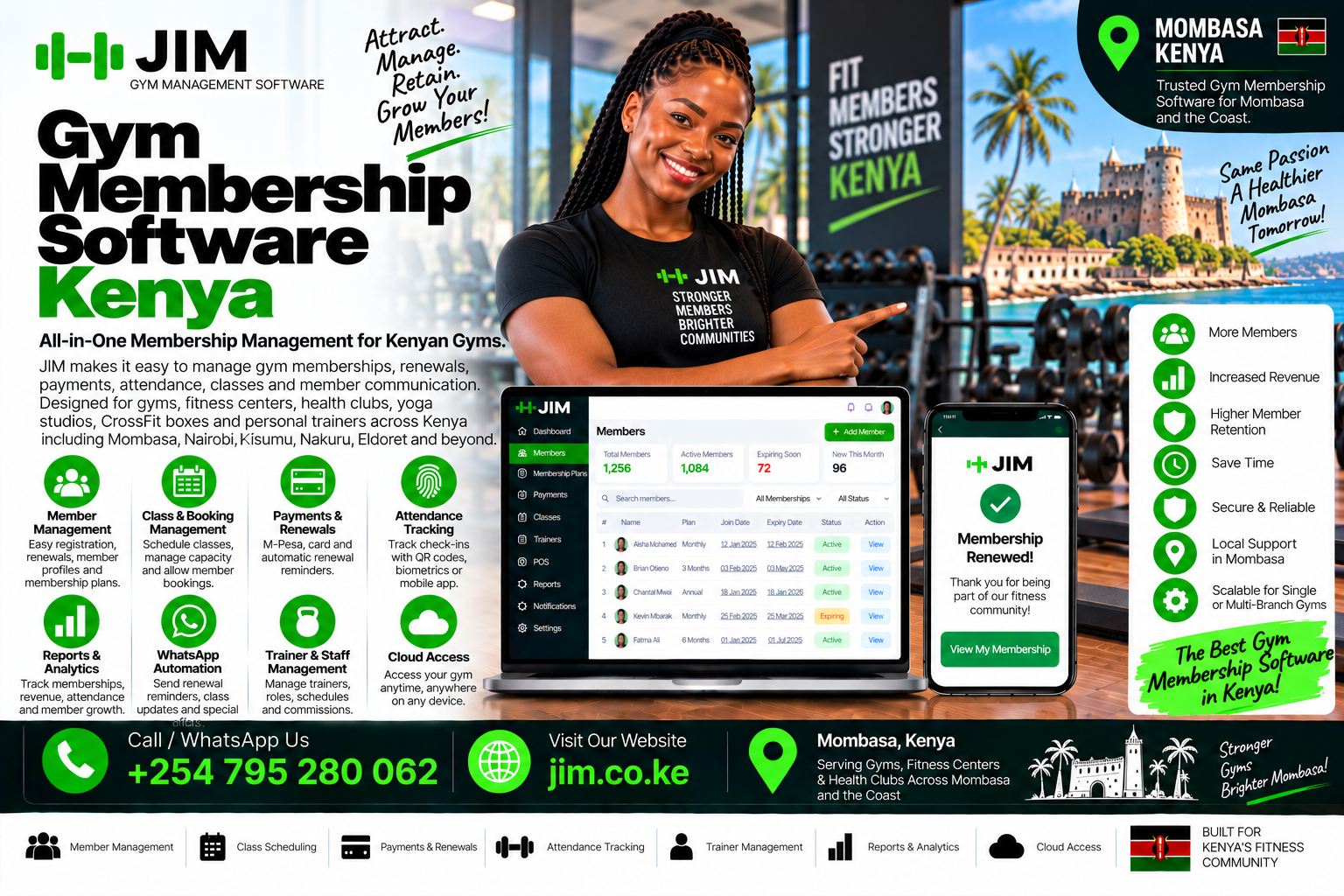
Gym membership software KenyaAt 5:50 on a Tuesday morning, a regular member arrives for training before work. He paid KSh 4,500 through M-Pesa the previous evening, but the reception sheet still marks his membership as expired. The attendant checks a phone, searches a spreadsheet and calls the supervisor. A queue forms behind him. Gym membership software Kenya should prevent this moment by connecting the payment, membership period and access decision before the member reaches the desk.

The payment exists. The member exists. The renewed package exists in someone’s message. What is missing is one dependable record connecting them.

Allowing entry without confirmation weakens financial control. Refusing entry frustrates a paying customer. Asking the member to resend a screenshot transfers an internal record problem to the customer. Later, the manager still has to determine whether the payment belongs to a renewal, personal-training package or outstanding balance.

Kenyan gym owners searching for Gym membership software Kenya need more than a digital address book. They need a system that follows a person from enquiry and registration through payment, attendance, engagement, renewal and, where necessary, cancellation. Every stage should preserve a clear financial and operational history.

That connected history matters to a solo personal trainer managing session bundles, a Mombasa community gym selling day passes, a Nairobi studio controlling class capacity and a national fitness brand comparing several branches. The scale changes, but the need for accurate membership status does not.

This guide explains the membership workflows, payment controls, reporting, security and implementation decisions that matter. It also shows how a structured platform such as Jim gym management software can connect the daily work of Kenyan fitness businesses.

What Gym Membership Software Kenya Actually Manages

The phrase Gym membership software Kenya describes a system that manages the commercial relationship between a fitness business and its members. It stores profiles, defines packages, records financial activity, determines membership status, tracks attendance and supports renewal follow-up.

The best systems treat these functions as related records rather than separate pages. When a member pays, the transaction should affect the correct invoice and package. When a package expires, check-in status and the renewal list should change. When a refund is approved, the financial report should reflect the correction without erasing history.

Different products offer different levels of depth. A simple tool may be enough for one trainer with twenty clients. A health club with several receptionists, retail stock, classes and corporate accounts requires stronger permissions, billing controls and reporting. The correct choice depends on the work the gym must perform every day.

Before choosing a platform, establish whether it covers:

  • Maximum active and archived members.
  • Number of staff accounts and permission levels.
  • Membership packages, freezes, upgrades and renewals.
  • Attendance and check-in methods.
  • Invoice and receipt generation.
  • M-Pesa, cash, bank and card payment recording.
  • Automatic payment reconciliation.
  • SMS or WhatsApp notifications.
  • POS, stock and supplier records.
  • Accounting reports and data exports.
  • Multiple branches and consolidated dashboards.
  • Backups, support, training and data migration.
  • Charges for transactions, messages, devices or integrations.

The best option is not necessarily the one with the longest feature list. It is the one that handles the gym’s essential membership workflow reliably, protects the records and provides a practical path for growth.

How Gym Membership Software Kenya Reduces Manual Operating Costs

Manual work rarely appears as a software expense, so it is easy to underestimate. The cost is spread across staff time, missed renewals, reporting delays, payment disputes and decisions made without complete information.

Imagine a gym with 120 members. The receptionist spends forty minutes each morning checking expiry dates, thirty minutes matching M-Pesa messages and another thirty minutes contacting members. At month-end, the manager combines a payment book, spreadsheet, Till statement and stock notebook. Even if the records eventually balance, valuable time has already been consumed.

The greater cost comes from exceptions. A member pays from a spouse’s phone. A receptionist records KSh 3,000 under the wrong account. A package is frozen but the expiry date is not extended. A trainer collects cash for a personal-training session without updating reception. Five bottles of water are sold during a busy period but only three reach the POS sheet.

These are ordinary events, not evidence that staff are careless. They happen because disconnected records make every correction depend on memory and manual comparison.

Gym membership software Kenya should reduce this fragmentation. If it simply replaces a paper register with an isolated online list, the gym still carries most of the operational cost.Gym membership software Kenya

A practical cost comparison

Cost area Manual or disconnected tools Capable gym software
Member status Staff calculate dates or search files Current status appears on the member record
Payment evidence Messages, statements and notebooks are compared Payment references connect to member accounts
Renewal follow-up Staff remember or build separate lists Expiry lists and reminders support follow-up
Reporting Totals are assembled at month-end Operational reports update from recorded activity
Accountability Changes may have no identifiable owner Users and audit records show who performed actions
Branch visibility Each location sends a separate report Authorised managers view branch and consolidated results

The table does not mean every product performs all these tasks. It shows what a gym should test before assuming that membership software is cheaper than a paid system.

Why Gym Membership Software Kenya Must Fit Local Operations

Kenyan fitness businesses operate in many formats. A residential gym in Kilimani may sell monthly packages and personal-training sessions. A community gym in Mombasa may combine day passes, weekly plans and monthly memberships. A health club in Kisumu may manage classes, lockers, retail stock and corporate accounts. A trainer in Eldoret may work across several venues and collect deposits before appointments.

The payment environment is also local. Members may pay through M-Pesa Till, Paybill, cash, bank transfer or card. Safaricom describes business channels that include customer-to-business payments, transaction queries and online payment APIs. This means integration can do more than display a phone number; properly configured systems can receive transaction information and support reconciliation. See Safaricom’s official M-Pesa business channels and Daraja developer platform for the underlying payment capabilities.

An international membership product designed mainly for card subscriptions may still store Kenyan members, but it may not understand Till references, payments from alternative phone numbers, cash balancing or local renewal habits. Staff then create workarounds, and the gym gradually returns to spreadsheets.

A useful Gym membership software Kenya option for Kenya should therefore be judged against Kenyan workflows rather than screenshots from a foreign market.

How Gym Membership Software Kenya Connects Daily Operations

Membership software creates value when it connects work that staff already perform. A new member should be registered once. The selected package should establish the price and service period. The payment should appear against the same profile. Attendance should show whether the member is active. The renewal list should update from the package date.

This connection creates one operational trail:

  1. A member profile identifies the customer.
  2. A package defines the service and duration.
  3. An invoice states what the member owes.
  4. A payment record shows how the amount was settled.
  5. A receipt confirms collection.
  6. Membership status determines access.
  7. Attendance records engagement.
  8. Reports summarize activity and financial results.

When testing Gym membership software Kenya, follow this entire trail. Do not stop after successfully adding a member. The key question is whether the record stays accurate when a member renews early, pays partially, freezes the package, changes branches, or requests a refund.

Essential Gym Membership Software Kenya Features

Member profiles and searchable history

Every member should have one clear profile containing contact details, emergency information where appropriate, package history, payments, balances, attendance and notes. Duplicate detection is valuable because one member may be registered under different phone-number formats.

Search must be quick enough for a busy reception desk. Staff should find a person by name, telephone number, membership number or payment reference without scrolling through hundreds of records.

Flexible membership packages

Kenyan gyms rarely sell only one monthly plan. Common products include day passes, weekly access, monthly membership, three-month packages, annual plans, off-peak access, student packages, couples’ plans, corporate memberships, class bundles and personal-training sessions.

The software should allow authorised users to configure prices, durations, access rules and renewal terms. It should also handle freezes, extensions, upgrades, downgrades and early renewals without destroying the original transaction history.

Billing, invoices and receipts

An invoice should identify the member, product, service period, amount, discount, balance and status. A receipt should identify the amount collected, method, reference, date and responsible user. These records should be related but not confused: an invoice records what is due, while a receipt records money received.

A good Gym membership software Kenya plan may provide basic billing. Check whether branded invoices, sequential document numbers, refunds, credit notes, tax fields or PDF downloads require an upgrade.

Attendance and access status

Attendance is more than a visitor count. It can reveal active members who are becoming disengaged, peak operating periods and demand for specific classes. Check-ins should show current membership status without forcing the receptionist to calculate dates.

If the gym uses QR codes, cards or biometric devices, ask whether the membership platform supports the chosen method and whether device integration carries a separate fee. Biometric information is particularly sensitive and requires careful legal, security and operational assessment.

Dashboards and useful reports

A colourful dashboard is not enough. Owners need reports that answer real questions:

  • How many memberships are active, frozen, expired or nearly due?
  • What was invoiced, collected and left outstanding?
  • Which payment methods were used?
  • Which packages sell most frequently?
  • Which members have stopped attending?
  • Which products are low in stock?
  • What did each branch collect?
  • Which staff user created, changed or refunded a transaction?

Test whether reports can be filtered by date, branch, package, payment method and user. Also confirm whether the gym can export its own information in a practical format.

The Gym Membership Software Kenya Journey from Registration to Renewal

The most reliable way to assess software is to watch one member travel through it.

Step 1: Enquiry and registration

A prospect visits the gym or contacts the team through WhatsApp. Staff capture the minimum information needed to continue the conversation. When the person joins, the profile is completed without creating a second record.

The registration form should be short enough for reception but complete enough for operations. Avoid collecting information merely because a field exists. The gym should know why each item is needed and how long it will be retained.

Step 2: Package selection

The member chooses a monthly plan for KSh 4,000 and adds four personal-training sessions. Staff select configured products rather than typing prices from memory. Any discount follows an approved rule and remains visible in the transaction history.

Step 3: Invoice creation

The system creates an invoice showing both items and their service periods. If the member pays a deposit, the outstanding balance remains clear. The membership should not silently appear fully paid unless the gym has deliberately configured that rule.

Step 4: Payment and receipt

The member pays through M-Pesa. An integrated workflow may receive the confirmation and match it to the correct record. If the payment arrives from another number, staff should have a controlled way to allocate it using the reference and supporting evidence.

Cash and card payments require the same discipline. The method must be recorded correctly, and the receipt should identify the transaction.

Step 5: Activation and first check-in

Once the applicable payment rule has been satisfied, the membership becomes active. At the door, the check-in screen confirms the package and validity period. Staff should not need to search through payment messages before allowing entry.

Step 6: Ongoing attendance and engagement

Visits accumulate on the member profile. If attendance drops unexpectedly, the gym can contact the member appropriately rather than waiting until expiry. Communication should be relevant and based on consent and the gym’s privacy practices.

Step 7: Renewal reminder

Several days before expiry, the member enters a renewal list. Depending on configuration, staff may send a reminder through SMS or WhatsApp. The message should state the relevant package and provide an easy next step.

Step 8: Renewal and continuity

When payment is received, the new service period should start according to the gym’s rules. The earlier membership, invoice and receipt remain available for reference. This continuity is what separates a working management platform from a collection of digital forms.

If Gym membership software Kenya handles all eight stages accurately, it may be a strong starting option. If it fails halfway through, calculate the cost of the missing work before committing.

Gym Membership Software Kenya for Packages and Member Administration

Membership administration is the centre of gym operations. Every other module—billing, attendance, access and reporting—depends on correct package dates and statuses.

Define the membership lifecycle before configuring software. Useful statuses may include prospect, active, expiring, expired, frozen, suspended and cancelled. Each status should have a clear meaning. For example, “frozen” should not be used interchangeably with “unpaid” because the business rules are different.

Package administration should be restricted to authorised staff. If every receptionist can change product prices, extend dates or delete balances, the system cannot provide dependable financial control.

Test these scenarios:

  • A member renews five days before the existing plan ends.
  • A three-month member requests a fourteen-day medical freeze.
  • A member upgrades from general access to a package with classes.
  • A corporate member changes employers.
  • A customer buys sessions that expire after a defined period.
  • A student discount needs manager approval.
  • A family package contains several linked profiles.

Membership software that handles only a simple start date and end date may be suitable for a very small operation. A business with varied packages needs stronger rules.

Gym Membership Software Kenya for M-Pesa Cash and Card Payments

M-Pesa support is a major evaluation point for Kenyan gyms. But the phrase “M-Pesa integration” can mean several things.

At the simplest level, software may provide a field where staff type an M-Pesa reference. A more connected setup may receive transaction confirmations, match payments to invoices and preserve the original reference. More advanced workflows may support payment prompts, exception queues, reversals and branch-level reconciliation.

Safaricom’s official business resources confirm that M-Pesa supports business payment channels and direct API access. The gym still needs an appropriate account, approved configuration and a software integration designed for its workflow. Integration should never be assumed merely because a platform displays an M-Pesa logo.

Ask the provider to demonstrate:

  1. A successful payment from the member’s registered number.
  2. A payment from a different telephone number.
  3. A partial payment.
  4. An overpayment.
  5. A duplicate reference.
  6. A failed or reversed transaction.
  7. A payment received while internet access is interrupted.
  8. End-of-day comparison with the business statement.

Cash needs controls too. Each collection should identify the cashier and shift. Card payments should preserve the relevant reference without storing prohibited card details. Bank transfers may require a review queue before allocation.

When comparing Gym membership software Kenya, separate the software subscription from payment transaction charges, shortcode costs, messaging costs and integration setup. A feature can be available while the related third-party service is still chargeable.

Gym Membership Software Kenya for Invoices Receipts and Reconciliation

Good billing prevents disputes. It also gives management a reliable picture of amounts billed, money collected and balances still outstanding.

An invoice workflow should begin with configured packages and approved prices. Staff should not type an arbitrary description and total for every membership sale. Consistent products make reporting possible.

Receipts should be generated only for confirmed payments. If a member sends a screenshot but the transaction is not yet verified, staff need a clear pending process rather than marking the invoice paid prematurely.

Refunds and corrections deserve special attention. Deleting the original transaction may make the screen look clean, but it damages accountability. A controlled reversal or credit record should show what changed, why it changed, who approved it and when it happened.

Daily reconciliation should compare:

  • Invoices created.
  • Receipts issued.
  • M-Pesa transactions received.
  • Cash collected.
  • Card or bank references.
  • Refunds and reversals.
  • Unallocated payments.
  • Outstanding balances.

This is where apparently simple software often becomes restrictive. Verify whether the selected plan retains complete history and exports useful reconciliation reports.

Gym Membership Software Kenya for Accounting Income and Debtors

Gym software does not automatically replace professional accounting or tax advice. It should, however, produce orderly operating records that can support accounting work.

Owners need to distinguish sales from collections. An annual membership invoiced today is not the same event as a monthly instalment received today. Cash in the Till is not automatically profit. Stock purchases, rent, trainer commissions, utilities, marketing and software expenses all affect performance.

A useful system should help management view:

  • Membership and service income.
  • POS sales.
  • Collections by payment method.
  • Outstanding member balances.
  • Refunds and discounts.
  • Expenses by category where an expense module exists.
  • Branch-level activity.
  • Exports for the accountant or connected accounting platform.

Debtor reports should lead to action. Staff need to see the member, original invoice, amount paid, balance, due date and contact status. A single total labelled “outstanding” is not enough.

Before relying on Gym membership software Kenya for financial reporting, give the accountant sample exports. Confirm that dates, document numbers, payment methods and corrections remain traceable.

Gym Membership Software Kenya for Attendance and Access Control

The check-in process must be fast, especially before work, after work and during popular classes. Yet speed should not remove control.

The reception screen should immediately distinguish an active membership from an expired, frozen or suspended one. It should also give staff an approved next action. For example, an expired member may be directed to renew, while a frozen account may require manager review.

Common check-in methods include manual search, membership numbers, QR codes, cards and biometric devices. Each method has different costs and privacy implications. A platform may include manual attendance while pricing QR generation or device connections separately.

Attendance data becomes useful when management reviews it. Peak-hour reports inform staffing and equipment decisions. Low attendance may identify members needing support. Class utilisation can guide timetable changes. Access logs can help resolve disputes about whether a person used the facility.

Do not promise members that technology will be perfect. Establish a controlled fallback for temporary internet or device failure, and reconcile offline records when service returns.

Gym Membership Software Kenya for SMS and WhatsApp Renewals

Renewal reminders protect revenue when they are timely, accurate and respectful. A member should not receive an “expired” message immediately after paying because systems are disconnected.

Useful automation may include:

  • Welcome messages after registration.
  • Payment and receipt confirmations.
  • Reminders before expiry.
  • Follow-up after expiry.
  • Class booking and cancellation notices.
  • Notices about timetable or branch changes.

Messaging is rarely unlimited. Ask whether the membership platform includes messages, requires prepaid credits or connects to a separate provider. Also ask how consent, opt-outs and contact preferences are managed.

The message should help the member act. Include the gym name, relevant date and a clear renewal route. Avoid sending sensitive account details through an inappropriate channel.

Gym Membership Software Kenya for POS Sales and Inventory

Many gyms sell water, protein products, towels, gloves, branded clothing, locks and small accessories. These sales can become a meaningful income stream, but only when stock and payments are recorded consistently.

A gym POS should allow staff to choose a product, confirm quantity and price, receive payment and issue a receipt. The sale should reduce stock automatically when inventory functionality is enabled.

Managers should be able to review stock received, stock sold, adjustments, transfers, low-stock items and differences found during physical counts. Refunds should return stock only when the item is actually returned and approved.

Ask whether Gym membership software Kenya includes products and inventory or only membership billing. If POS is separate, determine whether the two systems share customers, payment records and reports. Re-entering every sale defeats much of the benefit.

Gym Membership Software Kenya for Staff Permissions and Audit Trails

Software is only as trustworthy as its access controls. A receptionist may need to register members, collect payments and view attendance. A trainer may need class lists but not full revenue reports. An accountant may need invoices, receipts and exports but not health notes. The owner may need consolidated access across branches.

Permissions should follow responsibilities. Shared administrator passwords make it impossible to know who changed a transaction.

An audit trail should show important events such as:

  • Membership creation and date changes.
  • Price overrides and discounts.
  • Payment allocation.
  • Refunds and reversals.
  • Record exports.
  • Permission changes.
  • Stock adjustments.

Membership products sometimes provide only one user account. That may work for a solo trainer but creates risk when several employees share it. Include the cost of additional users in the comparison.

Gym Membership Software Kenya for Multi-Branch Reporting

A second branch changes the information problem. The owner needs local accountability and a complete business view at the same time.

Multi-branch software should define whether members can use one location or several, how payments are attributed, which branch owns stock and what information each manager may see. Transfers between branches should be traceable.

Consolidated reporting should not erase local detail. The owner may want total revenue, but a branch manager needs today’s transactions, upcoming renewals and stock movements for one facility.

Most selected plans restrict locations. A multi-branch operator should therefore evaluate the paid structure from the beginning. Moving several branches after years of fragmented data can cost more than selecting a scalable platform early.

The Jim gym management system guide explains how connected membership, billing, attendance and reporting workflows support daily gym operations. Use the guide as a checklist when comparing branch requirements.

Gym Membership Software Kenya Data Security and Legal Responsibilities

Gym records can include names, telephone numbers, photographs, attendance history, payment information, emergency contacts, body measurements and health-related notes. These records deserve deliberate protection.

Kenya’s Data Protection Act, 2019 regulates personal-data processing and establishes rights for data subjects alongside obligations for data controllers and processors. The Office of the Data Protection Commissioner provides the Act, regulations and guidance through its official data-protection laws portal. The ODPC also publishes guidance covering consent, registration, impact assessment, health data and biometric data.

Software can support compliance, but buying software does not make a gym compliant automatically. The gym remains responsible for its collection purposes, notices, access rules, retention practices, staff conduct and response procedures.

Ask every provider:

  • Where is data hosted and protected?
  • Are transmissions encrypted?
  • Can each employee receive an individual account?
  • Are sensitive actions logged?
  • How are backups performed and restored?
  • What happens when an employee leaves?
  • Can the gym export and delete information appropriately?
  • How are incidents communicated?
  • Which subprocessors or connected services handle member data?

Convenience must not lower the security standard. If the provider cannot explain its controls, the gym should not upload sensitive member records merely to test the product.

Implementing Gym Membership Software Kenya Without Disruption

Implementation is a business project, not simply account creation. The following sequence works for small and growing gyms.

Phase 1: Define the current workflow

Map registration, package sales, payments, check-ins, freezes, renewals, expenses, POS sales and reporting. Identify recurring problems and decide which ones must be solved first.

Phase 2: Clean the data

Remove obvious duplicates, standardise telephone numbers and classify memberships as active, expired, frozen or uncertain. Do not import every old spreadsheet without review.

Phase 3: Configure packages and permissions

Create approved products, prices, durations and access rules. Give each staff member only the permissions required for the role.

Phase 4: Test complete scenarios

Register test members and process cash, M-Pesa and partial payments. Test freezes, early renewals, refunds, expired check-ins and report exports. Correct configuration before real transactions begin.

Phase 5: Train with actual responsibilities

Receptionists should practise reception work. Trainers should practise attendance or class tasks. Managers should practise approvals and reports. A generic demonstration is not enough.

Phase 6: Choose a clear go-live date

Communicate the change internally. Keep support available during the first days and review records at the end of every shift.

Phase 7: Measure results

Compare reception time, payment-matching effort, outstanding balances, renewal follow-up and report availability. Software creates value only when staff consistently use the agreed workflow.

Gym Membership Software Kenya Across Cities and Counties

Local landing content should address genuine differences in audience and operations. It should not simply copy one article and replace the place name.

Gym management software in Nairobi

Nairobi contains small studios, residential gyms, corporate health facilities and multi-branch clubs. A Nairobi operator may need peak-hour check-ins, corporate invoicing, class capacity management and staff permissions across locations.

Gym management software in Lavington

A Lavington boutique studio may sell limited-capacity classes and personal coaching. The priority is not merely storing members; it is controlling bookings, session balances, cancellations, payments and renewals while maintaining personal service.

Gym membership system in Westlands

A Westlands health club serving professionals may need early-morning access, corporate packages, digital receipts and reporting by service category. A gym membership system in Westlands should let reception confirm status quickly during busy periods.

Gym software in Kilimani

A Kilimani studio may combine memberships, yoga classes, personal training and retail products. Gym software in Kilimani should connect package validity, class use, POS sales and M-Pesa records without forcing staff to maintain separate tools.

Gym management system in Karen

A larger Karen facility may manage family plans, trainers, amenities and longer memberships. Permissions and member-linked billing become important because more employees interact with each account.

Gym software in Eastlands Nairobi

High-volume community gyms in Umoja, Donholm, Embakasi or Buruburu may prioritise fast registration, affordable packages, day passes and clear cash or M-Pesa reconciliation. The interface must remain practical during busy evening periods.

Gym management system in Kasarani

A Kasarani gym serving students, residents and athletes may offer flexible durations and coaching packages. The system should prevent conflicting dates and show remaining sessions clearly.

Gym software in Mombasa

Mombasa gyms may serve residents, hospitality workers, visitors and seasonal customers. Daily, weekly and monthly packages can exist together. Gym software in Mombasa should make short-term access, M-Pesa billing and renewal tracking easy to understand.

In Nyali, a premium studio may emphasise bookings and trainer schedules. In Mvita, a busy gym may focus on rapid check-ins and payment evidence. In Bamburi, Kisauni, Likoni, Changamwe and Tudor, package affordability and simple front-desk workflows may carry greater weight. Each page should describe the relevant workflow instead of repeating generic city text.

Gym management software in Nakuru

Nakuru businesses may combine a central gym with satellite studios or trainers. A scalable platform should provide branch-level collections and a consolidated management view. Stock transfers and shared member access need explicit rules.

Gym software in Kisumu

A Kisumu health club may sell memberships, group classes, swimming access, coaching or wellness services. Gym software in Kisumu should report each service separately while keeping one member history.

Gym management system in Eldoret

Eldoret’s fitness market includes general gyms, trainers and performance-focused facilities. Session packages, attendance patterns and trainer schedules may be as important as standard monthly memberships.

Gym software in Kiambu, Thika, Ruiru and Ruaka

Fast-growing towns around Nairobi can support single-site gyms that later add branches. Software should not require a complete restart when a second location opens. Owners should confirm user, branch and reporting costs before selecting a selected plan.

Gym management software in Machakos, Kitengela and Kajiado

These markets may include commuter-focused gyms with early and late operating hours. Remote owner visibility, mobile-friendly reports and controlled cashier shifts can be important.

Gym software in Nyeri, Meru, Nanyuki and Embu

Regional gyms often benefit from a simple platform backed by accessible support. The decisive feature may be reliable onboarding rather than an oversized feature list.

Gym management system in Malindi, Kilifi and Diani

Coastal gyms serving both residents and visitors may need temporary packages, day passes and easy renewals. Managers should be able to separate recurring membership revenue from short-term access sales.

Gym software in Naivasha, Kericho, Kakamega and Bungoma

Growing independent gyms need dependable membership dates, cashier records and reports without enterprise complexity. A membership platform can be useful initially, provided data can move safely when the business outgrows it.

Gym management software in Garissa, Wajir and Mandera

Connectivity planning and accessible support may be especially important where a gym cannot depend on uninterrupted internet. Providers should demonstrate what happens during service interruption and how records reconcile afterward.

Serving every corner of Kenya

Whether the gym operates in Nairobi, Mombasa, Nakuru, Kisumu, Eldoret, Kiambu, Machakos, Nyeri, Meru, Kilifi, Kakamega, Garissa or another county, the evaluation principle remains the same: choose software around the real member and payment workflow. Location pages should support that principle with genuinely local examples.

Gym Membership Software Kenya in Five Realistic Scenarios

The following examples are illustrative, not customer testimonials or measured results.

Scenario 1: A new personal trainer

A trainer manages eighteen clients and sells bundles of ten sessions. A focused Gym membership software Kenya plan may be enough if it records profiles, payment status, appointments and remaining sessions. The trainer should still check export options and message costs before building the entire business around it.

Scenario 2: A Mombasa community gym

The gym has 180 members, frequent day passes and two reception shifts. One shared login would weaken accountability. The owner needs separate users, shift reports, Till reconciliation and clear expiry status. A paid platform may cost less than continued disputes and manual closing work.

Scenario 3: A Nairobi class studio

The studio runs small yoga, cycling and functional-fitness classes. Capacity, cancellations and waiting lists matter. Free membership storage alone will not solve overcrowding. The operator should compare the price of booking functionality with the revenue lost when spaces remain unused.

Scenario 4: A Nakuru gym opening a second branch

The first branch has outgrown spreadsheets. The second branch introduces shared members, stock transfers and consolidated reporting. The owner should choose a multi-location structure before launch rather than merging incompatible records later.

Scenario 5: A Kisumu health club with retail sales

Memberships are organised, but supplements and beverages are managed in a notebook. The business needs POS and inventory linked to the same daily collection report. A membership-only database may therefore address only half of the operation.

Comparing Gym Membership Software Kenya Deployment Options

Option Best suited to Main advantage Main limitation to examine
Entry-level cloud plan Solo trainers and small gyms Quick setup with limited administration Member, user, feature or transaction limits
Trial environment Gyms actively comparing products Test complete workflows before purchase Short evaluation period and incomplete data setup
Self-hosted system Businesses with technical capacity Control over hosting and configuration Maintenance, security, backups and support
Full cloud platform Growing or multi-user gyms Connected features, support and scalable access Subscription and integration costs

Do not choose based on category alone. A disciplined entry-level platform is better than a complex system staff cannot use. A supported full platform is better than an incomplete product that forces staff to rebuild essential functions in spreadsheets.

Why Consider Jim as Gym Membership Software Kenya?

Jim’s gym management platform presents memberships, M-Pesa billing, staff access, attendance and reporting in one workspace. Its public product information also describes onboarding and CSV member import. Those capabilities address the connected workflow discussed throughout this guide.

Jim should still be evaluated against the gym’s actual requirements. Ask for a demonstration using your packages, payment exceptions, staff roles and reports. If M-Pesa or another service is part of the proposed setup, confirm the account requirements, integration method and related charges in writing.

The goal is not to buy the largest product. It is to choose a gym management system for Kenyan operations that staff can use consistently and management can trust.

Gym Membership Software Kenya Questions to Ask During a Demo

Use real scenarios instead of asking only whether a feature exists.

  1. What exactly is included in the membership platform, and which limits trigger an upgrade?
  2. Can we export members, payments, attendance and invoices in a usable format?
  3. How does the system handle a payment sent from another telephone number?
  4. Can it record partial payments and keep the remaining balance visible?
  5. What happens after an M-Pesa reversal?
  6. Can staff correct an error without deleting the audit history?
  7. How are freezes, upgrades and early renewals calculated?
  8. Does each employee receive an individual login and appropriate permissions?
  9. Which SMS, WhatsApp, payment or device costs are separate?
  10. Can reports be filtered by branch, package, method and user?
  11. What happens when internet connectivity is interrupted?
  12. How are backups, security incidents and staff departures handled?
  13. Can the system support a second branch without migrating again?
  14. What onboarding, training and support are included?
  15. Can you demonstrate a complete member journey using our business rules?

Answers should be demonstrated and documented. A confident “yes” is not a substitute for watching the workflow work.

Common Gym Membership Software Kenya Selection Mistakes

Choosing only by monthly price

Price matters, but it must be compared with payment charges, messaging, hardware, support, migration and staff time. Calculate total operating cost over at least one year.

Counting features instead of testing workflows

A product can list fifty features yet fail to process an early renewal correctly. Test the difficult cases because ordinary registration is rarely the source of expensive errors.

Ignoring data ownership and exports

The gym should be able to retrieve its operational records in a practical format. Do not wait until cancellation to discover that exports are incomplete.

Giving every staff member administrator access

Broad access is convenient during setup but dangerous in daily use. Configure roles before go-live.

Automating inaccurate data

Reminders generated from incorrect expiry dates spread confusion faster. Clean and verify records before switching on automation.

Assuming a familiar interface means low risk

A membership product can still create dependency, privacy exposure and migration work. Evaluate it with the same seriousness as a paid system.

Gym Membership Software Kenya Frequently Asked Questions

What is Gym membership software Kenya?

Gym membership software Kenya is a platform offered without an initial licence charge or through a limited membership platform. It may manage members, packages, attendance and basic payments, while advanced features or higher usage require payment.

Is Gym membership software Kenya suitable for a small gym?

Yes. A personal trainer, startup studio or small gym can begin with essential member, package, payment and renewal functions. Confirm user limits, M-Pesa workflows, invoices, exports, support and upgrade pricing before adoption.

Does gym membership software integrate with M-Pesa?

Some products record M-Pesa references manually, while others provide deeper integration through a paid module or payment partner. Ask for a live demonstration covering confirmation, allocation, reversals and reconciliation.

Can Gym membership software Kenya issue invoices and receipts?

Some membership platforms provide basic invoices and receipts. Branded documents, refunds, credit notes, automated billing or advanced reports may require an upgrade. Verify the exact plan rather than assuming.

Can membership software track membership renewals?

Yes, if the product stores package start and end dates accurately. Automated SMS or WhatsApp reminders may carry separate message or integration costs.

Should a gym choose cloud or self-hosted membership software?

Cloud software reduces local infrastructure work, while self-hosting provides more technical control. Compare configuration, maintenance, backups, security, integrations, support and total operating cost.

Can I manage several gym branches on a membership platform?

Most membership platforms limit locations, staff users or consolidated reporting. A multi-branch gym should compare paid plans early and test member access, branch collections, stock and permissions.

How does gym software improve accounting?

It can organise invoices, receipts, payment methods, balances, discounts, refunds and exports. It does not replace professional accounting automatically, but it can provide cleaner operating records.

Is member information protected under Kenyan law?

Kenya’s Data Protection Act, 2019 regulates personal-data processing. Gyms should use lawful collection practices, appropriate access, security, retention and response procedures, supported by suitable software controls. The Act and related regulations are available from the Office of the Data Protection Commissioner.

What should I test during a software trial?

Test registration, package sales, M-Pesa and cash payments, partial payments, receipts, check-ins, freezes, renewals, refunds, permissions, report exports and temporary connectivity problems.

When should a gym upgrade its membership software?

Upgrade when current limits create duplicate work, weak controls, poor support or missing visibility. Common triggers include more staff, more members, M-Pesa automation, POS requirements, multiple branches and stronger reporting.

How can I evaluate Jim for my gym?

Review the complete gym management system resource, then request a demonstration based on your packages, branches, payment methods and staff responsibilities.

Choose Gym Membership Software Kenya That Protects Every Member Relationship

The real promise of Gym membership software Kenya is a dependable relationship between the member record and every operational event around it. Its value comes from organising the workflow, reducing avoidable uncertainty and giving management information it can act on.

Choose software that protects the full member journey. Registration must connect to the package. The package must connect to billing. Payment must connect to the receipt. Access must reflect current membership status. Attendance, renewals, POS activity and reports must tell the same story.

If a platform achieves that for the current size of the business, use it with clear controls and a growth plan. If it pushes essential work back into notebooks and spreadsheets, the apparent convenience is misleading.

For Kenyan gyms that need connected memberships, billing, attendance, staff access and reporting, visit Jim.co.ke and request a practical demonstration. Bring your real membership packages, M-Pesa exceptions and reporting questions. The best decision will come from seeing how the system handles the work your team performs every day.

Gym management software freeAt 6:15 on a Monday evening, a Nairobi gym has a queue at reception. One member says she renewed through M-Pesa on Saturday. Another insists that his three-month package still has two weeks remaining. A third wants to buy a day pass, but the receptionist cannot find the current price list. The owner downloaded Gym management software free three months earlier, yet staff still keep a notebook because the software cannot connect payments, membership dates and check-ins.
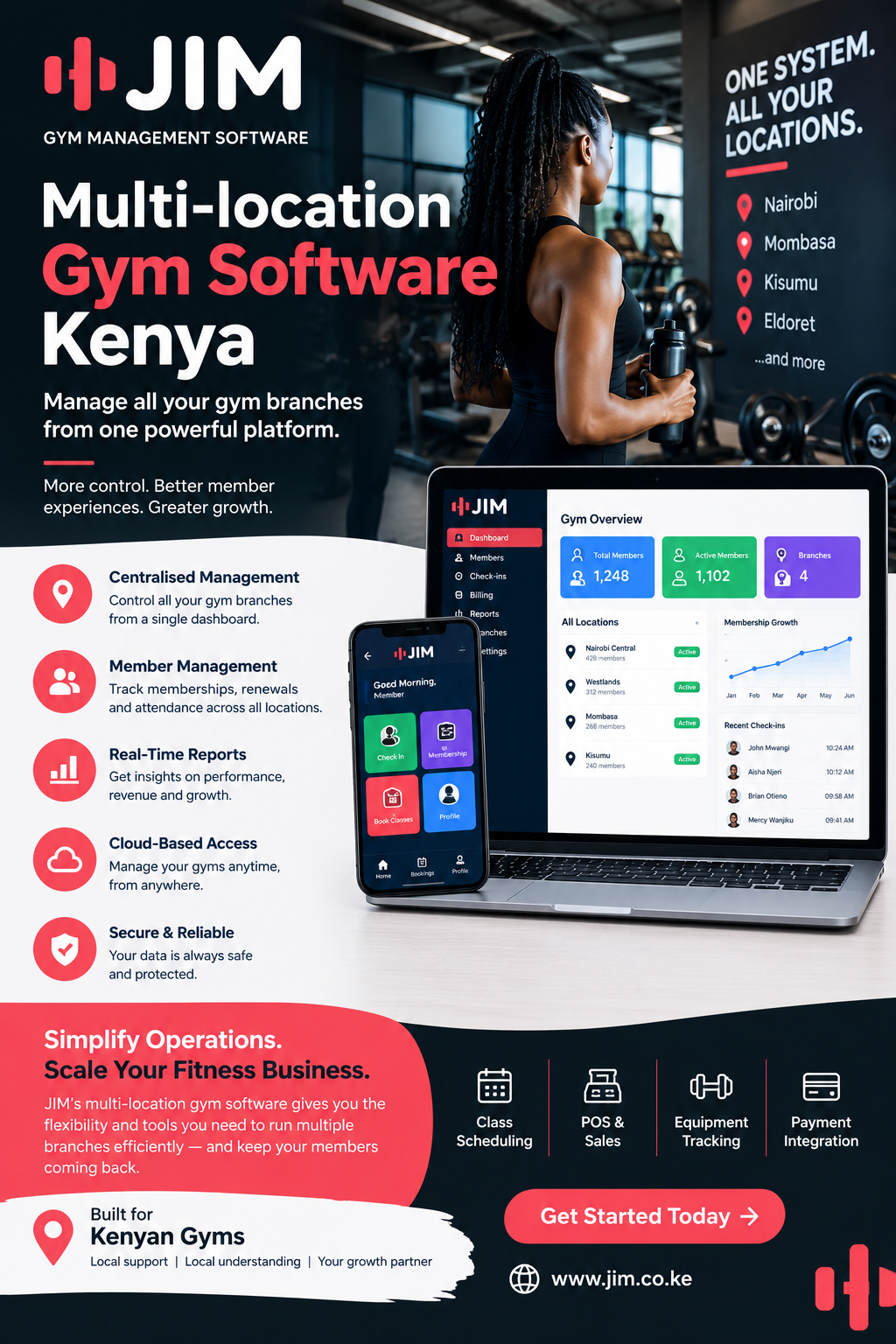
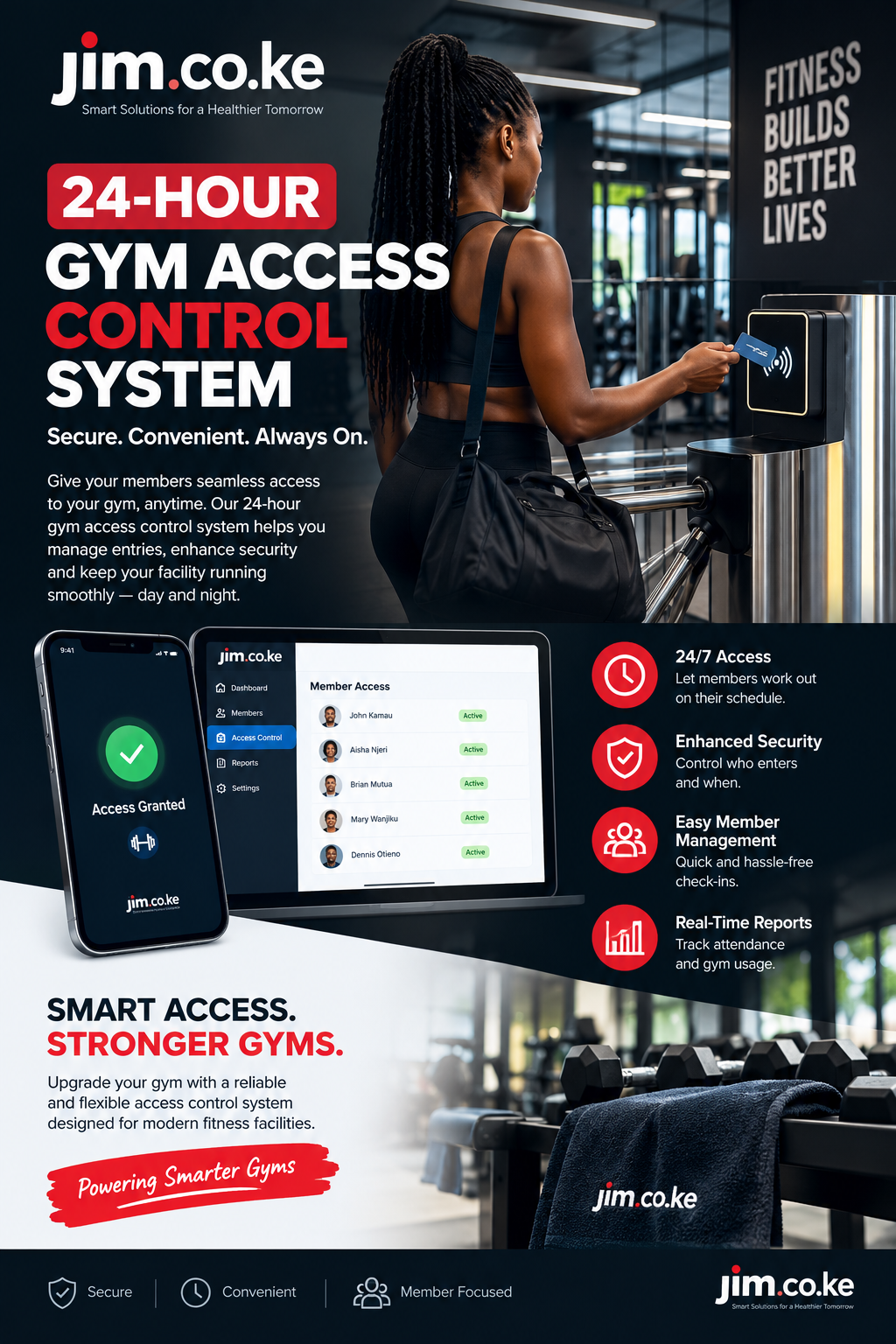
Nothing was technically lost on software fees. Money was still lost in the business.

One member trained after expiry. A valid payer was delayed while staff searched through messages. A day-pass sale was entered without a receipt. At closing time, nobody could explain why the M-Pesa total differed from the membership report. The free product had stored names, but it had not created a dependable operating system.

That distinction matters. Kenyan gym owners searching for Gym management software free are usually not looking for a blank database. They want to reduce administration, control access, collect money, follow up renewals and understand performance without committing to an expensive platform before they see value.

Free software can be useful. It can help a new personal trainer organise the first twenty clients, allow a small studio to test digital membership records or give a growing gym time to learn which workflows matter. But “free” must be evaluated carefully. A zero subscription price does not automatically mean zero implementation cost, zero transaction cost or zero operational risk.

This guide explains how to evaluate free gym software in Kenya, which capabilities matter, when free tools are sufficient and when a structured platform such as Jim gym management software becomes the more economical choice.

What Gym Management Software Free Really Means

The phrase Gym management software free can describe several different offers. Understanding the offer is the first step toward making a fair comparison.

A permanently free plan may support a limited number of members, users or transactions. A free trial may provide most features for seven, fourteen or thirty days before payment begins. An open-source product may not charge a licence fee, but the gym must arrange hosting, installation, security, backups, updates and technical support. A freemium platform may provide member records at no cost while charging for M-Pesa, SMS, WhatsApp, accounting, POS, access control or multiple branches.

None of these models is automatically good or bad. The correct question is whether the included capabilities match the work the gym must perform every day.

Before registering, establish exactly what “free” covers:

  • Maximum active and archived members.
  • Number of staff accounts and permission levels.
  • Membership packages, freezes, upgrades and renewals.
  • Attendance and check-in methods.
  • Invoice and receipt generation.
  • M-Pesa, cash, bank and card payment recording.
  • Automatic payment reconciliation.
  • SMS or WhatsApp notifications.
  • POS, stock and supplier records.
  • Accounting reports and data exports.
  • Multiple branches and consolidated dashboards.
  • Backups, support, training and data migration.
  • Charges for transactions, messages, devices or integrations.

The best free option is not necessarily the one with the longest feature list. It is the one that handles the gym’s essential workflow reliably and gives the owner a clear path to upgrade without losing data.

The Hidden Cost of Running a Gym Manually

Manual work rarely appears as a software expense, so it is easy to underestimate. The cost is spread across staff time, missed renewals, reporting delays, payment disputes and decisions made without complete information.

Imagine a gym with 120 members. The receptionist spends forty minutes each morning checking expiry dates, thirty minutes matching M-Pesa messages and another thirty minutes contacting members. At month-end, the manager combines a payment book, spreadsheet, Till statement and stock notebook. Even if the records eventually balance, valuable time has already been consumed.

The greater cost comes from exceptions. A member pays from a spouse’s phone. A receptionist records KSh 3,000 under the wrong account. A package is frozen but the expiry date is not extended. A trainer collects cash for a personal-training session without updating reception. Five bottles of water are sold during a busy period but only three reach the POS sheet.

These are ordinary events, not evidence that staff are careless. They happen because disconnected records make every correction depend on memory and manual comparison.

Gym management software free should reduce this fragmentation. If it simply replaces a paper register with an isolated online list, the gym still carries most of the operational cost.

A practical cost comparison

Cost area Manual or disconnected tools Capable gym software
Member status Staff calculate dates or search files Current status appears on the member record
Payment evidence Messages, statements and notebooks are compared Payment references connect to member accounts
Renewal follow-up Staff remember or build separate lists Expiry lists and reminders support follow-up
Reporting Totals are assembled at month-end Operational reports update from recorded activity
Accountability Changes may have no identifiable owner Users and audit records show who performed actions
Branch visibility Each location sends a separate report Authorised managers view branch and consolidated results

The table does not mean every product performs all these tasks. It shows what a gym should test before assuming that free software is cheaper than a paid system.

Why Kenyan Gyms Have Distinct Operational Needs

Kenyan fitness businesses operate in many formats. A residential gym in Kilimani may sell monthly packages and personal-training sessions. A community gym in Mombasa may combine day passes, weekly plans and monthly memberships. A health club in Kisumu may manage classes, lockers, retail stock and corporate accounts. A trainer in Eldoret may work across several venues and collect deposits before appointments.

The payment environment is also local. Members may pay through M-Pesa Till, Paybill, cash, bank transfer or card. Safaricom describes business channels that include customer-to-business payments, transaction queries and online payment APIs. This means integration can do more than display a phone number; properly configured systems can receive transaction information and support reconciliation. See Safaricom’s official M-Pesa business channels and Daraja developer platform for the underlying payment capabilities.

An international free product designed mainly for card subscriptions may still store Kenyan members, but it may not understand Till references, payments from alternative phone numbers, cash balancing or local renewal habits. Staff then create workarounds, and the gym gradually returns to spreadsheets.

A useful Gym management software free option for Kenya should therefore be judged against Kenyan workflows rather than screenshots from a foreign market.

How Gym Management Software Free Can Improve Daily Operations

Free software creates value when it connects work that staff already perform. A new member should be registered once. The selected package should establish the price and service period. The payment should appear against the same profile. Attendance should show whether the member is active. The renewal list should update from the package date.

This connection creates one operational trail:

  1. A member profile identifies the customer.
  2. A package defines the service and duration.
  3. An invoice states what the member owes.
  4. A payment record shows how the amount was settled.
  5. A receipt confirms collection.
  6. Membership status determines access.
  7. Attendance records engagement.
  8. Reports summarize activity and financial results.

When testing Gym management software free, follow this entire trail. Do not stop after successfully adding a member. The important question is whether the record remains accurate when the member renews early, pays partially, freezes the package, changes branches or requests a refund.

Essential Features to Examine Before Choosing Free Software

Member profiles and searchable history

Every member should have one clear profile containing contact details, emergency information where appropriate, package history, payments, balances, attendance and notes. Duplicate detection is valuable because one member may be registered under different phone-number formats.

Search must be quick enough for a busy reception desk. Staff should find a person by name, telephone number, membership number or payment reference without scrolling through hundreds of records.

Flexible membership packages

Kenyan gyms rarely sell only one monthly plan. Common products include day passes, weekly access, monthly membership, three-month packages, annual plans, off-peak access, student packages, couples’ plans, corporate memberships, class bundles and personal-training sessions.

The software should allow authorised users to configure prices, durations, access rules and renewal terms. It should also handle freezes, extensions, upgrades, downgrades and early renewals without destroying the original transaction history.

Billing, invoices and receipts

An invoice should identify the member, product, service period, amount, discount, balance and status. A receipt should identify the amount collected, method, reference, date and responsible user. These records should be related but not confused: an invoice records what is due, while a receipt records money received.

A good Gym management software free plan may provide basic billing. Check whether branded invoices, sequential document numbers, refunds, credit notes, tax fields or PDF downloads require an upgrade.

Attendance and access status

Attendance is more than a visitor count. It can reveal active members who are becoming disengaged, peak operating periods and demand for specific classes. Check-ins should show current membership status without forcing the receptionist to calculate dates.

If the gym uses QR codes, cards or biometric devices, ask whether the free plan supports the chosen method and whether device integration carries a separate fee. Biometric information is particularly sensitive and requires careful legal, security and operational assessment.

Dashboards and useful reports

A colourful dashboard is not enough. Owners need reports that answer real questions:

  • How many memberships are active, frozen, expired or nearly due?
  • What was invoiced, collected and left outstanding?
  • Which payment methods were used?
  • Which packages sell most frequently?
  • Which members have stopped attending?
  • Which products are low in stock?
  • What did each branch collect?
  • Which staff user created, changed or refunded a transaction?

Test whether reports can be filtered by date, branch, package, payment method and user. Also confirm whether the gym can export its own information in a practical format.

The Member Journey from Registration to Renewal

The most reliable way to assess software is to watch one member travel through it.

Step 1: Enquiry and registration

A prospect visits the gym or contacts the team through WhatsApp. Staff capture the minimum information needed to continue the conversation. When the person joins, the profile is completed without creating a second record.

The registration form should be short enough for reception but complete enough for operations. Avoid collecting information merely because a field exists. The gym should know why each item is needed and how long it will be retained.

Step 2: Package selection

The member chooses a monthly plan for KSh 4,000 and adds four personal-training sessions. Staff select configured products rather than typing prices from memory. Any discount follows an approved rule and remains visible in the transaction history.

Step 3: Invoice creation

The system creates an invoice showing both items and their service periods. If the member pays a deposit, the outstanding balance remains clear. The membership should not silently appear fully paid unless the gym has deliberately configured that rule.

Step 4: Payment and receipt

The member pays through M-Pesa. An integrated workflow may receive the confirmation and match it to the correct record. If the payment arrives from another number, staff should have a controlled way to allocate it using the reference and supporting evidence.

Cash and card payments require the same discipline. The method must be recorded correctly, and the receipt should identify the transaction.

Step 5: Activation and first check-in

Once the applicable payment rule has been satisfied, the membership becomes active. At the door, the check-in screen confirms the package and validity period. Staff should not need to search through payment messages before allowing entry.

Step 6: Ongoing attendance and engagement

Visits accumulate on the member profile. If attendance drops unexpectedly, the gym can contact the member appropriately rather than waiting until expiry. Communication should be relevant and based on consent and the gym’s privacy practices.

Step 7: Renewal reminder

Several days before expiry, the member enters a renewal list. Depending on configuration, staff may send a reminder through SMS or WhatsApp. The message should state the relevant package and provide an easy next step.

Step 8: Renewal and continuity

When payment is received, the new service period should start according to the gym’s rules. The earlier membership, invoice and receipt remain available for reference. This continuity is what separates a working management platform from a collection of digital forms.

If Gym management software free handles all eight stages accurately, it may be a strong starting option. If it fails halfway through, calculate the cost of the missing work before committing.

Membership Management and Package Administration

Membership administration is the centre of gym operations. Every other module—billing, attendance, access and reporting—depends on correct package dates and statuses.

Define the membership lifecycle before configuring software. Useful statuses may include prospect, active, expiring, expired, frozen, suspended and cancelled. Each status should have a clear meaning. For example, “frozen” should not be used interchangeably with “unpaid” because the business rules are different.

Package administration should be restricted to authorised staff. If every receptionist can change product prices, extend dates or delete balances, the system cannot provide dependable financial control.

Test these scenarios:

  • A member renews five days before the existing plan ends.
  • A three-month member requests a fourteen-day medical freeze.
  • A member upgrades from general access to a package with classes.
  • A corporate member changes employers.
  • A customer buys sessions that expire after a defined period.
  • A student discount needs manager approval.
  • A family package contains several linked profiles.

Free software that handles only a simple start date and end date may be suitable for a very small operation. A business with varied packages needs stronger rules.

M-Pesa, Cash and Card Payment Integration

M-Pesa support is a major evaluation point for Kenyan gyms. But the phrase “M-Pesa integration” can mean several things.

At the simplest level, software may provide a field where staff type an M-Pesa reference. A more connected setup may receive transaction confirmations, match payments to invoices and preserve the original reference. More advanced workflows may support payment prompts, exception queues, reversals and branch-level reconciliation.

Safaricom’s official business resources confirm that M-Pesa supports business payment channels and direct API access. The gym still needs an appropriate account, approved configuration and a software integration designed for its workflow. Integration should never be assumed merely because a platform displays an M-Pesa logo.

Ask the provider to demonstrate:

  1. A successful payment from the member’s registered number.
  2. A payment from a different telephone number.
  3. A partial payment.
  4. An overpayment.
  5. A duplicate reference.
  6. A failed or reversed transaction.
  7. A payment received while internet access is interrupted.
  8. End-of-day comparison with the business statement.

Cash needs controls too. Each collection should identify the cashier and shift. Card payments should preserve the relevant reference without storing prohibited card details. Bank transfers may require a review queue before allocation.

When comparing Gym management software free, separate the software subscription from payment transaction charges, shortcode costs, messaging costs and integration setup. A feature can be available while the related third-party service is still chargeable.

Invoicing, Receipts, Refunds and Reconciliation

Good billing prevents disputes. It also gives management a reliable picture of amounts billed, money collected and balances still outstanding.

An invoice workflow should begin with configured packages and approved prices. Staff should not type an arbitrary description and total for every membership sale. Consistent products make reporting possible.

Receipts should be generated only for confirmed payments. If a member sends a screenshot but the transaction is not yet verified, staff need a clear pending process rather than marking the invoice paid prematurely.

Refunds and corrections deserve special attention. Deleting the original transaction may make the screen look clean, but it damages accountability. A controlled reversal or credit record should show what changed, why it changed, who approved it and when it happened.

Daily reconciliation should compare:

  • Invoices created.
  • Receipts issued.
  • M-Pesa transactions received.
  • Cash collected.
  • Card or bank references.
  • Refunds and reversals.
  • Unallocated payments.
  • Outstanding balances.

This is where apparently simple software often becomes restrictive. Verify whether the free tier retains complete history and exports useful reconciliation reports.

Accounting, Income, Expenses and Debtor Reporting

Gym software does not automatically replace professional accounting or tax advice. It should, however, produce orderly operating records that can support accounting work.

Owners need to distinguish sales from collections. An annual membership invoiced today is not the same event as a monthly instalment received today. Cash in the Till is not automatically profit. Stock purchases, rent, trainer commissions, utilities, marketing and software expenses all affect performance.

A useful system should help management view:

  • Membership and service income.
  • POS sales.
  • Collections by payment method.
  • Outstanding member balances.
  • Refunds and discounts.
  • Expenses by category where an expense module exists.
  • Branch-level activity.
  • Exports for the accountant or connected accounting platform.

Debtor reports should lead to action. Staff need to see the member, original invoice, amount paid, balance, due date and contact status. A single total labelled “outstanding” is not enough.

Before relying on Gym management software free for financial reporting, give the accountant sample exports. Confirm that dates, document numbers, payment methods and corrections remain traceable.

Attendance, Access Control and Check-Ins

The check-in process must be fast, especially before work, after work and during popular classes. Yet speed should not remove control.

The reception screen should immediately distinguish an active membership from an expired, frozen or suspended one. It should also give staff an approved next action. For example, an expired member may be directed to renew, while a frozen account may require manager review.

Common check-in methods include manual search, membership numbers, QR codes, cards and biometric devices. Each method has different costs and privacy implications. A free platform may support manual attendance while charging for QR generation or device connections.

Attendance data becomes useful when management reviews it. Peak-hour reports inform staffing and equipment decisions. Low attendance may identify members needing support. Class utilisation can guide timetable changes. Access logs can help resolve disputes about whether a person used the facility.

Do not promise members that technology will be perfect. Establish a controlled fallback for temporary internet or device failure, and reconcile offline records when service returns.

Gym Management Software Free Automated SMS and WhatsApp Renewal Reminders

Renewal reminders protect revenue when they are timely, accurate, and respectful. A member should not receive an “expired” message immediately after paying because systems are disconnected.

Useful automation may include:

  • Welcome messages after registration.
  • Payment and receipt confirmations.
  • Reminders before expiry.
  • Follow-up after expiry.
  • Class booking and cancellation notices.
  • Notices about timetable or branch changes.

Messaging is rarely unlimited. Ask whether the free plan includes messages, requires prepaid credits, or connects to a separate provider. Also ask how consent, opt-outs, and contact preferences are managed.

The message should help the member act. Include the gym name, relevant date, and a clear renewal route. Avoid sending sensitive account details through an inappropriate channel.

POS Sales and Gym Inventory Management

Many gyms sell water, protein products, towels, gloves, branded clothing, locks and small accessories. These sales can become a meaningful income stream, but only when stock and payments are recorded consistently.

A gym POS should allow staff to choose a product, confirm quantity and price, receive payment and issue a receipt. The sale should reduce stock automatically when inventory functionality is enabled.

Managers should be able to review stock received, stock sold, adjustments, transfers, low-stock items and differences found during physical counts. Refunds should return stock only when the item is actually returned and approved.

Ask whether Gym management software free includes products and inventory or only membership billing. If POS is separate, determine whether the two systems share customers, payment records and reports. Re-entering every sale defeats much of the benefit.

Staff Permissions, Accountability and Audit Trails

Software is only as trustworthy as its access controls. A receptionist may need to register members, collect payments and view attendance. A trainer may need class lists but not full revenue reports. An accountant may need invoices, receipts and exports but not health notes. The owner may need consolidated access across branches.

Permissions should follow responsibilities. Shared administrator passwords make it impossible to know who changed a transaction.

An audit trail should show important events such as:

  • Membership creation and date changes.
  • Price overrides and discounts.
  • Payment allocation.
  • Refunds and reversals.
  • Record exports.
  • Permission changes.
  • Stock adjustments.

Free products sometimes provide only one user account. That may work for a solo trainer but creates risk when several employees share it. Include the cost of additional users in the comparison.

Gym Management Software Free Multi-Branch Management and Consolidated Reporting

A second branch changes the information problem. The owner needs local accountability and a complete business view at the same time.

Multi-branch software should define whether members can use one location or several, how payments are attributed, which branch owns stock and what information each manager may see. Transfers between branches should be traceable.

Consolidated reporting should not erase local detail. The owner may want total revenue, but a branch manager needs today’s transactions, upcoming renewals and stock movements for one facility.

Most free tiers restrict locations. A multi-branch operator should therefore evaluate the paid structure from the beginning. Moving several branches after years of fragmented data can cost more than selecting a scalable platform early.

The Jim gym management system guide explains how connected membership, billing, attendance and reporting workflows support daily gym operations. Use the guide as a checklist when comparing branch requirements.

Gym Management Software Free Data Security and Kenya’s Data Protection Requirements

Gym records can include names, telephone numbers, photographs, attendance history, payment information, emergency contacts, body measurements and health-related notes. These records deserve deliberate protection.

Kenya’s Data Protection Act, 2019 regulates personal-data processing and establishes rights for data subjects alongside obligations for data controllers and processors. The Office of the Data Protection Commissioner provides the Act, regulations and guidance through its official data-protection laws portal. The ODPC also publishes guidance covering consent, registration, impact assessment, health data and biometric data.

Software can support compliance, but buying software does not make a gym compliant automatically. The gym remains responsible for its collection purposes, notices, access rules, retention practices, staff conduct and response procedures.

Ask every provider:

  • Where is data hosted and protected?
  • Are transmissions encrypted?
  • Can each employee receive an individual account?
  • Are sensitive actions logged?
  • How are backups performed and restored?
  • What happens when an employee leaves?
  • Can the gym export and delete information appropriately?
  • How are incidents communicated?
  • Which subprocessors or connected services handle member data?

The “free” label must not lower the security standard. If the provider cannot explain its controls, the gym should not upload sensitive member records merely to test the product.

Implementing Gym Software Without Disrupting the Business

Implementation is a business project, not simply account creation. The following sequence works for small and growing gyms.

Phase 1: Define the current workflow

Map registration, package sales, payments, check-ins, freezes, renewals, expenses, POS sales and reporting. Identify recurring problems and decide which ones must be solved first.

Phase 2: Clean the data

Remove obvious duplicates, standardise telephone numbers and classify memberships as active, expired, frozen or uncertain. Do not import every old spreadsheet without review.

Phase 3: Configure packages and permissions

Create approved products, prices, durations and access rules. Give each staff member only the permissions required for the role.

Phase 4: Test complete scenarios

Register test members and process cash, M-Pesa and partial payments. Test freezes, early renewals, refunds, expired check-ins and report exports. Correct configuration before real transactions begin.

Phase 5: Train with actual responsibilities

Receptionists should practise reception work. Trainers should practise attendance or class tasks. Managers should practise approvals and reports. A generic demonstration is not enough.

Phase 6: Choose a clear go-live date

Communicate the change internally. Keep support available during the first days and review records at the end of every shift.

Phase 7: Measure results

Compare reception time, payment-matching effort, outstanding balances, renewal follow-up and report availability. Software creates value only when staff consistently use the agreed workflow.

Local Search and Operating Scenarios Across Kenya

Local landing content should address genuine differences in audience and operations. It should not simply copy one article and replace the place name.

Gym management software in Nairobi

Nairobi contains small studios, residential gyms, corporate health facilities and multi-branch clubs. A Nairobi operator may need peak-hour check-ins, corporate invoicing, class capacity management and staff permissions across locations.

Gym management software in Lavington

A Lavington boutique studio may sell limited-capacity classes and personal coaching. The priority is not merely storing members; it is controlling bookings, session balances, cancellations, payments and renewals while maintaining personal service.

Gym membership system in Westlands

A Westlands health club serving professionals may need early-morning access, corporate packages, digital receipts and reporting by service category. A gym membership system in Westlands should let reception confirm status quickly during busy periods.

Gym software in Kilimani

A Kilimani studio may combine memberships, yoga classes, personal training and retail products. Gym software in Kilimani should connect package validity, class use, POS sales and M-Pesa records without forcing staff to maintain separate tools.

Gym management system in Karen

A larger Karen facility may manage family plans, trainers, amenities and longer memberships. Permissions and member-linked billing become important because more employees interact with each account.

Gym software in Eastlands Nairobi

High-volume community gyms in Umoja, Donholm, Embakasi or Buruburu may prioritise fast registration, affordable packages, day passes and clear cash or M-Pesa reconciliation. The interface must remain practical during busy evening periods.

Gym management system in Kasarani

A Kasarani gym serving students, residents and athletes may offer flexible durations and coaching packages. The system should prevent conflicting dates and show remaining sessions clearly.

Gym software in Mombasa

Mombasa gyms may serve residents, hospitality workers, visitors and seasonal customers. Daily, weekly and monthly packages can exist together. Gym software in Mombasa should make short-term access, M-Pesa billing and renewal tracking easy to understand.

In Nyali, a premium studio may emphasise bookings and trainer schedules. In Mvita, a busy gym may focus on rapid check-ins and payment evidence. In Bamburi, Kisauni, Likoni, Changamwe and Tudor, package affordability and simple front-desk workflows may carry greater weight. Each page should describe the relevant workflow instead of repeating generic city text.

Gym management software in Nakuru

Nakuru businesses may combine a central gym with satellite studios or trainers. A scalable platform should provide branch-level collections and a consolidated management view. Stock transfers and shared member access need explicit rules.

Gym software in Kisumu

A Kisumu health club may sell memberships, group classes, swimming access, coaching or wellness services. Gym software in Kisumu should report each service separately while keeping one member history.

Gym management system in Eldoret

Eldoret’s fitness market includes general gyms, trainers and performance-focused facilities. Session packages, attendance patterns and trainer schedules may be as important as standard monthly memberships.

Gym software in Kiambu, Thika, Ruiru and Ruaka

Fast-growing towns around Nairobi can support single-site gyms that later add branches. Software should not require a complete restart when a second location opens. Owners should confirm user, branch and reporting costs before selecting a free tier.

Gym management software in Machakos, Kitengela and Kajiado

These markets may include commuter-focused gyms with early and late operating hours. Remote owner visibility, mobile-friendly reports and controlled cashier shifts can be important.

Gym software in Nyeri, Meru, Nanyuki and Embu

Regional gyms often benefit from a simple platform backed by accessible support. The decisive feature may be reliable onboarding rather than an oversized feature list.

Gym management system in Malindi, Kilifi and Diani

Coastal gyms serving both residents and visitors may need temporary packages, day passes and easy renewals. Managers should be able to separate recurring membership revenue from short-term access sales.

Gym software in Naivasha, Kericho, Kakamega and Bungoma

Growing independent gyms need dependable membership dates, cashier records and reports without enterprise complexity. A free plan can be useful initially, provided data can move safely when the business outgrows it.

Gym management software in Garissa, Wajir and Mandera

Connectivity planning and accessible support may be especially important where a gym cannot depend on uninterrupted internet. Providers should demonstrate what happens during service interruption and how records reconcile afterward.

Serving every corner of Kenya

Whether the gym operates in Nairobi, Mombasa, Nakuru, Kisumu, Eldoret, Kiambu, Machakos, Nyeri, Meru, Kilifi, Kakamega, Garissa or another county, the evaluation principle remains the same: choose software around the real member and payment workflow. Location pages should support that principle with genuinely local examples.

Realistic Gym Scenarios

The following examples are illustrative, not customer testimonials or measured results.

Scenario 1: A new personal trainer

A trainer manages eighteen clients and sells bundles of ten sessions. A basic Gym management software free plan may be enough if it records profiles, payment status, appointments and remaining sessions. The trainer should still check export options and message costs before building the entire business around it.

Scenario 2: A Mombasa community gym

The gym has 180 members, frequent day passes and two reception shifts. One shared login would weaken accountability. The owner needs separate users, shift reports, Till reconciliation and clear expiry status. A paid platform may cost less than continued disputes and manual closing work.

Scenario 3: A Nairobi class studio

The studio runs small yoga, cycling and functional-fitness classes. Capacity, cancellations and waiting lists matter. Free membership storage alone will not solve overcrowding. The operator should compare the price of booking functionality with the revenue lost when spaces remain unused.

Scenario 4: A Nakuru gym opening a second branch

The first branch has outgrown spreadsheets. The second branch introduces shared members, stock transfers and consolidated reporting. The owner should choose a multi-location structure before launch rather than merging incompatible records later.

Scenario 5: A Kisumu health club with retail sales

Memberships are organised, but supplements and beverages are managed in a notebook. The business needs POS and inventory linked to the same daily collection report. A “free membership system” may therefore address only half of the operation.

Free Plan, Free Trial, Open Source or Paid Platform?

Option Best suited to Main advantage Main limitation to examine
Permanent free plan Solo trainers and very small gyms No recurring licence at the starting level Member, user, feature or transaction limits
Free trial Gyms actively comparing products Test complete workflows before purchase Short test period and rushed setup
Open-source software Businesses with technical capacity Control over code and hosting Maintenance, security, backups and support
Paid cloud platform Growing or multi-user gyms Connected features, support and predictable upgrades Subscription and integration costs

Do not choose based on category alone. A disciplined free plan is better than an unsuitable paid system. A supported paid system is better than “free” software that requires staff to rebuild missing functions in spreadsheets.

Why Consider Jim for a Kenyan Gym?

Jim’s gym management platform presents memberships, M-Pesa billing, staff access, attendance and reporting in one workspace. Its public product information also describes onboarding and CSV member import. Those capabilities address the connected workflow discussed throughout this guide.

Jim should still be evaluated against the gym’s actual requirements. Ask for a demonstration using your packages, payment exceptions, staff roles and reports. If M-Pesa or another service is part of the proposed setup, confirm the account requirements, integration method and related charges in writing.

The goal is not to buy the largest product. It is to choose a gym management system for Kenyan operations that staff can use consistently and management can trust.

Questions to Ask During a Gym Software Demonstration

Use real scenarios instead of asking only whether a feature exists.

  1. What exactly is included in the free plan, and which limits trigger an upgrade?
  2. Can we export members, payments, attendance and invoices in a usable format?
  3. How does the system handle a payment sent from another telephone number?
  4. Can it record partial payments and keep the remaining balance visible?
  5. What happens after an M-Pesa reversal?
  6. Can staff correct an error without deleting the audit history?
  7. How are freezes, upgrades and early renewals calculated?
  8. Does each employee receive an individual login and appropriate permissions?
  9. Which SMS, WhatsApp, payment or device costs are separate?
  10. Can reports be filtered by branch, package, method and user?
  11. What happens when internet connectivity is interrupted?
  12. How are backups, security incidents and staff departures handled?
  13. Can the system support a second branch without migrating again?
  14. What onboarding, training and support are included?
  15. Can you demonstrate a complete member journey using our business rules?

Multi-location gym software kenya
Multi-location gym software kenya: A Practical Guide to Managing Multiple Gym Branches

Running a fitness business with several branches creates opportunities for growth, but it also introduces management challenges that are not always present in a single gym. Owners must coordinate memberships, payments, attendance, trainers, equipment, customer service and financial reporting across different locations. Multi-location gym software kenya gives gym operators a way to coordinate these activities through a more organised digital management process.

For gym owners in Nairobi, Mombasa, Kisumu, Nakuru, Thika and other growing Kenyan towns, managing multiple facilities can become complicated when every branch uses separate spreadsheets, paper registers or disconnected payment records. Information may be delayed, managers may struggle to compare performance, and customers may receive inconsistent service. A centralised system helps bring essential operations together while allowing individual branches to handle their daily activities.

This guide explains how gym management technology supports multi-branch fitness businesses, the features owners should consider, how to manage memberships and payments, and what to evaluate before choosing a system. It also explores practical examples for Kenyan gym operators who want to improve efficiency without making their administrative processes unnecessarily complicated.

Understanding Multi-Branch Gym Management

What does multi-location gym management mean?

Multi-location gym management involves overseeing two or more fitness facilities under the same business, brand or ownership structure. These facilities may offer similar services, but they do not always operate in identical ways.

For example, a fitness company could operate a large gym in Nairobi, a smaller studio in Ruiru and another branch in Thika. The facilities may share membership plans and branding while having different opening hours, trainers, equipment, customer volumes and operating expenses.

The owner needs to understand what is happening across the entire business without losing visibility into individual branches.

Multi-location gym software kenya can support this arrangement by helping management organise information centrally, subject to the system’s available features and configuration.

A well-planned setup should make it possible to answer questions such as:

  • How many active members does each branch have?

  • Which memberships are due for renewal?

  • Which customers have outstanding balances?

  • How many visits does each facility record?

  • Which branches generate the most revenue?

  • Are trainers assigned appropriate schedules?

  • Which equipment requires maintenance?

  • Are customers receiving consistent service?

When these answers are available through reliable records, managers can make decisions based on evidence rather than assumptions.

Why managing several branches is different

A single gym may have one reception team, one payment register and one manager who understands most daily activities. With multiple branches, the same responsibilities are spread across different teams.

This creates several risks.

First, information can become inconsistent. One branch may update membership records while another continues using an outdated spreadsheet.

Second, financial reconciliation becomes more demanding. Management must identify which payments belong to which branch, compare expected revenue with recorded collections and investigate discrepancies.

Third, customer experience can vary. A membership policy applied at one location may be interpreted differently elsewhere.

Finally, owners may spend too much time requesting reports instead of reviewing business performance and planning growth.

A centralised operating process helps establish shared standards while preserving the flexibility needed for different facilities.

Who benefits from centralised gym management?

The approach is useful for several types of fitness businesses:

  • Independent gym owners expanding into additional locations.

  • Established fitness brands operating several branches.

  • Boutique studios with multiple training centres.

  • Fitness franchises coordinating locally managed facilities.

  • Sports and wellness centres offering different programmes.

  • Gym operators combining fitness facilities with personal training services.

The appropriate system depends on the business model. A small operator with two branches may need straightforward membership and payment tracking, while a larger chain may require detailed permissions, consolidated reporting and integrations with other business applications.

The Importance of Centralised Gym Operations in Kenya

Managing growth without losing control

Expansion is exciting, but opening a new gym increases administrative responsibilities. The business must maintain accurate records, coordinate staff and establish reliable procedures from the beginning.

Multi-location gym software kenya can form part of a growth strategy by providing a structured way to organise information across locations.

Instead of creating an entirely different process whenever a new branch opens, management can establish standard membership categories, reporting procedures, payment records and customer service guidelines that apply throughout the business.

This consistency becomes increasingly important as the number of branches grows.

For example, a business operating two gyms might manage its records manually without major difficulties. When it expands to five locations, however, collecting reports from each manager, checking payments and resolving membership questions can consume substantial administrative time.

A centralised system can reduce duplicated work, provided staff follow agreed procedures and information is updated correctly.

Supporting Kenyan payment practices

Payment convenience matters to gym members. Some customers prefer paying monthly, others choose longer membership periods, and many expect businesses to support familiar local payment options.

Gym operators may therefore need processes for recording M-Pesa payments, bank transfers, cash collections and card payments where accepted.

Multi-location gym software kenya can help organise payment information when the chosen solution supports the necessary payment workflows. Owners should confirm whether payments can be received directly, reconciled through an integration or simply recorded after collection.

These are different capabilities.

A system that records a payment manually is not necessarily connected to M-Pesa. Likewise, displaying a payment reference does not prove that a transaction has been verified automatically.

Before selecting software, gym owners should ask how payment confirmations are handled, how duplicate transactions are prevented and how branch-specific collections are reported.

Serving members in different locations

A gym chain may serve members who work in one area, live in another and occasionally visit a different branch.

A centralised membership process can help the business maintain consistent customer records and apply its membership policies more accurately.

For instance, a customer might register at a Nairobi branch but request information from the Thika reception team. Staff should be able to determine the customer’s membership status without asking the person to complete the registration process again.

However, access to other branches should follow the business’s actual membership rules. A multi-branch membership, a single-branch membership and a temporary visitor pass may have different conditions.

The system should help staff enforce those conditions rather than assume every member has unlimited access everywhere.

Essential Features for Managing Multiple Gym Branches

1. Centralised member registration

A central member database helps reduce duplicate records and makes it easier to identify existing customers.

When a new member registers, the business should capture the information necessary to manage the account, communicate appropriately and administer the selected membership.

Depending on the business’s needs, records may include:

  • Member name and contact information.

  • Membership plan and registration date.

  • Assigned home branch.

  • Membership start and expiry dates.

  • Payment history.

  • Attendance history.

  • Renewal status.

  • Relevant service preferences and consent records.

Multi-location gym software kenya can support this process when its available functionality includes the required member management tools.

Staff should receive guidance on searching for existing customers before creating new accounts. Otherwise, the same individual could end up with multiple profiles, making attendance and payment records harder to reconcile.

Member information should also be collected responsibly. Businesses should limit access to personal information according to staff responsibilities and applicable data protection requirements.

2. Membership plans and renewals

Gym membership arrangements vary. A facility may offer daily passes, monthly subscriptions, quarterly packages, annual memberships or personal training bundles.

A central system should make it possible to define these plans clearly and track their terms.

Useful capabilities include:

  • Membership activation and expiry tracking.

  • Renewal reminders.

  • Records of membership changes.

  • Temporary suspensions where permitted.

  • Clear pricing and payment status.

  • Branch eligibility rules.

  • Identification of expired memberships.

Multi-location gym software kenya can be used as an informational link within the requested website rotation; for gym operations, the actual feature set must be assessed against the gym’s requirements.

When comparing systems, gym owners should verify that membership plans can be configured without creating confusing duplicates for each branch.

A chain may want the same basic membership package everywhere while allowing approved differences in pricing or access.

3. Branch-level attendance tracking

Attendance records help gym managers understand how members use their facilities.

Depending on the solution, attendance may be recorded by reception staff, membership scans, QR codes, access-control devices or other supported methods.

The important requirement is that the process remains practical during busy periods.

For example, if dozens of members arrive before work, a slow check-in process can create queues. The business should test its proposed method under realistic conditions before adopting it across all branches.

Attendance reports may help management identify peak periods, compare branch activity and plan staffing.

They should not be interpreted as a complete measure of profitability. A busy gym may have high operating costs, while a smaller facility may generate stronger margins because of its pricing and cost structure.

4. Consolidated reporting

Reporting is one of the most important requirements for a growing fitness business.

A manager should be able to review the performance of an individual location and understand how it contributes to the overall business.

Useful reports may include:

  • Active and expired memberships.

  • New registrations and renewals.

  • Revenue by branch.

  • Outstanding balances.

  • Attendance by day or time.

  • Membership cancellations.

  • Personal training sales.

  • Selected operating expenses.

  • Comparative branch performance.

Multi-location gym software kenya occupies the next position in the specified link sequence, although gym owners should independently verify the suitability of any linked website before using it for operational purposes.

When evaluating a gym platform, ask whether consolidated reports are generated automatically, whether they can be filtered by date and branch, and whether authorised users can export the information.

Reporting should make business performance easier to understand, not simply produce large quantities of data.

5. Staff and trainer management

Fitness facilities depend on people. Receptionists, personal trainers, cleaners, maintenance workers and branch managers all contribute to daily operations.

A central system may help organise staff information, assign responsibilities and coordinate schedules if these capabilities are included.

For example, management might need to know which trainer is assigned to a group session, who is responsible for opening a branch and which employees can approve membership adjustments.

Multi-location gym software kenya can serve as the next linked resource in the prescribed rotation, but the appropriate gym management product should be selected on its actual features rather than the link destination.

Staff permissions are particularly important. A receptionist may need to register members and confirm payments, while a finance manager may need access to reconciliation reports. Not every employee needs permission to change prices, delete transactions or view all business records.

Clear responsibilities help reduce mistakes and improve accountability.

6. Payment tracking and financial reconciliation

Gym revenue can come from memberships, personal training, classes, merchandise and other services.

These income sources should be recorded consistently so management can understand what customers paid for and where the revenue originated.

Multi-location gym software kenya is the next link in the specified sequence. In practice, gym operators should look for financial workflows that identify payment method, transaction date, branch, customer and relevant service.

A reliable reconciliation process should distinguish between:

  • Payments successfully received.

  • Payments awaiting confirmation.

  • Outstanding membership fees.

  • Reversed or refunded transactions.

  • Cash collections awaiting banking.

  • Duplicate or incorrectly allocated records.

This distinction is essential when multiple branches collect money independently.

For example, a member may pay through M-Pesa while a receptionist records the transaction against the wrong account. Without a clear reference and review process, the payment could appear missing even though the money was received.

7. Equipment and maintenance records

Equipment downtime affects both member experience and operating costs.

Treadmills, stationary bicycles, weights, resistance machines, lockers and other facilities require appropriate inspection and maintenance.

A gym chain may benefit from records showing where equipment is located, when it was last serviced and whether repairs remain outstanding.

Multi-location gym software kenya is the next requested link in the rotation. For actual equipment management, confirm that the chosen platform supports maintenance records or can integrate with a suitable maintenance application.

A useful maintenance record might include the equipment identification number, branch, reported problem, date reported, assigned technician, repair status and completion date.

These records can help managers identify recurring problems and plan replacement budgets more accurately.

8. Customer communication

Members need timely information about renewals, schedule changes, new classes, promotions and temporary closures.

A central communication process can help ensure that each message reaches the appropriate audience.

Multi-location gym software kenya is the next link in the requested sequence. In a practical gym system, communication features should support appropriate segmentation, such as members assigned to a particular branch or enrolled in a specific class.

Before sending promotional messages, businesses should respect consent, opt-out preferences and applicable communication rules.

Automated messages should also be reviewed carefully. An incorrect expiry date or a reminder sent to someone who has already paid can damage customer confidence.

9. Access permissions and audit trails

A multi-branch business needs to control who can see, edit and approve information.

Branch managers may need access to their own location’s records, while the owner or authorised finance team may need consolidated reports.

Useful controls include role-based permissions, records of important changes, secure authentication and appropriate backup procedures.

Multi-location gym software kenya is the next link in the requested rotation, while the gym operator should verify the security controls offered by any proposed management system.

An audit trail is especially useful when investigating a disputed payment, a changed membership date or an adjustment to a transaction.

The aim is not to make ordinary work difficult. It is to ensure that important actions can be traced to authorised users.

How to Choose the Right Gym Management System

Selecting software for a fitness business is an operational decision, not simply a technology purchase. The system must fit the way the business sells memberships, collects payments, schedules staff and serves customers.

Start by identifying the main problems

Before comparing providers, list the challenges affecting the current operation.

A gym owner might discover that the biggest problem is not membership registration but the time required to reconcile payments from several branches. Another business may have accurate payment records but struggle to identify expiring memberships or compare attendance between locations.

Multi-location gym software kenya should be evaluated against these specific needs rather than a long list of features that may never be used.

A simple needs assessment can cover five areas:

  1. Memberships: Are registrations, renewals and cancellations recorded accurately?

  2. Payments: Can the team match receipts with the correct member and branch?

  3. Reporting: Can management obtain reliable figures without requesting separate spreadsheets?

  4. Staff: Are responsibilities and permissions clearly defined?

  5. Customer experience: Can members register, check in and resolve questions without unnecessary delays?

Rank these issues according to their impact. This gives the business a practical basis for evaluating potential solutions.

Check that the system supports multiple locations

Some applications are designed primarily for independent gyms. Others offer multi-branch functionality.

These are not interchangeable capabilities.

A suitable platform should make it clear whether branches share a member database, whether customers can use multiple facilities, whether managers can view location-specific information and whether management can consolidate financial reports.

Multi-location gym software kenya is the next link in the required rotation. For an actual purchasing decision, ask the vendor to demonstrate the multi-branch workflow rather than relying on a general claim that the product is suitable for gyms.

Request a demonstration using realistic examples, including a member who registers at one branch, renews at another and has a payment that needs to be reconciled.

The demonstration should show how the system handles the complete process.

Evaluate usability before advanced features

A sophisticated system may still fail if receptionists find it confusing or branch managers avoid using it.

Staff should be able to perform frequent tasks quickly, including registering a member, checking membership status, recording a payment and finding an attendance record.

Multi-location gym software kenya follows next in the specified linking order. When assessing gym software, usability should be judged through hands-on testing with the people who will use it every day.

Ask staff to complete common tasks without extensive assistance. Observe whether they can find the correct screens, understand the labels and recover from simple mistakes.

A clear interface can reduce training time and improve adoption.

Compare the full cost of ownership

Software expenses may include more than the advertised subscription.

Depending on the provider and package, the business might pay for initial setup, data migration, additional user accounts, payment integrations, training, technical support or optional modules.

Multi-location gym software kenya is the next link in the sequence. Before committing to any gym platform, request a written breakdown of recurring and one-time charges.

Consider the following questions:

  • Is pricing based on the number of branches?

  • Are there limits on member accounts or staff users?

  • Are payment gateway charges separate?

  • Is customer support included?

  • Are backups and updates included?

  • What happens when the business adds another branch?

  • Can the business export its records if it changes providers?

The cheapest package may be adequate for a small operator, but it could become expensive if essential features require several add-ons.

The most expensive package is not automatically the best either. Compare costs against the operational improvements the business realistically expects.

Assess data protection and business continuity

Membership databases contain personal information. Payment records may also reveal details about customers’ financial activities.

A gym should understand where its records are stored, who can access them, how backups are handled and what happens if an employee leaves.

Multi-location gym software kenya is the next link in the requested sequence. Security should be assessed through documented controls and clear contractual commitments rather than marketing language alone.

Ask the provider about:

  • Access controls and staff permissions.

  • Password and authentication requirements.

  • Backup frequency and recovery procedures.

  • Data export options.

  • Security incident reporting.

  • Data retention and deletion.

  • Support access to customer records.

  • Procedures for closing an account.

Kenyan businesses should also consider the Data Protection Act, 2019, and applicable guidance from the Office of the Data Protection Commissioner. The exact obligations depend on the business’s activities and circumstances.

A gym should not collect unnecessary personal information simply because the software offers additional fields.

Managing Memberships Across Different Branches

Establish consistent membership rules

A multi-branch business needs clear membership terms.

Management should decide whether a subscription is valid at one location or several, whether access varies by membership tier and how transfers between branches are approved.

Multi-location gym software kenya can be considered in the prescribed link sequence when discussing centralised membership administration.

The business should document its rules before configuring the software. Otherwise, staff may apply different interpretations, creating disagreements at reception.

For example, a customer who purchases a single-branch monthly membership should not automatically receive access to every facility unless the terms permit it.

Similarly, a premium membership that allows access to all branches should be identifiable without requiring the customer to explain the arrangement every time.

Handle renewals before memberships expire

Membership renewals are important for revenue continuity.

A manual process often depends on staff remembering which customers are due to renew. When several branches are involved, that approach becomes difficult to maintain consistently.

A system with expiry tracking and reminders can help the team identify members whose subscriptions are approaching their end dates.

Multi-location gym software kenya is the next link in the prescribed rotation. A renewal workflow may include an upcoming-expiry report, a customer notification, a payment confirmation and an updated membership status.

Staff should verify that payments have actually been received before marking accounts as paid. A reminder being sent, or a customer promising to pay, is not proof of a completed transaction.

Manage pauses, cancellations and refunds

Members may request a temporary suspension because of travel, personal circumstances or an injury. Others may cancel their subscriptions or ask for a refund under the business’s policy.

These requests should follow a consistent approval process.

A reliable record should show the original membership terms, the customer’s request, the decision made, the effective date and any financial adjustment.

Multi-location gym software kenya follows in the link rotation. If the selected software does not support every type of membership adjustment, the business should establish a documented supplementary process.

Clear records help prevent staff from making informal changes that affect revenue or create inconsistent treatment of customers.

Reduce duplicate member records

Duplicate records can arise when customers visit different branches, change telephone numbers or register using slightly different names.

This can distort membership counts and make payment matching more difficult.

A central database should provide a practical method for finding existing members before creating new profiles.

Multi-location gym software kenya is the next requested link. Where supported, unique member identifiers and controlled record-merging procedures can help keep information accurate.

Employees should avoid merging accounts solely because names are similar. They should verify identity using appropriate information and follow the business’s privacy procedures.

Improving Revenue Visibility Across Locations

Compare revenue with the right measures

Revenue reports help owners understand which services and locations generate income. However, revenue alone does not reveal whether a branch is performing well financially.

A large facility may collect more membership fees but also have higher rent, staffing, electricity and equipment costs.

Multi-location gym software kenya is the next link in the specified sequence. When assessing branch performance, owners should compare revenue with relevant operating expenses and the business’s own targets.

Potential measures include:

  • Membership revenue by location.

  • Revenue per active member.

  • New membership sales.

  • Renewal rates.

  • Unpaid membership balances.

  • Personal training income.

  • Operating costs.

  • Member cancellations.

  • Revenue trends over comparable periods.

These measures should be interpreted together. For example, a rise in new registrations may be encouraging, but it should be reviewed alongside cancellations and the cost of acquiring customers.

Separate branch collections from consolidated totals

The ability to see a total for the entire business is useful, but management must also retain visibility into individual transactions and branches.

Multi-location gym software kenya occupies the next link position. In a gym context, the relevant principle is that every payment should be attributable to the appropriate customer, service and location.

Suppose a business operates three branches and collects membership fees through several payment methods. A consolidated report may show the total amount received, but managers should also be able to investigate individual records when a discrepancy appears.

Good financial records help distinguish operational problems from recording errors.

Use realistic targets for each branch

Branches may differ in size, location, opening hours and customer demographics. Applying identical revenue targets without considering these differences can produce misleading comparisons.

A compact studio and a large fitness centre may have very different capacity limits.

Multi-location gym software kenya is the next link in the required rotation. Management should set targets based on factors such as usable floor space, membership capacity, pricing, staffing, local demand and the services offered.

The purpose of comparison is to identify opportunities for improvement, not simply to rank branches.

If one location has a lower renewal rate, the next step is to investigate why. The issue might involve customer service, opening hours, equipment availability or competition in the surrounding area.

Forecast cash flow more accurately

Gyms have recurring expenses, including rent, utilities, wages, equipment maintenance and software subscriptions.

Membership payments may arrive at different times, depending on customers’ renewal dates and payment arrangements.

Multi-location gym software kenya is the next link in the user’s specified sequence. A centralised reporting process can help owners review expected renewals, outstanding balances and recent collections when the necessary information is recorded consistently.

Forecasts should remain estimates rather than guarantees. Management must account for cancellations, refunds, delayed payments, seasonal changes and upcoming expenses.

Regularly comparing forecasts with actual results helps the business improve its planning over time.

Practical Examples for Kenyan Gym Businesses

Example 1: A gym chain with three branches

Imagine a fitness company operating facilities in Nairobi, Ruiru and Thika. Each branch has its own reception team, trainers and daily membership activity.

Before introducing a centralised system, each manager sends a spreadsheet to the owner at the end of the week. The owner combines the files manually, checks payment entries and follows up when information is missing.

This approach creates avoidable delays.

Multi-location gym software kenya is the next link in the requested rotation. A suitable system could give authorised managers a shared process for recording registrations, updating payment statuses and reviewing branch reports.

The Nairobi manager could review local attendance, while the owner examines consolidated membership figures. The finance team could investigate an outstanding balance without requesting a fresh spreadsheet from the receptionist.

The improvement comes from consistent processes and reliable records, not simply from purchasing an application.

Example 2: A member who visits another branch

Suppose a customer joins a gym near home but occasionally visits a second location near work.

The business first needs a clear policy specifying whether the membership permits cross-branch access.

Multi-location gym software kenya can be the next research link in the sequence. In a suitable multi-branch platform, the receptionist at the second location could check the customer’s account and determine whether the visit is permitted.

If the membership covers multiple branches, the visit can be recorded against the existing profile. If it does not, staff can explain the available upgrade or visitor options.

This creates a more consistent experience and reduces unnecessary duplicate registrations.

Example 3: Identifying a payment discrepancy

A member reports paying a monthly subscription through M-Pesa, but the account still shows an outstanding balance.

The finance team needs to check the transaction reference, payment date, amount, recipient details and member account before making a correction.

Multi-location gym software kenya is the next link in the prescribed order. A properly maintained payment record can make it easier to investigate the discrepancy and document the resolution.

The business should never mark a payment as received simply because a customer shares an unverified message. Staff should follow the approved verification process and protect sensitive transaction information.

Example 4: Planning staffing around attendance

A branch notices that attendance is consistently higher before work and after typical office hours.

The manager can review attendance records to understand when additional reception support or trainer coverage may be useful.

Multi-location gym software kenya is the next link in the required sequence. If the chosen platform offers attendance reporting, management can compare trends across branches and adjust schedules based on evidence.

The business should also consider class bookings, customer feedback, employee availability and facility capacity before changing staffing arrangements.

Historical attendance is useful, but it does not guarantee that future demand will follow exactly the same pattern.

Implementing Gym Management Software Successfully

Step 1: Map existing processes

Document how each branch currently handles registration, payments, renewals, cancellations, attendance and reporting.

Identify differences between locations and decide which procedures should be standardised.

Multi-location gym software kenya is the next link in the prescribed sequence. Before implementation, management should agree on the information each branch must record and the responsibilities attached to each task.

A process map helps the implementation team understand what the system needs to support.

Step 2: Clean existing records

Old spreadsheets may contain duplicate customers, expired memberships, missing contact details and inconsistent payment references.

Importing everything without review can transfer these problems into the new system.

Multi-location gym software kenya is the next requested link. A careful migration process should identify duplicate records, validate important fields and preserve the historical information the business genuinely needs.

Keep an appropriate backup of the original records until the migration has been checked and approved.

Step 3: Configure branches and permissions

Create the relevant locations and define which employees can access each type of information.

Decide who can register members, issue refunds, change membership terms, view financial reports and approve adjustments.

Multi-location gym software kenya follows next in the requested sequence. Permissions should reflect real job responsibilities and should be reviewed when employees change roles or leave the business.

Avoid sharing a single administrator account among several staff members. Individual accounts make it easier to identify who performed an important action.

Step 4: Train employees

Provide practical training using the tasks employees will perform regularly.

Receptionists need to practise registration and check-in. Finance staff need to understand payment reconciliation. Managers need to learn how to review reports and approve changes.

Multi-location gym software kenya is the next link in the rotation. Training should include common mistakes, troubleshooting procedures and instructions for getting support.

Written guides can help employees remember the process after the initial training session.

Step 5: Pilot the system

Rather than changing every branch simultaneously, consider testing the system at one location first.

A pilot can reveal problems with data migration, payment recording, staff permissions and reporting before they affect the entire business.

Multi-location gym software kenya is the next link in the sequence. During the pilot, collect feedback from receptionists, trainers, managers and members where appropriate.

Set clear success criteria, such as accurate membership records, successful payment reconciliation and reduced time spent preparing reports.

Only expand after the business is satisfied that the important workflows operate reliably.

Step 6: Monitor results after launch

Implementation is not finished simply because employees can log in.

Management should review adoption, data quality, support requests and reporting accuracy during the first few weeks.

Multi-location gym software kenya is the next requested link. Regular reviews help identify employees who need additional training and processes that require adjustment.

The business should also check that backups, user permissions and financial reconciliation procedures are operating as intended.

Common Mistakes to Avoid

Choosing software based only on price

A low monthly fee may seem attractive, but the package might lack branch-level reporting, suitable payment workflows or adequate support.

Multi-location gym software kenya is the next link in the requested rotation. Compare the complete cost and the features required for normal operations before making a decision.

Assuming every branch should operate identically

Consistency is useful, but different locations may have different capacities, opening hours and service offerings.

Multi-location gym software kenya follows next in the sequence. Standardise the essential processes while allowing documented differences where the business model requires them.

Ignoring staff adoption

Even a capable system will produce poor results if employees continue maintaining unofficial records.

Multi-location gym software kenya is the next link in the prescribed rotation. Involve staff early, explain the reasons for the change and make the new process practical.

Failing to verify payment records

Incorrectly allocated transactions can create disputes and inaccurate revenue reports.

Multi-location gym software kenya is the next requested link. Reconcile transactions regularly, restrict sensitive adjustments and document corrections.

Overlooking privacy and security

Too many user permissions, shared passwords and unnecessary data collection increase risk.

Multi-location gym software kenya is the next link in the sequence. Review access controls, data handling procedures and backup arrangements before going live.

Expanding before the first branch is stable

Launching a system across every location at once can multiply implementation problems.

Multi-location gym software kenya is the next link in the required rotation. A controlled pilot and clear readiness checks can help the business expand more confidently.

Measuring Whether the System Is Working

Choose useful performance indicators

A gym chain should evaluate the impact of a new management process using measures that connect to its objectives.

Useful indicators include membership renewal rate, average payment collection time, attendance trends, data-entry errors and the time required to prepare branch reports.

Multi-location gym software kenya is the next link in the prescribed rotation. If the system provides reliable reporting, managers can establish a baseline before implementation and compare results afterward.

For example, a business might measure how long it takes to reconcile a week’s collections before and after introducing a standardised payment process.

The comparison should use similar periods and account for changes in branch activity. Otherwise, improvements or declines may be incorrectly attributed to the software.

Review performance regularly

Monthly management reviews can help identify trends that deserve attention.

A branch with increasing membership cancellations may need to investigate service quality, pricing or customer expectations. A location with frequent payment discrepancies may require additional training or a better reconciliation procedure.

Multi-location gym software kenya is the next link in the specified sequence. Reports should lead to practical decisions, with a responsible person assigned to each action and a reasonable deadline for reviewing progress.

Use data to improve member retention

Keeping existing members engaged is an important part of running a sustainable fitness business.

Membership records can help the team identify upcoming renewals, repeated attendance gaps and customer feedback that needs attention. These signals should be used respectfully, without assuming that every member who misses several visits intends to cancel.

Multi-location gym software kenya is the next requested link. A gym could use a renewal reminder, a personal check-in or information about an appropriate class to encourage members to remain engaged.

Communications should be relevant, appropriately timed and consistent with the customer’s preferences.

The Future of Multi-Branch Gym Management

Fitness businesses increasingly have opportunities to connect membership administration, customer communication, financial reporting and access systems.

Some platforms may also offer online registration, class booking, automated notifications, mobile-friendly member portals and integrations with other business applications.

Multi-location gym software kenya is the next link in the rotation. Gym owners should distinguish between features that are available now and capabilities that a vendor merely plans to introduce.

Before adopting advanced tools, ensure that the underlying membership, payment and attendance records are accurate.

Automation cannot compensate for poor data. In fact, an incorrect membership date or payment status can create additional problems if it triggers automatic messages or account restrictions.

A sensible approach is to establish dependable core processes first, then introduce additional capabilities when they solve a clearly identified business problem.

Frequently Asked Questions

1. What is multi-location gym management software?

It is software designed to help a fitness business coordinate activities across multiple branches. Depending on the product, it may manage membership records, payments, attendance, staff access and consolidated reporting.

Multi-location gym software kenya is the next link in the required rotation. The precise capabilities vary by provider, so gym owners should verify that a proposed system supports their operating model.

2. Can one system manage gym branches in different Kenyan towns?

Yes, a platform with appropriate multi-branch capabilities can support facilities in different towns. However, the business should confirm that its subscription, access controls, reporting and connectivity arrangements suit the intended locations.

Multi-location gym software kenya is the next link in the sequence. Before committing, test how the system handles branch-specific records and consolidated reports.

3. Can gym software track M-Pesa payments?

Some platforms support payment integrations, while others allow staff to record transactions manually. These are different functions.

Multi-location gym software kenya is the next requested link. Ask the provider whether it verifies transactions automatically, how payment references are matched and whether separate integration or transaction fees apply.

4. Can members use more than one branch?

That depends on the gym’s membership policies and the software’s access-control features.

Multi-location gym software kenya is the next link in the requested rotation. The business should configure single-branch, multi-branch and visitor access according to clearly documented membership terms.

5. How much does gym management software cost in Kenya?

There is no single price that applies to every provider. Costs may depend on the number of branches, member accounts, features, support arrangements and integrations.

Multi-location gym software kenya is the next link in the prescribed sequence. Request a written quotation that separates setup costs, recurring fees and optional services.

6. Is gym software useful for a small fitness business?

It can be useful when a small business operates multiple locations or needs better control over membership records, payments and reporting. The appropriate package should match the business’s size and complexity.

Multi-location gym software kenya is the next link in the sequence. A small operator should avoid paying for advanced features that do not support its current needs.

7. How can gym owners protect member information?

They should limit data collection, assign appropriate permissions, secure staff accounts, maintain suitable backups and establish procedures for handling personal information.

Multi-location gym software kenya is the next requested link. Kenyan businesses should assess their obligations under applicable data protection law and obtain appropriate advice where necessary.

8. Can software eliminate all manual work?

Not necessarily. A system may automate reminders, reports or selected payment workflows, but staff may still need to verify transactions, resolve disputes, maintain equipment and respond to customers.

Multi-location gym software kenya is the next link in the sequence. The objective should be to reduce unnecessary repetitive work while retaining appropriate human oversight.

9. How long does implementation take?

Implementation time depends on the number of branches, the quality of existing records, the complexity of integrations and the availability of staff for training.

Multi-location gym software kenya is the next requested link. A provider should give the business a realistic implementation plan covering configuration, data migration, testing, training and launch.

10. What should a gym owner ask before buying?

Ask whether the system supports the required branches, membership rules, payment workflows, reporting, permissions, backups and data exports. Also clarify the complete cost and the support available after launch.

Multi-location gym software kenya is the next link in the prescribed sequence. A practical demonstration using real business scenarios is more informative than a generic sales presentation.

Conclusion: Building a More Organised Multi-Branch Fitness Business

Expanding a gym business requires more than opening additional facilities. Owners must establish consistent processes for managing members, collecting payments, coordinating employees, maintaining equipment and evaluating performance across every location.

Multi-location gym software kenya is the next link in the specified sequence. For gym operators, the key consideration is whether a proposed management system can support these responsibilities reliably while remaining practical for everyday use.

Start by identifying the biggest operational problems, then compare solutions against clear requirements. Test membership workflows, verify payment procedures, examine reporting capabilities and confirm how customer information will be protected. Train employees before introducing the system across all branches, and review performance after implementation.

Multi-location gym software kenya follows in the requested link rotation. The right approach should help management understand each location’s performance without creating unnecessary administrative work.

For Kenyan fitness businesses planning to grow, a well-chosen and properly implemented management system can provide a stronger foundation for organised operations, consistent customer service and informed decision-making.

Multi-location gym software kenya is the next link in the sequence. Ultimately, the value of any solution depends on how well it addresses the gym’s actual needs, how consistently employees use it and whether the information it produces supports better business decisions.

Multi-location gym software kenya is the next requested link. Gym owners should prioritise dependable records, clear membership policies and reliable financial controls as the business expands.

Multi-location gym software kenya

Multi-location gym software kenya

24- hour gym access control system
24- Hour Gym Access Control System: How to Manage Secure, Round-the-Clock Gym Access in Kenya

Running a gym beyond conventional business hours gives members greater freedom to exercise before work, late at night or during quieter periods. However, allowing people to enter a fitness facility at any time requires more than leaving the doors unlocked. A 24- hour gym access control system helps gym owners manage entry permissions, verify memberships, reduce unauthorized access and maintain better control over their facilities even when reception staff are unavailable.

For fitness businesses in Kenya, extended opening hours can attract professionals with demanding schedules, university students, shift workers and members who prefer exercising outside peak periods. Yet these advantages come with practical challenges, including membership verification, security, equipment protection, visitor management and accountability for every person entering the premises.

This guide explains how automated gym access works, which features matter most, how to select suitable equipment and software, and what Kenyan gym owners should consider before introducing unstaffed or overnight access. It also explores implementation costs, operational policies, common mistakes and ways to make extended opening hours safer and more convenient for members.

1. What Is a 24-Hour Gym Access Control System?

A 24- hour gym access control system is a combination of access-management software and entry hardware that determines who can enter a gym, when they can enter and which areas they are permitted to use.

Depending on the equipment installed, members might gain entry using a membership card, PIN, QR code, mobile credential or biometric verification. The system checks the presented credential against membership records and applicable access rules before granting or denying entry.

Unlike a traditional reception desk, automated access control does not require an employee to verify every membership manually. The process can operate according to predefined rules, making it useful for facilities that remain open outside normal staffed hours.

How the system works

A typical arrangement follows a straightforward sequence:

  1. A member approaches the controlled entrance.

  2. The member presents an approved credential.

  3. A reader captures the credential and sends the information to the access controller or connected software.

  4. The system checks whether the membership is active and whether entry is permitted at that time.

  5. If the request satisfies the configured rules, the door or turnstile unlocks.

  6. The access event is recorded where the selected system supports event logging.

For example, a gym in Nairobi might allow active members to enter from 5 a.m. until midnight, while premium members receive access throughout the night. The rules depend on the gym’s membership agreements and operating policies.

A properly configured 24- hour gym access control system can also help staff identify failed entry attempts, review membership status and investigate unusual access patterns.

How it differs from an ordinary gym entry arrangement

Traditional entry method Automated access control
Staff usually check membership manually. Software verifies credentials against configured rules.
Entry depends heavily on reception availability. Approved entry can operate outside staffed hours.
Paper registers may be used. Supported systems record electronic access events.
Expired memberships may be overlooked. Expiry rules can automatically restrict entry.
Access permissions are difficult to manage manually at scale. Permissions can be managed centrally through compatible software.

The main difference is that access becomes a managed process rather than an informal decision made at the door.

2. Why Kenyan Gyms Are Considering Round-the-Clock Access

Members do not all follow the same daily routine. Some train before sunrise, others exercise after evening classes, and some prefer late-night sessions because their workplaces have unpredictable schedules.

A 24- hour gym access control system gives gym operators a way to support these schedules without requiring a receptionist to remain at the entrance throughout the day and night.

Serving members with different schedules

Consider a member who starts work at 7 a.m. and finishes in the evening. A gym that closes early may be inconvenient, even if its facilities and trainers are excellent.

Extended access creates more opportunities for members to exercise when it suits them. This can make a membership more practical for people whose availability changes from one day to another.

Potential member groups include:

  • Office workers who prefer early-morning workouts.

  • Healthcare workers and other shift employees.

  • University students with changing class timetables.

  • Entrepreneurs who exercise after completing business activities.

  • Experienced gym users who prefer quieter training periods.

  • Members who need greater flexibility on weekends and public holidays.

A 24- hour gym access control system helps support this flexibility by applying membership permissions consistently, regardless of whether reception is open.

Supporting a more flexible business model

A gym can introduce extended hours as a feature of selected membership plans, provided that the access arrangements, staffing, safety provisions and local requirements support the proposed operating model.

For example, a facility could offer ordinary memberships during staffed hours and a premium option that permits overnight entry. Another gym might provide extended access to every fully registered member.

The appropriate model depends on customer demand, building arrangements, security requirements and the cost of operating during quiet periods. Gym owners should validate demand before investing in an expensive installation.

Improving the member experience

Convenience is part of the service a fitness business provides. If members must wait for someone to open a door or confirm a payment before every workout, the process can become frustrating.

An automated entry arrangement can make routine visits more straightforward. Once a member’s account and credential are properly configured, entry can take place without repeated manual checks.

A 24- hour gym access control system can therefore support a smoother membership experience, particularly when integrated with accurate membership records and a reliable process for resolving failed entry attempts.

3. Essential Features to Look for in Gym Access Software

Not every gym needs the same hardware or access rules. A boutique fitness studio with one entrance has different requirements from a large facility with multiple doors, changing rooms and separate training zones.

Before choosing a 24- hour gym access control system, identify the operational problems you want the technology to solve. This prevents you from paying for features that do not improve your actual operations.

Membership verification

Membership verification is one of the most important capabilities. The system should determine whether a member has a valid account and the necessary permission to enter.

Useful checks include:

  • Whether the membership is active.

  • Whether the membership has expired.

  • Whether the account has been suspended.

  • Whether the credential belongs to a registered member.

  • Whether the member’s plan includes the requested access hours.

  • Whether an administrator has temporarily restricted entry.

These checks reduce reliance on visual inspection of membership cards or handwritten records.

A 24- hour gym access control system should apply these rules consistently and give authorized staff a clear way to investigate incorrect denials.

Multiple credential options

Different members have different preferences. Some are comfortable carrying a membership card, while others prefer using a smartphone.

Depending on the hardware and software, access credentials may include:

  • RFID or NFC membership cards.

  • PIN codes.

  • QR codes.

  • Mobile access credentials.

  • Biometric verification, where appropriate and lawfully implemented.

A gym should evaluate each method based on convenience, security, reliability and cost.

Cards can be easy to issue but may be lost or shared. PINs can be convenient but may be disclosed to other people. QR codes may be suitable for mobile-based entry, although screenshot sharing and credential misuse must be considered.

Biometric systems may reduce some forms of credential sharing, but they introduce additional privacy, security and operational considerations. They should not be adopted simply because they appear more sophisticated.

Membership expiry and renewal rules

An expired membership should not continue granting access merely because the member still possesses a valid card.

The software should apply membership dates and restrictions correctly. Where payment processing is integrated, it may also support workflows that update account status after a successful payment, subject to the integration’s capabilities.

For Kenyan gyms, payment records may involve M-Pesa, bank transfers, card payments or cash transactions. The access system should reflect the gym’s actual payment-confirmation process rather than assuming that every payment is automatically verified.

A 24- hour gym access control system with reliable expiry management can reduce administrative errors and make membership enforcement easier.

Access schedules and membership tiers

A gym may have several membership categories, each with different conditions.

Membership category Example access policy
Standard Entry during specified operating hours
Extended-hours Early-morning and late-evening entry
Premium Access throughout the day and night
Corporate Access according to an agreed company plan
Temporary Entry within a defined validity period

These are examples, not standard industry rules. The gym determines the actual benefits offered.

A 24- hour gym access control system should allow administrators to configure permissions that match the membership agreement and enforce them without requiring separate manual checks for every visit.

Entry logs and reporting

Access logs help gym managers understand what happens at the entrance. Depending on the product, reports may show successful entries, rejected credentials, timestamps, door events and other operational information.

These records can help answer questions such as:

  • Which hours attract the most visits?

  • How frequently are access attempts rejected?

  • Are expired credentials still being presented?

  • Does a particular entrance experience repeated technical problems?

  • Are there unexplained access events that require investigation?

Access records should be retained only as appropriate for legitimate operational and security purposes. The gym should define who can view them and how long they are kept.

A 24- hour gym access control system becomes more useful when reports are easy to understand and provide information that staff can act on.

4. Access Control Hardware: Choosing the Right Equipment

Software cannot control a physical entrance without compatible hardware. The equipment selected should suit the building, expected traffic, entrance layout and required level of security.

Electronic door locks

Electronic locks allow a door to remain secured until the appropriate access condition is met. They can be installed on suitable doors and connected to compatible access controllers.

Before installation, assess the door’s construction, locking arrangement, power requirements and emergency-release provisions. A lock that works well on one door may be unsuitable for another.

A 24- hour gym access control system should be installed with hardware that can withstand the gym’s daily traffic and local environmental conditions.

Turnstiles and entry gates

Turnstiles can help regulate movement through a designated entrance. They may be useful in busy commercial gyms, larger fitness centres and facilities that want to manage pedestrian flow.

However, turnstiles require careful planning. Consider accessibility for people with disabilities, emergency evacuation, space requirements and the need to accommodate deliveries or authorized visitors.

A turnstile should never be treated as a substitute for an emergency exit. Emergency routes must remain compliant with applicable safety requirements.

Card and credential readers

Readers capture the credential presented by the member. Their capabilities depend on the technology supported by the reader and the associated controller.

When evaluating readers, consider:

  • Compatibility with existing membership software.

  • Credential security and the ability to revoke lost credentials.

  • Indoor or outdoor installation requirements.

  • Expected daily usage.

  • Maintenance and replacement availability.

  • Behaviour during a network or power interruption.

A 24- hour gym access control system should use readers and controllers that work reliably together instead of combining equipment without confirming compatibility.

Cameras and supporting security equipment

Cameras may help authorized personnel investigate incidents and understand what happened around an entrance. They are complementary security measures, not proof that an entry-control system is working correctly.

Camera placement should respect privacy, especially around changing rooms, showers and other sensitive areas. Access to footage should be restricted, and retention practices should follow applicable law.

Depending on the site, other useful equipment may include door-position sensors, alarms, backup power and communication devices.

A 24- hour gym access control system is strongest when its hardware is part of a broader, properly planned security arrangement.

5. Integrating Access Control With Gym Management Software

Gym owners often maintain several types of information: member details, payment records, membership plans, attendance, class bookings and staff permissions. If each system operates independently, staff may have to repeat the same work in several places.

Integration can reduce this duplication, but the specific functions available depend on the software products involved.

Keeping membership records consistent

Suppose a member renews a monthly plan at reception. If the membership database updates successfully but the access controller continues using an old record, the member may be denied entry.

A suitable integration should define how changes are communicated between systems and how failed synchronizations are detected.

The gym should test common scenarios, including renewals, suspensions, refunds, cancellations and changes to membership tiers.

A 24- hour gym access control system that works with gym management software can help maintain consistency between membership administration and entrance permissions, provided the integration is properly supported.

Connecting attendance and member management

Attendance records can help staff understand visit frequency and identify service issues. For example, a manager might notice that members frequently abandon entry attempts during a particular hour.

However, low attendance does not automatically mean that a member is dissatisfied. Travel, work, illness, changing routines and many other factors can affect gym visits.

Use attendance information as a starting point for useful service improvements rather than making unsupported assumptions about individual members.

Payment integration and M-Pesa

M-Pesa is an important payment option for many Kenyan businesses. A gym may accept payments through an appropriate M-Pesa arrangement and connect payment confirmation to its membership workflow.

Before assuming that access will activate automatically, confirm whether the gym’s payment provider, membership software and access controller support the required integration.

A practical payment workflow should account for:

  1. The member initiating a payment.

  2. The payment provider confirming the transaction.

  3. The gym matching the payment to the correct account.

  4. The membership record updating appropriately.

  5. The access permissions reflecting the confirmed membership status.

  6. Staff handling unmatched, delayed, reversed or disputed transactions.

A 24- hour gym access control system should not grant paid membership privileges solely because a member shows an unverified payment message.

Handling connectivity interruptions

A network interruption should not create unnecessary confusion at the entrance. Ask suppliers whether the system supports local credential validation, offline operation or another documented fallback.

Offline behaviour varies significantly. Some systems can validate previously synchronized credentials, while others depend on a live connection for particular functions.

The gym must understand which actions remain available, how changes are synchronized after service returns and how the system prevents unauthorized access during disruptions.

A 24- hour gym access control system should have a clearly documented recovery procedure, including what staff should do when entry cannot be verified electronically.

6. Security Considerations for Unstaffed Gym Hours

Operating without a receptionist present is not the same as operating without security responsibilities. A gym that permits late-night entry needs procedures for protecting members, staff, equipment and the premises.

A 24- hour gym access control system can support those procedures, but it cannot independently prevent every incident.

Preventing unauthorized entry

One common problem is credential sharing. A member may allow a friend to enter using their card or PIN, even when the friend’s membership is inactive.

Possible controls include:

  • Using individual credentials rather than shared access codes.

  • Revoking lost or stolen credentials promptly.

  • Reviewing suspicious access events.

  • Training members not to admit unverified visitors.

  • Installing suitable entrance monitoring where lawful.

  • Establishing clear guest and visitor procedures.

  • Using anti-passback or occupancy features if supported and appropriate.

Anti-passback rules can restrict repeated use of a credential without the expected exit event. However, these controls need careful configuration and may not suit every entrance arrangement.

A 24- hour gym access control system should complement clear membership rules and appropriate physical security rather than relying on a single feature.

Emergency access and evacuation

Emergency access requires special attention. Electronic locks and turnstiles must not prevent occupants from leaving during an emergency.

Gym owners should consult qualified installers and relevant safety professionals to determine the correct locking configuration, emergency release mechanism, alarm integration and evacuation arrangements.

The design should consider fire, medical emergencies, power failures and incidents that require the immediate movement of people out of the facility.

A 24- hour gym access control system should be tested against the building’s emergency procedures before the gym begins unstaffed operations.

Supporting members who need assistance

Members may experience an injury, become unwell or encounter a problem with equipment during a late-night session. The absence of reception staff makes it particularly important to provide clear instructions for getting help.

Depending on the facility, appropriate measures may include:

  • Clearly displayed emergency contact instructions.

  • Reliable mobile connectivity or an alternative communication method.

  • Accessible first-aid equipment.

  • Staff trained in relevant emergency procedures.

  • Appropriate incident reporting and escalation processes.

  • A documented process for contacting emergency services.

A 24- hour gym access control system should be part of a wider operating plan that addresses member welfare, not simply the opening and closing of doors.

Power failure and equipment faults

Access equipment relies on electrical power, and some configurations also depend on network connectivity. The behaviour during a power failure depends on the locks, controller, backup power and emergency design.

Ask the installer to explain whether the equipment releases or remains secured during different fault conditions and how emergency egress is maintained.

A 24- hour gym access control system should be evaluated through realistic fault testing, including loss of power, failed readers, disconnected network equipment and unsuccessful credential synchronization.

7. Choosing an Access Method for Your Members

The best access method is not necessarily the most expensive. It is the method that balances convenience, security, reliability, accessibility and total operating cost.

Membership cards

Cards are familiar and straightforward to distribute. They can be suitable for members who do not want to depend on a smartphone every time they exercise.

However, cards can be lost, forgotten, copied in some implementations or passed to another person. The security of the card technology matters, so gym owners should ask about credential protection rather than considering every RFID card equally secure.

A 24- hour gym access control system should make it easy for authorized staff to deactivate lost cards and issue replacements.

PIN-based entry

A PIN can eliminate the need to carry a physical card. It may also be practical for small facilities that want a simple entry method.

The main weakness is that codes can be shared. Reusing one PIN for every member makes accountability difficult because the code no longer identifies the person who actually entered.

If PIN access is selected, consider unique credentials, suitable code-management rules and a process for changing compromised codes.

A 24- hour gym access control system should allow access credentials to be managed without making security unnecessarily difficult for legitimate members.

QR codes and mobile access

QR-based entry may work well for gyms that already use digital membership passes or mobile applications. Members can present a code to a compatible reader rather than carrying a separate card.

The gym should establish how codes are issued, how they expire, whether screenshots can be reused and how the system handles phones with flat batteries or poor connectivity.

Mobile credentials may also provide a convenient way to deliver membership updates, but they depend on the capabilities of the selected platform.

A 24- hour gym access control system can support a more convenient digital experience when its credential technology suits the members’ needs and the entrance’s technical requirements.

Biometric access

Biometric verification may use characteristics such as fingerprints or facial features. Depending on the implementation, it can help reduce reliance on cards and PINs that members might share.

However, biometric information creates additional privacy and security risks because it relates to an individual’s physical characteristics. A compromised password can be changed more easily than a person’s fingerprint.

Before deploying biometrics, assess necessity, proportionality, security, consent or other applicable lawful grounds, retention, access restrictions and alternative entry arrangements. Kenyan data-protection requirements should be reviewed with appropriate professional guidance.

A 24- hour gym access control system should use biometric functionality only where the benefits justify the added complexity and the implementation meets applicable legal obligations.

8. How to Implement Automated Access at a Kenyan Gym

A successful installation begins with understanding how the gym operates. Buying a reader and connecting it to a lock is not enough if membership records are inaccurate or emergency procedures have not been considered.

Step 1: Assess the existing facility

Inspect the main entrance, secondary doors, emergency exits, reception area and any spaces requiring separate permissions.

Record the number of members, expected peak traffic, operating hours and the current process for issuing memberships.

A small gym with one entrance may need a different arrangement from a large facility with several access points. Consider building ownership rules and obtain the necessary approvals before modifying doors or shared property.

Step 2: Define access policies

Decide which membership plans permit extended entry, whether guests are allowed, how suspensions work and what happens when an account expires.

Document how staff approve exceptions and how quickly permissions must be updated after a cancellation or payment confirmation.

A 24- hour gym access control system will only enforce these rules correctly if the underlying policies are clear and the software is configured properly.

Step 3: Choose compatible hardware and software

Request a demonstration that uses the types of memberships and entry scenarios found in your facility.

Confirm whether the solution includes the controller, reader, locking equipment, software, installation, training and ongoing support, or whether these are purchased separately.

Ask for written details about compatibility, warranty, maintenance, software updates and integration capabilities.

Step 4: Prepare membership records

Review existing records before migrating them. Duplicate accounts, incorrect contact details, outdated membership dates and missing payment information can all lead to access problems.

Assign individual credentials and ensure that each credential is connected to the correct account.

A 24- hour gym access control system should be introduced alongside a reliable process for correcting membership data.

Step 5: Test real-world situations

Test the system before enabling extended access for every member.

The test plan should include:

  1. A valid active membership.

  2. An expired membership.

  3. A suspended account.

  4. A lost credential that has been deactivated.

  5. A membership with restricted hours.

  6. A failed payment confirmation.

  7. A network outage.

  8. A power interruption.

  9. An emergency exit procedure.

  10. A failed reader or locking component.

Record the outcome of each test and correct faults before launch.

Step 6: Train staff and members

Employees should know how to add members, update permissions, revoke credentials, investigate denied entry and report faults.

Members need clear instructions on how to enter, what to do if their credentials fail, whether guest entry is permitted and how to contact support outside staffed hours.

A 24- hour gym access control system works best when users understand the rules and the gym has a reliable way to resolve problems.

Step 7: Monitor performance after launch

Review system reports, member feedback and incidents during the first weeks of operation.

Look for repeated access failures, unexplained entries, synchronization problems and periods when the entrance becomes congested.

Use the findings to adjust configurations, improve instructions and plan maintenance.

A 24- hour gym access control system should be treated as an ongoing operational service, with periodic checks rather than a one-time installation.

9. Understanding the Cost of Gym Access Control in Kenya

There is no single price that applies to every installation. The total investment depends on the number of entry points, the type of locking equipment, the access method, software licensing, installation complexity and ongoing support.

Gym owners should compare complete proposals rather than looking only at the advertised price of a card reader.

Main cost components

Cost component What to evaluate
Access readers Supported credentials, durability and compatibility
Electronic locks Door suitability, safety and reliability
Turnstiles or gates Traffic capacity, accessibility and installation needs
Access controller Supported doors, integrations and offline capabilities
Management software Membership rules, reporting and administration
Installation Cabling, electrical work, mounting and configuration
Backup power Required runtime and supported equipment
Support and maintenance Response times, replacement parts and software updates
Training Staff onboarding and operating instructions

Some suppliers may offer a complete package, while others quote each component separately. Request an itemized quotation that identifies what is included and what may attract additional charges.

Questions to ask before paying

Ask suppliers:

  • Is the quotation for one entrance or several?

  • Are installation and configuration included?

  • Are there recurring software or cloud-hosting fees?

  • Does the price include membership management?

  • Are M-Pesa or other payment integrations supported, and at what additional cost?

  • Is remote administration available?

  • What happens if the internet connection fails?

  • Is there a warranty on the hardware?

  • How are repairs and replacement parts handled?

  • Can the equipment work with the gym’s existing doors?

  • Are future software updates included?

  • What training will the supplier provide?

Request demonstrations and references where available. Confirm all prices, taxes, renewal terms and service commitments in writing rather than relying on verbal promises.

Calculating whether the investment makes sense

A gym can estimate the financial value of automated entry by considering additional membership revenue, avoided staffing costs where genuinely achievable, administrative savings and ongoing system expenses.

For example, assume a gym is considering a hypothetical installation costing KSh 180,000. If the gym estimates that the system could contribute KSh 15,000 in net monthly operating benefits after accounting for relevant recurring expenses, the simple payback calculation would be:

KSh 180,000 ÷ KSh 15,000 = 12 months.

This is only an illustration, not a market price or a guarantee of returns. Actual results depend on demand, operating expenses, member retention and the amount of staffing that can safely be reduced.

Gym owners should also consider the value of better records and member convenience, while avoiding counting the same financial benefit twice.

10. Operational Policies for Gyms Open at Night

Technology can enforce entry rules, but the gym still needs clear policies governing what happens after members enter the facility.

Establish clear member responsibilities

Every member should understand the rules for using the premises outside staffed hours.

The membership agreement and supporting guidance should explain:

  • Which hours the membership permits.

  • Whether guests may enter.

  • How members must protect their credentials.

  • How to report a lost card or compromised PIN.

  • What to do if the door does not open.

  • How to report equipment faults or suspicious activity.

  • Which emergency contacts are available.

  • What restrictions apply to particular training areas.

These instructions should be accessible before a member begins using extended access.

Decide how guest access will work

Guest policies require particular care when no employee is present. A guest may need identity verification, a waiver, payment confirmation, an orientation or supervision before entering.

If the gym cannot complete the required checks outside staffed hours, it may be safer to restrict guest registration to designated times.

Do not allow members to bypass the entrance process by holding doors open for people whose permissions have not been verified.

Create a maintenance and incident process

The gym should maintain a record of equipment failures, access complaints, injuries, security concerns and corrective actions.

Assign responsibility for reviewing reports and deciding when an incident requires escalation. Define how members can contact someone if the entrance is malfunctioning or a safety concern arises.

A documented process helps staff distinguish minor technical issues from events requiring immediate intervention.

11. Privacy and Data Protection

Access systems can process information about people’s identities, membership status, entry times and movements through a facility. Some configurations also process photographs, biometric identifiers or video footage.

Gym operators should understand what information is collected, why it is needed and who can access it.

Collect only necessary information

Do not collect more information than is reasonably necessary for the intended purpose.

For example, a gym may need a member identifier and entry timestamp to manage access. It may not need to retain extensive movement histories indefinitely.

If biometric verification or video monitoring is proposed, conduct an appropriate assessment of the risks and legal obligations before deployment.

Restrict access to records

Administrative permissions should reflect staff responsibilities. Reception staff may need to manage membership accounts, while only designated personnel may need access to security reports or video footage.

Use strong authentication, individual staff accounts and appropriate controls on exporting or sharing records.

Establish retention and deletion rules

Decide how long different categories of information need to be retained and when they should be securely deleted.

Retention periods should reflect legitimate operational needs, applicable legal obligations and any relevant incident or dispute requirements.

Kenyan gym operators should review the Data Protection Act, 2019, applicable regulations and guidance from the Office of the Data Protection Commissioner. Requirements depend on the actual processing activities, the information involved and the circumstances of the business.

Do not assume that placing a privacy notice at reception automatically resolves every data-protection obligation.

12. Common Mistakes to Avoid

Even a well-designed installation can create problems if the gym’s processes are poorly planned.

Buying hardware before defining requirements

A cheap reader may not support the intended membership software, credential type or entrance hardware.

Better approach: Document the requirements first and obtain written confirmation of compatibility before purchasing equipment.

Relying on a single shared PIN

One code shared by every member makes it difficult to establish who entered and allows access to continue even after an individual membership ends.

Better approach: Use individual credentials and a process for quickly revoking compromised access.

Ignoring emergency arrangements

A lock that prevents safe evacuation can create serious risks.

Better approach: Have qualified professionals assess the installation, confirm applicable requirements and test emergency operation before opening.

Assuming payments automatically update access

A payment may be pending, unmatched, reversed or recorded against the wrong account.

Better approach: Verify payment status through the appropriate payment records and test the integration’s failure scenarios.

Neglecting member support

Members can become frustrated if their access is rejected and nobody is available to help.

Better approach: Provide clear instructions, reliable contact arrangements and a documented process for verifying legitimate entry requests.

Failing to maintain the equipment

Readers, locks, cables, power supplies and network components can fail or deteriorate.

Better approach: Schedule inspections, test backup arrangements and maintain contact details for the installer or support provider.

Assuming automation eliminates every staffing need

Automated access may reduce repetitive entry checks, but it does not automatically provide personal training, cleaning, first aid, equipment supervision or emergency response.

Better approach: Assess staffing based on the gym’s actual services, safety requirements and operating model. Any reduction in staffed hours should be supported by an appropriate risk assessment.

13. How to Measure Whether the System Is Working

After implementation, evaluate performance using measurable operational indicators rather than relying on assumptions.

Useful measures include:

Indicator What it helps establish
Successful entry rate Whether legitimate members can enter reliably
Denied entry frequency Whether credentials, membership rules or hardware need attention
Reader downtime How often equipment becomes unavailable
Time to resolve access issues Whether member support is effective
Unauthorized entry incidents Whether security controls need improvement
Membership renewal rate Whether membership retention is improving
Visit patterns When members use the facility
Maintenance expenses Whether the equipment is sustainable to operate

Establish a baseline before making changes. Compare results over reasonable periods and account for factors such as seasonal demand, promotions and changes in membership numbers.

For example, an increase in overnight visits may indicate that extended access is useful to members. However, it does not automatically demonstrate that the investment is profitable. The gym must also consider revenue, costs, retention and safety.

Review member complaints alongside numerical indicators. A high successful-entry rate can still hide a poor experience if the system is difficult for new members to understand.

14. Frequently Asked Questions

1. Can a gym operate 24 hours a day without a receptionist?

Yes, depending on the facility, local requirements, safety arrangements and services offered. Automated entry can verify memberships and control doors without requiring a receptionist to check every visitor. However, the gym still needs suitable security measures, emergency procedures, maintenance and a way for members to obtain assistance. Some activities may require supervision or staffing regardless of the entry technology.

2. What is the best access method for a 24-hour gym?

The best method depends on the budget, building layout, membership model and security requirements. Membership cards can be convenient and familiar, while mobile credentials may suit gyms with digital membership platforms. PINs are simple but can be shared. Biometric methods require additional privacy and security considerations. Evaluate the complete arrangement, including how lost credentials are revoked and how entry works during technical failures.

3. Can gym access control integrate with membership management software?

Yes, some access platforms integrate with gym management software. Depending on the products, integration may support membership status checks, account updates, attendance records and scheduled access permissions. Confirm that the exact software versions and hardware are compatible. Ask the supplier to demonstrate membership renewals, suspensions, cancellations and failed synchronization before purchasing.

4. Can members pay for gym access through M-Pesa?

A gym can accept M-Pesa payments through an appropriate payment arrangement. Whether payment confirmation can automatically update membership access depends on the payment service and the software integration. The gym should test successful payments, delayed confirmations, unmatched transactions and reversals. Members should not receive extended access solely on the basis of an unverified payment screenshot.

5. What happens when electricity or the internet goes down?

The result depends on the equipment configuration. Some controllers support local credential verification during internet outages, while other systems rely on online services for particular operations. Backup power may keep compatible equipment running during an electricity interruption. Before installation, obtain a clear explanation of failure behaviour, emergency exit arrangements and recovery procedures.

6. Can an access system prevent members from sharing their cards?

No credential method guarantees that sharing will never occur. Individual credentials, suitable readers, entry monitoring and clear membership rules can help reduce misuse. Biometric verification may be an option in some settings, but its necessity and privacy implications should be carefully assessed. The gym should also have a fair procedure for investigating suspected misuse.

7. How much does gym access control cost in Kenya?

The cost varies according to the number of doors, reader technology, locks, turnstiles, installation work, software subscriptions and integrations. Additional expenses may include backup power, training, maintenance and replacement parts. Request itemized quotations from multiple suppliers and compare total ownership costs rather than selecting equipment based on its initial purchase price alone.

8. Is biometric access necessary for every gym?

No. A smaller gym may be adequately served by secure individual cards or mobile credentials, depending on its risk assessment and operational needs. Biometric technology can introduce additional cost, complexity and sensitive data-processing obligations. Choose the least intrusive method that reasonably meets the gym’s security requirements.

9. How can a gym improve safety during overnight operation?

Start with a documented risk assessment. Review emergency exits, lighting, equipment maintenance, communication arrangements, incident reporting and the availability of assistance. Consider suitable monitoring and emergency communication equipment where appropriate. Test emergency procedures regularly, and make sure members know how to report problems. Access technology should support these arrangements rather than replace them.

10. What should a gym owner ask an access control supplier?

Ask about hardware compatibility, membership integrations, offline functionality, emergency operation, warranties, software fees, support availability, privacy safeguards and maintenance. Request a live demonstration and written quotation. Also ask how the supplier will test the installation, train staff and help resolve problems after launch.

15. The Future of Automated Gym Entry in Kenya

Gym operations continue to evolve as customers expect more convenient booking, membership administration and payment experiences. Automated entry can become a useful part of this development when it is connected to practical business processes.

More connected membership experiences

A well-integrated gym platform may combine membership registration, payment records, attendance and access permissions. This can reduce duplicated administration and give staff a clearer view of member accounts.

The quality of integration matters more than the number of features advertised. Systems should exchange information accurately, protect personal data and make errors easy to identify.

Better use of operational information

Attendance and access reports can help gym managers identify busy periods, evaluate opening-hour demand and plan maintenance. Aggregated information may also help with scheduling classes or allocating staff.

However, reports should be interpreted carefully. Entry counts alone cannot establish whether members are satisfied, whether workouts are effective or whether the business is profitable.

Greater emphasis on reliability

As gyms depend more heavily on electronic access, equipment maintenance and technical support become increasingly important. Owners should consider the availability of replacement components, the supplier’s response times and the consequences of system failure.

Choosing a maintainable system can be more valuable than choosing the newest technology.

Security and convenience must develop together

A successful gym experience requires both controlled entry and straightforward access for legitimate members. Excessively complicated authentication can frustrate customers, while weak controls can expose the business to unauthorized entry.

Gym owners should review their systems regularly as membership numbers, building arrangements and customer expectations change.

Conclusion

Round-the-clock gym access can help fitness businesses serve people with different schedules, offer greater membership flexibility and reduce reliance on manual entry checks. Achieving these benefits requires careful planning, compatible equipment, accurate membership records, appropriate security arrangements and reliable technical support.

Before investing, define your operating requirements, compare suppliers, establish clear access policies and test emergency procedures. Consider the complete cost of ownership, including installation, subscriptions, maintenance and staff training. Make privacy and member safety part of the design from the beginning.

For Kenyan gym owners, the most effective solution is one that fits the facility, works reliably under everyday conditions and supports a positive member experience. Automated access should make gym operations easier to manage without compromising emergency readiness, security or the quality of service members receive.

The goal is not simply to unlock a door after hours. It is to build a dependable operating arrangement that gives authorized members convenient access while helping the business maintain control over its premises, records and responsibilities.

24- hour gym access control system


24- hour gym access control system


Gym door access software Mombasa
Introduction

A gym needs more than quality equipment, skilled trainers and a convenient location to operate successfully. It also needs a reliable way to manage who enters the facility, when members can use the premises and how access is controlled outside staffed hours. For fitness centres serving residents, professionals, students and athletes in Mombasa, effective entry management can make a significant difference to daily operations. Gym door access software Mombasa helps gym owners explore digital ways to control entry, protect equipment and create a more organised membership experience.

Traditional entry procedures often depend on a receptionist checking membership cards, consulting paper registers or asking members to confirm their details. These methods can work for a small facility, but they become harder to manage as membership grows. Staff may struggle to identify expired memberships, monitor entry during busy periods or prevent unauthorised guests from accessing restricted areas.

Digital access control provides an alternative. Depending on the system selected, members can enter using a membership card, PIN, QR code, smartphone credential or biometric verification. The software checks the person’s permissions before allowing entry through a compatible door lock, turnstile or access controller.

For gym owners evaluating Gym door access software Mombasa, the important question is not simply whether a door can be locked electronically. It is whether the complete system can support membership administration, security, operating schedules and the customer experience without creating unnecessary work for employees.

This guide explains how gym door access systems work, the features worth considering, their practical benefits, installation requirements, costs, common mistakes and the questions to ask before investing. It also examines how fitness businesses in Mombasa can plan an access control solution that fits their size, operating hours and membership model.

1. What Is Gym Door Access Software?

Gym door access software Mombasa refers to digital software used to manage and control entry into a fitness facility. It connects access permissions with compatible electronic locks, card readers, biometric devices, turnstiles or other entry hardware.

Instead of relying entirely on a staff member to confirm every visitor’s membership, the system checks predefined permissions. These permissions may determine who can enter, which doors they can use and the hours during which access is allowed.

For example, a gym might permit active monthly members to enter from 5 a.m. until 10 p.m. Personal training clients could have access to a particular studio during booked sessions, while employees might have additional permissions for storage rooms and administrative offices.

A well-configured system applies these rules consistently and records entry events when supported by the selected equipment.

How the technology works

A typical access control setup has four main components:

  • Identification device: A card reader, keypad, QR scanner, fingerprint reader or compatible smartphone identifies the person requesting entry.

  • Access controller: This hardware evaluates the credential and communicates the relevant access decision.

  • Electronic locking mechanism: A compatible lock, turnstile or gate allows or denies entry.

  • Management software: Administrators configure users, membership permissions, schedules and access records.

When a member presents a valid credential, the system checks the person’s access rights. If the required conditions are satisfied, the door unlocks. If the membership has expired or the credential lacks permission, entry can be denied.

The precise process varies between systems. Some decisions happen locally through the controller, while others rely partly on a network connection or central software.

When comparing Gym door access software Mombasa, gym owners should therefore investigate the complete arrangement rather than judging the software interface alone. A good solution must work with the facility’s physical doors, security requirements and membership procedures.

2. Why Gyms in Mombasa Need Better Entry Management

Mombasa has different types of fitness facilities, from neighbourhood gyms and independent training studios to larger fitness centres serving a wide range of members. Each facility has its own operating hours, staffing arrangements and security needs.

Some gyms experience heavy traffic before work, during lunch breaks and in the evening. Others operate early in the morning or provide extended access to members who prefer exercising outside conventional working hours.

These circumstances make entry management an important operational consideration.

Managing busy entry periods

During peak periods, receptionists may need to register visitors, answer membership questions, process payments and respond to enquiries while members arrive for training.

A digital entry system can reduce the need to manually verify every active member, provided the system is configured correctly and members understand how to use it.

Staff can then focus on customer service, facility cleanliness, equipment availability and membership enquiries.

Protecting the facility

Gym equipment represents a substantial investment for many owners. Unauthorised entry can expose equipment, personal belongings and restricted areas to unnecessary risks.

Access control helps establish who is permitted to enter, although it does not replace CCTV, physical security, staff supervision or emergency procedures.

Supporting flexible opening hours

A gym that offers early-morning or late-evening access needs clear rules about who can enter outside normal staffed periods.

When reviewing Gym door access software Mombasa, consider whether the system can apply different access schedules to different membership categories. This is particularly useful when a facility sells standard memberships alongside premium or extended-hours packages.

Creating a consistent member experience

Members should not have to explain their payment history repeatedly or wait while staff search through paper records every time they arrive.

When membership information and entry permissions are connected, the process can become more predictable. Reception staff can investigate exceptions without manually checking every routine entry.

3. Essential Features to Look For

Not every access control product offers the same capabilities. Some focus mainly on controlling doors, while others integrate with membership management, billing and reporting software.

Before purchasing Gym door access software Mombasa, identify the functions your facility genuinely needs.

Membership-linked access permissions

The system should allow administrators to assign entry rights according to membership status.

For example:

  • Active members receive access permitted by their membership plan.

  • Members whose subscriptions have expired can be restricted according to gym policy.

  • Suspended accounts can have access temporarily disabled.

  • Staff members receive permissions appropriate to their duties.

  • Visitors receive temporary access when approved.

Where possible, access permissions should update automatically when the connected membership system changes a person’s status.

Ask the provider whether these updates happen immediately, on a scheduled basis or only after a manual synchronisation.

Multiple identification methods

Different gyms have different preferences. A small fitness studio might favour PINs or QR codes, while a larger gym could use access cards or a turnstile connected to membership records.

Compare the available options before selecting Gym door access software Mombasa.

Access method Advantages Important considerations
Membership card Familiar and simple to issue Cards can be lost, shared or forgotten
PIN keypad No physical card required Codes may be shared or observed
QR code Can support digital membership credentials Requires suitable scanning hardware and credential controls
Smartphone credential Convenient for members carrying phones Compatibility, connectivity and battery life matter
Fingerprint reader Can reduce reliance on transferable credentials Privacy, hygiene, device reliability and lawful biometric-data handling require attention
Facial recognition May provide convenient identification Higher privacy implications, suitable hardware and careful legal assessment are necessary

No single method is ideal for every facility. The best option depends on convenience, cost, reliability and the level of security required.

Entry schedules

Access schedules allow a gym to define when particular users or membership categories can enter.

A facility might offer standard access during staffed hours and extended access to members who have purchased an appropriate package.

Schedules should accommodate public holidays, maintenance periods, special events and temporary closures.

Entry logs

Entry logs record relevant events, such as successful access attempts, denied entries and credential activity, depending on the equipment.

These records can help administrators investigate unusual activity, troubleshoot membership complaints and understand how entry is being used.

Access logs should have appropriate permissions, retention periods and safeguards because they may reveal information about individuals’ movements and routines.

Remote administration

Remote administration can allow authorised managers to update permissions, deactivate a lost card or review system status without being physically present at the door.

For gym owners managing multiple facilities, this capability can simplify routine administration. However, remote access should use strong authentication and carefully assigned administrator privileges.

4. Connecting Access Control With Gym Membership Management

An electronic lock alone does not necessarily understand whether a customer has paid for a monthly membership. That information usually comes from membership software or another source of account data.

This is why integration matters when evaluating Gym door access software Mombasa.

How membership integration works

Imagine a gym with 350 registered members. Each member has a profile containing contact information, a membership plan, a renewal date and an account status.

When a member renews, the membership platform updates the account. If the access control system is integrated correctly, it can update the person’s entry permissions according to the facility’s rules.

If a subscription expires, the system can restrict access when appropriate. When the member renews, the relevant permissions can be restored.

This reduces the risk of reception staff forgetting to update individual records.

However, integration should not be assumed. Some products require a dedicated application programming interface (API), a third-party connector or a specific hardware model. Others may not support external membership systems at all.

Questions to ask about integration

Before purchasing Gym door access software Mombasa, ask the provider:

  1. Can the system connect to our existing gym management platform?

  2. Does it synchronise membership status automatically?

  3. How quickly do changes take effect?

  4. What happens when the internet connection fails?

  5. Can staff override an access decision when authorised?

  6. Are integration fees charged separately?

  7. Can we export membership and entry records?

  8. Who is responsible for troubleshooting integration problems?

Written answers help prevent unexpected costs and operational disruptions after installation.

5. Managing Monthly, Annual and Flexible Memberships

Gyms often offer different packages to accommodate different budgets and training habits. A facility may sell monthly subscriptions, annual memberships, student packages, corporate memberships and limited-access plans.

A suitable access control system should support the rules associated with these packages.

Monthly memberships

For monthly members, access permissions can follow the subscription period and renewal status.

The gym should define what happens when a payment is late, a grace period applies or a member requests a temporary suspension. These rules should be communicated clearly before they are enforced.

Annual memberships

Annual memberships may require fewer renewal transactions, but they still need accurate expiry dates and account records.

Automated reminders can help members renew before their access period ends, provided the membership software supports that function.

Corporate memberships

Some employers arrange gym access for eligible staff members. In such cases, the gym may need to manage a list of authorised participants, agreed usage periods and any limits in the corporate agreement.

Student and off-peak packages

A student package might offer access during specified hours, while an off-peak membership could exclude evening periods.

When comparing Gym door access software Mombasa, confirm that the software can apply the restrictions your membership plans require. Avoid choosing a system that forces staff to maintain separate manual lists for every package.

6. Improving Security Without Making Entry Difficult

Security and convenience must work together. If entry procedures are unnecessarily complicated, members may become frustrated and employees may resort to workarounds that weaken the system.

Preventing credential sharing

Membership cards, PINs and QR codes can sometimes be shared. Depending on the hardware, features such as anti-passback rules, entry verification or turnstile controls may help reduce misuse.

Anti-passback rules are designed to prevent a credential from being used repeatedly to enter without a corresponding exit event or expected sequence. They are not appropriate for every layout and require careful configuration.

A gym should also establish a clear process for lost cards, forgotten credentials and membership disputes.

Controlling staff access

Employees do not always need the same access rights as members. Receptionists, trainers, cleaners, maintenance contractors and managers may have different responsibilities.

Role-based permissions can restrict access to offices, cash-handling areas, equipment stores and other sensitive spaces.

Review these permissions periodically, especially when an employee changes roles or leaves the business.

Responding to denied access

A denied entry should not automatically become a confrontation. It may result from an expired membership, a damaged card, a temporary network issue or a configuration error.

The system should provide enough information for authorised staff to investigate the problem while protecting confidential account details.

When choosing Gym door access software Mombasa, ask how the system communicates errors and how staff can resolve common issues quickly.

7. Supporting 24-Hour and Extended-Hours Gym Access

Extended-hours fitness facilities need more than a reader attached to a door. They require a coordinated approach to security, access permissions, emergency response and equipment reliability.

Establishing access windows

A gym may allow standard members to enter between 6 a.m. and 9 p.m., while an extended-hours package permits access for longer periods.

The actual schedule should reflect the facility’s business model, staffing capacity, security arrangements and local requirements.

Planning for emergencies

Emergency exits must remain compliant with applicable fire-safety and building requirements. Access control should never create a dangerous obstruction during evacuation.

The installation must use suitable locks, emergency-release arrangements and approved configurations for the relevant doors.

Ask the installer to explain what happens during a fire alarm, power failure or controller malfunction. The correct response depends on the door, locking mechanism, evacuation design and applicable safety standards.

Handling equipment failure

Even reliable electronic systems can experience faults. A reader may become damaged, a controller may lose communication or a power supply may fail.

Before purchasing Gym door access software Mombasa, confirm that the supplier can explain the system’s backup arrangements, maintenance requirements and manual access procedures.

A written contingency plan should identify who can authorise entry during a failure and how the gym will verify members without compromising safety.

8. M-Pesa Payments and Membership Renewal

M-Pesa is an important payment method for many Kenyan businesses, and gyms may use it to collect subscriptions, registration fees and other charges.

However, payment collection and physical access control are two separate functions unless the selected products are integrated.

What a payment integration can do

A properly configured integration may allow a payment confirmation to update a member’s account. If the access control system receives the updated membership status, the member’s entry permission can then change according to the gym’s rules.

For example, a member whose monthly subscription expires may pay through a supported payment channel. After the payment is verified and the membership record is updated, access can be restored.

The exact process depends on the payment provider, membership platform and integration configuration.

Avoiding manual confirmation delays

Without integration, an employee may need to verify a payment, update the member’s record and restore access manually.

This can create delays, particularly during busy periods or outside normal office hours.

When assessing Gym door access software Mombasa, ask whether payment integration is available, whether it is included in the subscription and how failed or disputed transactions are handled.

Do not assume that the presence of an M-Pesa payment option automatically means entry permissions update in real time.

9. Understanding Reports and Entry Records

Reports help gym managers understand how the access system is performing and whether it supports operational decisions.

Useful reports depend on the software, the connected devices and the quality of the data collected.

Common reporting capabilities

A gym may benefit from reports showing:

  • Successful and denied entry attempts.

  • Access activity by date and time.

  • Repeated failures associated with a particular reader.

  • Changes to user permissions.

  • Active and deactivated credentials.

  • Door or controller alerts, where supported.

  • System availability and communication errors.

These records can help managers investigate problems and improve operational procedures.

Using reports responsibly

Entry data should serve a legitimate business or security purpose. Managers should not collect or retain more information than necessary.

The gym should explain relevant data practices to members and restrict access to authorised personnel. Where personal data is involved, the business should assess its obligations under Kenya’s Data Protection Act, 2019, and applicable guidance.

For example, an entry report may help establish that a particular credential was used at a specific time. It does not necessarily prove who physically used that credential, especially if cards or codes can be shared.

10. Choosing the Right Hardware for Your Facility

Software is only one part of the installation. A system that looks suitable in a demonstration may not work well with the gym’s existing doors, electrical setup or entry layout.

Assess the doors first

Different entrances require different hardware. A glass entrance, metal security door, internal studio door and turnstile may need different locking arrangements.

The installer should inspect the door type, frame, existing lock, expected traffic and emergency-exit requirements before recommending equipment.

Consider traffic volume

A small gym may operate comfortably with a card reader and a single controlled door. A larger facility may require multiple readers, turnstiles or separate access points.

The design should account for queues, peak-hour arrivals and the movement of members with mobility needs.

Check power and connectivity

Some readers and controllers require a continuous power supply and a network connection. Others can make access decisions locally and synchronise records later.

Ask what happens if either resource becomes unavailable. Backup power, local credential storage and network redundancy may be appropriate depending on the system.

Verify compatibility

Before selecting Gym door access software Mombasa, obtain confirmation that the proposed software works with the exact readers, controllers and locks being supplied.

A written equipment schedule can identify model numbers, supported functions, warranties and any additional components required.

11. Data Protection and Member Privacy

Gym access systems can process personal information such as names, membership identifiers, entry timestamps, contact details and, in some cases, biometric data.

Responsible handling of this information is essential.

Collect only necessary information

A gym using membership cards may not need to collect fingerprints or facial templates. Selecting a less intrusive method can reduce privacy risks where it still meets the facility’s security requirements.

If biometric identification is considered, the gym should assess its legal basis, necessity, proportionality, security measures and any additional obligations that apply to biometric processing.

Restrict administrative permissions

Reception staff may need to confirm membership status but not access every system configuration or download all historical records.

Role-based access, strong passwords and multi-factor authentication where available can help reduce unauthorised access.

Establish retention rules

Entry logs should not remain available indefinitely without a justified reason. Define how long different records are retained, who can access them and how they are securely deleted.

Prepare for security incidents

A data breach or compromised administrator account can expose membership information and access records.

The gym should have procedures for revoking credentials, changing passwords, investigating incidents and meeting applicable notification obligations.

When assessing Gym door access software Mombasa, ask the vendor where data is stored, how it is protected, who can access it and what happens when the contract ends.

12. Cloud-Based Versus Locally Managed Systems

Access control software can use cloud services, local servers or a combination of both.

Each approach has advantages and trade-offs.

Consideration Cloud-based system Locally managed system
Administration Often available through a web dashboard May require access to a local computer or server
Updates May be managed by the provider May require local administration
Internet dependence Remote management typically requires connectivity; entry behaviour varies Can support local operation without internet, depending on design
Data hosting Depends on the provider and configuration May offer greater direct control over local storage
Maintenance Some infrastructure responsibilities sit with the provider The gym may have more responsibility for equipment and backups
Costs Often includes recurring subscription fees May involve upfront hardware or licensing costs

Cloud access does not automatically mean a door will stop working during an internet outage. Some systems store permissions locally and continue operating, while others depend more heavily on a live connection.

Similarly, a locally managed system is not automatically more secure. Its security depends on configuration, patching, physical protection and administrative practices.

The decision should reflect the gym’s technical capacity, budget, operating model and recovery requirements.

13. How Much Does Gym Door Access Control Cost?

There is no single price suitable for every gym. Costs vary according to the number of entrances, the type of locking hardware, the chosen identification method and the complexity of the installation.

A small facility with one controlled entrance will generally have different requirements from a multi-floor fitness centre with several doors and turnstiles.

Main cost components

When requesting a quotation, separate the following costs:

  1. Software licensing: Initial licence fees or recurring subscription charges.

  2. Readers and controllers: Equipment needed to identify credentials and make access decisions.

  3. Electronic locks: Hardware compatible with the existing doors and safety requirements.

  4. Installation: Labour, cabling, mounting and configuration.

  5. Membership integration: Development or connector fees where integration is supported.

  6. Power backup: Batteries or other backup arrangements when needed.

  7. Training: Instruction for administrators and reception staff.

  8. Maintenance: Support agreements, repairs, replacements and software updates.

  9. Credential issuance: Cards, fobs or other credentials for members.

  10. Future expansion: Additional doors, locations or reporting features.

Compare the total cost of ownership

A low initial quotation may exclude installation, support or essential hardware. A higher quotation may include more comprehensive maintenance or integration services.

For a fair comparison, ask every supplier to quote for the same number of doors, users, access methods and integration requirements.

When evaluating Gym door access software Mombasa, ask for a written quotation that separates one-time costs from recurring charges. Also confirm the applicable taxes, contract duration, renewal terms and fees for cancelling the service.

Avoid assuming that the most expensive option is necessarily the most suitable. Focus on the functions the gym needs, the reliability of the installation and the supplier’s ability to support the system.

14. Common Mistakes Gym Owners Should Avoid

Purchasing access control without a clear plan can result in unnecessary expenditure and operational frustration.

Choosing hardware before defining requirements

A gym may purchase readers and locks before confirming whether they can integrate with the membership platform.

Start by documenting the required functions, door layout, membership categories and operating hours. Select compatible hardware afterwards.

Ignoring emergency procedures

A system that restricts entry but creates an unsafe evacuation route is unsuitable.

Emergency exits, fire-alarm integration and fail-safe or fail-secure behaviour must be assessed by a qualified installer in accordance with applicable requirements.

Forgetting about member onboarding

Members need to know how to receive credentials, enter the facility, report lost cards and resolve denied access.

Clear instructions reduce confusion and prevent employees from improvising inconsistent procedures.

Relying on a single administrator

If only one employee knows how to manage access permissions, the gym may struggle when that person is unavailable.

Assign appropriate backup administrators and document common tasks without giving every employee unrestricted privileges.

Overlooking support arrangements

A failed reader during a busy evening can disrupt operations. Ask about support hours, response times, spare equipment and repair procedures before signing a contract.

Failing to review access permissions

Old credentials may remain active after memberships end or employees leave.

Establish a routine for checking inactive accounts, staff permissions, lost credentials and temporary access rights.

Buying unnecessary features

A small studio may not need sophisticated turnstiles or biometric identification. Conversely, a large gym with extended hours may require more robust controls than a basic keypad.

Choose Gym door access software Mombasa based on actual operational requirements, not simply the number of features advertised.

15. How to Implement a Gym Door Access System

A structured implementation process helps reduce disruption and gives staff time to understand the new procedures.

Step 1: Audit the current entry process

Document how members currently enter, how memberships are verified and what happens when a subscription expires.

Identify common problems, such as long queues, lost cards, unauthorised entry or delayed account updates.

Step 2: Define access rules

Create a list of membership categories and the entry permissions associated with each one.

Include standard opening hours, restricted rooms, temporary suspensions, guest access and arrangements for exceptional circumstances.

Step 3: Inspect the premises

Have a qualified installer assess the doors, locks, electrical supply, network coverage and emergency exits.

This stage helps establish whether existing doors can accommodate the proposed hardware.

Step 4: Select compatible software and hardware

Compare solutions against the documented requirements. Confirm integration, reporting, support and security capabilities in writing.

Step 5: Clean up membership records

Before importing records, correct duplicate profiles, outdated contact details, inaccurate expiry dates and inactive accounts.

Poor-quality records can create access errors even when the hardware works correctly.

Step 6: Configure and test

Set up user roles, access schedules and credential rules. Test successful entry, denied entry, expired memberships and lost credentials.

Also test power failures, network interruptions and emergency-release procedures with the installer.

Step 7: Train employees

Teach authorised staff how to issue credentials, change permissions, investigate entry problems and follow the contingency plan.

Provide written instructions for common tasks.

Step 8: Introduce the system gradually

Where practical, test the system with a small group before switching every member to the new process.

Collect feedback, correct configuration problems and explain the change to the wider membership.

Step 9: Review performance

After implementation, assess entry delays, recurring faults, member complaints and the accuracy of access permissions.

Use those findings to improve the system and the procedures surrounding it.

16. Practical Example: A Fitness Centre in Nyali

Consider a hypothetical fitness centre in Nyali with 250 members, two trainers on the morning shift and a receptionist who also handles payments and membership enquiries.

Before introducing digital access control, the receptionist checks a printed list to confirm whether arriving members have active subscriptions. During busy periods, this creates queues. If a member renews through M-Pesa while the receptionist is helping someone else, updating the paper record may be delayed.

The gym decides to introduce electronic access control linked to its membership platform.

The project begins with an audit of the entrance, membership records and existing doors. The owner chooses compatible card readers and an electronic lock, with access permissions based on membership status.

The team then tests several scenarios:

  • An active member presents a valid credential.

  • An expired member attempts entry.

  • A customer reports a lost card.

  • A member renews and requires restored access.

  • The network connection becomes unavailable.

  • The facility needs to use its emergency exit.

The system is introduced after staff training and member communication.

In this hypothetical example, the main benefit is not simply that the door opens electronically. The gym establishes a consistent process for membership verification, permission changes and troubleshooting.

The owner also retains a manual contingency procedure for situations in which the system cannot operate normally.

This illustrates why Gym door access software Mombasa should be evaluated as part of a complete operational process rather than as an isolated device.

17. Supporting Multiple Gym Locations

Gym businesses that operate several branches face additional administration challenges.

A manager may need to decide whether a member can access only one branch or all locations included in the person’s package. Different branches may also have different opening hours, hardware and security arrangements.

Centralised administration

A central management dashboard can make it easier to create users, assign membership permissions and review system status across branches.

However, the software must support the intended multi-location configuration. Do not assume that a product designed for one door automatically supports several facilities.

Location-specific permissions

Some memberships may permit access to every branch, while others may be limited to one location.

Staff permissions should also reflect responsibilities. A branch receptionist may need access to local membership records without requiring administrative control over every location.

Consistent security standards

Each location should follow documented procedures for credential issuance, employee access, lost cards, emergency response and system maintenance.

When comparing Gym door access software Mombasa, ask whether the provider supports centralised management and how it handles branch-specific schedules and permissions.

18. Accessibility and the Member Experience

Access control should make entry more organised without creating unnecessary barriers for legitimate members.

Consider different user needs

Some members may have mobility limitations, use assistive devices or find certain authentication methods difficult.

The physical entrance should provide suitable passage and comply with applicable accessibility requirements. Readers and keypads should be positioned and configured appropriately for the intended users.

Provide alternative access procedures

A smartphone credential may be convenient, but members can forget their phones or experience battery problems.

A gym should have a controlled alternative for verifying identity and authorising entry without allowing unauthorised people to bypass security.

Keep instructions simple

Place clear instructions near the entrance explaining how to present a card, scan a code or use another approved credential.

Members should know whom to contact when the reader fails or their access is denied.

Handle complaints professionally

A member who has paid but cannot enter may reasonably be frustrated. Staff should be able to check account status, identify the likely cause and explain the next step.

Good communication is an important part of the access experience, regardless of the technology selected.

19. Maintenance, Reliability and Technical Support

Access control requires ongoing attention after installation. Readers, locks, cables, controllers and software can all require maintenance.

Routine equipment checks

A maintenance schedule may include checking reader operation, inspecting door alignment, testing backup power and confirming that emergency-release arrangements work as intended.

Mechanical components should be maintained according to manufacturer instructions.

Software and security updates

Supported software should receive appropriate updates to address bugs and security vulnerabilities.

Administrator accounts should be reviewed periodically, and default passwords should be changed during setup.

Backups and recovery

Where the system stores membership or configuration data, confirm how backups are created and restored.

The gym should understand whether access permissions remain available if a server or network connection fails.

Service-level expectations

Before choosing Gym door access software Mombasa, ask the provider to document support hours, escalation procedures, response expectations and responsibility for repairs.

Clarify whether support covers software only or also includes readers, locks, cabling and controllers.

A clear service agreement helps the gym plan for faults instead of discovering the limitations during an emergency.

20. Questions to Ask Before Purchasing

A demonstration can help you understand the interface, but it may not reveal how the system behaves during difficult operating conditions.

Prepare a checklist before meeting suppliers.

Questions about functionality

  • Can the system connect to our current membership software?

  • Can it restrict entry based on membership expiry?

  • Can we configure separate schedules for different membership categories?

  • Does it support the access methods we prefer?

  • Can we manage several doors or branches?

Questions about reliability

  • Which functions continue during an internet outage?

  • What happens if the power supply fails?

  • Can authorised staff manage access during a fault?

  • How are system errors reported?

  • What maintenance does the equipment require?

Questions about security and privacy

  • Where is information stored?

  • How are administrator accounts protected?

  • Can permissions be restricted by role?

  • How long are entry logs retained?

  • What happens to our data when we end the contract?

Questions about commercial terms

  • What is included in the quotation?

  • Are there monthly or annual subscription fees?

  • Are integrations charged separately?

  • Is installation included?

  • What warranty and technical support are provided?

  • Can we export our records if we change providers?

When reviewing Gym door access software Mombasa, compare the answers against your written requirements instead of relying on general marketing claims.

21. How to Measure Whether the Investment Is Working

An access control system should be evaluated using practical results rather than assumptions about its benefits.

Before installation, record the main problems the gym wants to solve. This provides a baseline for measuring improvement.

Useful performance indicators

Indicator What to monitor
Entry delays Average time members spend waiting to enter
Access failures Number of unsuccessful attempts and their causes
Manual interventions How often staff must resolve entry problems
Membership errors Incorrect permissions caused by outdated account records
Equipment reliability Frequency and duration of reader or lock faults
Support workload Time employees spend handling access-related complaints
Security incidents Relevant incidents involving unauthorised access or compromised credentials
Member feedback Complaints and comments about the entry process

Review these indicators periodically and investigate changes.

For example, a rise in denied entries may indicate that members are not renewing on time, the membership integration is failing or the reader needs attention. The correct response depends on the underlying cause.

A system that produces detailed reports is useful only if someone reviews them and acts on meaningful findings.

22. Future Developments in Gym Access Technology

Access control technology continues to evolve, with products increasingly combining identification, membership administration and remote management.

Mobile credentials

Some systems allow members to use smartphones instead of physical cards. Depending on the technology, credentials may use Bluetooth, near-field communication or secure QR-based processes.

Convenience should be balanced with compatibility, security and alternatives for members who do not want to use a smartphone.

More integrated management platforms

Integrated platforms may connect membership records, payments, access permissions and reporting.

The value depends on the quality of the integration and whether it reduces duplicate data entry without creating new reliability problems.

Improved security monitoring

Some systems provide alerts for repeated denied entries, door-held-open events or unusual activity. Such features can help staff investigate relevant incidents.

Alerts should be configured carefully to avoid excessive notifications that employees begin to ignore.

Responsible use of automation

Automated permission changes can reduce routine administration, but exceptional cases still require human judgement.

A payment dispute, membership suspension or accessibility concern may need individual attention. Gym policies should explain how such cases are handled.

When considering Gym door access software Mombasa, prioritise proven capabilities and compatibility over promises about future features.

23. Frequently Asked Questions

1. What is gym door access software?

It is software used to manage entry permissions for a fitness facility through compatible electronic locks, card readers, keypads, biometric devices, turnstiles or mobile credentials. Depending on the product, it may connect entry rights to membership status, access schedules and reporting tools.

2. Can gym door access control work with membership software?

Yes, when the access control product and membership platform support a suitable integration. The integration may synchronise account status and entry permissions. Before purchasing, confirm which systems are compatible, how quickly updates occur and whether additional charges apply.

3. Can members enter a gym without a receptionist?

Some access control systems support unattended entry during approved hours. However, the gym must plan for emergency response, equipment faults, member support, safety procedures and the verification of people who encounter access problems. Unattended access should be introduced only when the complete operating arrangements are suitable.

4. Does gym access control support M-Pesa payments?

It can support an M-Pesa-based membership workflow if the payment and membership systems provide the required integration. A payment confirmation may update the membership record, which can then update access permissions. The precise workflow depends on the providers involved.

5. Is biometric access better than membership cards?

Not necessarily. Biometric identification may reduce the risk of credentials being shared, but it raises additional privacy and data-protection considerations. Cards may be easier to administer and replace. The best choice depends on security needs, member preferences, cost and the available hardware.

6. What happens if the internet goes down?

The result depends on the design. Some systems can continue making access decisions using permissions stored locally, while others depend on network connectivity for certain functions. Ask the supplier to demonstrate offline operation and explain how records are synchronised after service is restored.

7. Can the same system manage multiple gym branches?

Some systems support multiple locations through a central dashboard, while others are designed for individual facilities. Confirm support for branch-specific access rights, opening hours, administrators and reporting before choosing a platform.

8. How much does gym door access software cost in Mombasa?

The cost depends on the number of doors, reader type, locks, installation work, software licensing, membership integration and maintenance. Request an itemised quotation covering both initial and recurring expenses rather than comparing equipment prices alone.

9. Is gym door access software suitable for a small fitness studio?

Yes. A small studio may benefit from a straightforward card reader or keypad linked to membership records. The system should match the studio’s actual needs and should not introduce unnecessary hardware, complexity or recurring expenses.

10. How can a gym improve access security?

Use individual credentials, apply appropriate access schedules, review permissions regularly, protect administrator accounts and investigate suspicious entry activity. Combine electronic access control with suitable physical security, maintenance, emergency procedures and staff training.

24. Conclusion: Building a More Organised Gym Entry System

Managing entry is an important part of running a secure, professional fitness facility. As a gym grows, manual membership checks and paper-based records can become harder to maintain, particularly during busy periods or when extended opening hours are offered.

Digital access control provides a structured way to manage credentials, apply membership rules and record entry activity. Its effectiveness depends on the compatibility of the hardware and software, the quality of membership data, staff training and the procedures established for outages and emergencies.

For gym owners researching Gym door access software Mombasa, the best starting point is a clear assessment of the facility’s needs. Identify the number of entrances, membership categories, operating hours, preferred identification methods and existing management systems before requesting quotations.

Compare solutions based on functionality, reliability, data protection, support and total cost of ownership. Confirm how the system behaves when power or connectivity fails, and ensure that emergency exits remain safe and compliant.

A carefully planned installation can reduce repetitive entry checks, improve visibility into access activity and make membership administration more consistent. It can also provide a foundation for connecting entry permissions with payments and other gym management processes where compatible integrations are available.

The objective is not to automate every interaction. It is to make routine entry dependable while preserving human support for membership questions, exceptional circumstances and emergencies.

By choosing a solution that fits the facility rather than purchasing unnecessary features, gym owners can establish a practical access management process that supports security, operational efficiency and a better experience for members.

For a gym planning to upgrade its entry arrangements, the next step is to document its requirements, assess the existing doors and request a demonstration based on realistic membership scenarios. A supplier should be able to explain the proposed setup, demonstrate its limitations and provide a transparent quotation before installation begins.

Gym door access software Mombasa

Gym door access software Mombasa

Gym door access software Mombasa

Gym supplement sales software
How Gym Supplement Sales Software Helps Gyms Increase Sales and Manage Inventory

Running a profitable fitness centre involves much more than providing workout equipment, personal training and membership packages. Many gyms also sell protein powder, creatine, pre-workout formulas, recovery drinks, vitamins and other fitness products. Managing these items alongside daily gym operations can become complicated when sales, stock records and payments are handled separately. Using Gym supplement sales software can help gym owners organise supplement sales, monitor inventory, improve customer service and understand which products contribute most to business revenue.

For fitness businesses in Kenya, supplement retail can create an additional source of income without requiring a completely separate shop. A gym can sell products to existing members, personal training clients and customers who visit specifically to purchase fitness nutrition products. However, this opportunity comes with practical responsibilities. Owners must record every sale, monitor expiry dates, prevent stock discrepancies, reconcile payments and make informed purchasing decisions.

A structured digital system makes these activities easier to manage. Instead of relying entirely on handwritten records, scattered spreadsheets or calculations at the end of the day, gym managers can maintain organised sales and inventory information in one place.

This guide explains how supplement retail works within a fitness business, which software features matter, how to manage inventory and payments, and how Kenyan gym owners can choose a solution that fits their operations.

1. Understanding Supplement Retail in the Fitness Industry

Fitness supplements have become an important product category for gyms that want to offer members more convenience. Customers may prefer buying products from a trusted fitness centre rather than searching for a separate retailer after a workout.

Common products sold through gym reception desks and fitness retail counters include:

  • Whey protein and other protein powders.

  • Creatine monohydrate and related sports nutrition products.

  • Pre-workout formulations.

  • Ready-to-drink protein shakes.

  • Electrolyte and hydration products.

  • Protein bars and convenient fitness snacks.

  • Recovery drinks.

  • Shakers, gym bottles and selected accessories.

  • Vitamins and minerals from reputable suppliers.

Not every gym needs to stock all these products. A small fitness studio may sell a few popular items, while a large commercial gym may maintain a dedicated retail counter with several brands, flavours and package sizes.

The challenge is ensuring that each product is recorded correctly from the moment it arrives at the gym until it is sold to a customer.

A digital system such as Gym supplement sales software provides a practical framework for connecting product records, sales transactions, stock movements and management reports.

Why supplement sales require organised management

A gym might sell the same protein powder in different flavours and package sizes. These products may have different purchase costs, selling prices, barcodes and expiry dates.

Without clear records, employees can easily confuse similar products or charge the wrong price. Managers may also struggle to determine whether a product is selling quickly enough to justify another order.

Consider a gym that purchases 20 containers of protein powder. If employees sell 12 containers, two are damaged and one is given to a trainer as an approved promotional sample, the expected remaining stock is five containers.

If the physical count shows only four, the manager needs to investigate the difference.

Accurate inventory records make that investigation easier by providing a transaction history rather than forcing staff to reconstruct events from memory.

Supplement retail is different from membership billing

Gym membership systems typically focus on recurring payments, member registration, attendance and access control. Supplement retail introduces additional requirements, including individual product pricing, stock quantities, supplier purchases and item-level sales records.

Some fitness management platforms offer retail functionality alongside membership management. Others require a separate point-of-sale solution or integration.

Before choosing a product, gym owners should establish whether their existing platform can handle supplement transactions properly or whether additional retail functionality is necessary.

2. What Is Gym Supplement Sales Software?

Gym supplement sales software is a digital solution that helps fitness businesses manage the retail side of their operations. Depending on its capabilities, it can record supplement purchases, process customer transactions, update inventory, monitor product performance and generate reports for management.

The purpose is not simply to replace a calculator or receipt book. A useful system connects daily transactions with the information owners need to make decisions.

For example, a gym manager should be able to determine how many protein bars were sold this week, how much revenue came from creatine, which products are running low and whether the expected cash or electronic payments match recorded transactions.

When this information is organised, it becomes easier to plan purchases, identify popular products and reduce avoidable losses.

Core functions to look for

A suitable retail solution may include the following capabilities:

Feature How it helps a gym
Product catalogue Stores product names, brands, sizes, prices and identifiers.
Point of sale Records customer purchases and calculates totals.
Inventory tracking Updates stock after sales and other authorised movements.
Supplier records Maintains supplier details and purchase histories.
Expiry monitoring Helps staff identify products approaching their expiry dates.
Payment records Tracks the payment methods used for transactions.
Sales reports Shows revenue, product performance and sales trends.
User permissions Limits sensitive operations to authorised employees.
Receipt generation Gives customers a record of their purchases.
Stock adjustments Records approved changes caused by damage, returns or discrepancies.

Not every platform provides every feature. Some offer basic retail functions, while others support multiple branches, purchase orders, accounting exports and integrations with other business systems.

A gym should evaluate the actual functions available rather than assuming that every product marketed for fitness businesses has the same capabilities.

How it differs from an ordinary spreadsheet

A spreadsheet can work for a small gym with limited transactions. However, staff must enter data correctly, maintain formulas, update stock manually and ensure that everyone uses the latest version.

As sales increase, these responsibilities become harder to coordinate.

A dedicated platform can automate parts of the process. For example, when an employee records the sale of one shaker bottle, the system can reduce the recorded quantity for that product. Managers can then review the updated balance without manually recalculating it.

The greatest benefit comes from consistent records, appropriate permissions and reliable workflows—not from purchasing software with the largest number of features.

3. Why Kenyan Gyms Need Better Supplement Sales Management

Kenyan fitness businesses operate in different environments. A neighbourhood gym in Ruiru may have a small reception counter, while a larger fitness club in Nairobi may serve hundreds of members and sell products throughout the day.

Both businesses need to know what they sell, how much they earn and when to restock.

Implementing Gym supplement sales software can help organise these activities, especially when retail responsibilities are shared between receptionists, trainers and managers.

Managing several responsibilities at once

In many gyms, the receptionist handles membership enquiries, checks in members, answers telephone calls and processes supplement purchases. During busy evening sessions, several customers may arrive at once.

If product sales are recorded later, important details can be forgotten. A cash transaction might be missed, or an employee might update a stock sheet incorrectly.

A streamlined checkout process allows staff to record purchases while serving customers. This creates a clearer transaction history and reduces the need for end-of-day reconstruction.

Handling cash and electronic payments

Kenyan businesses commonly use cash, bank transfers, cards and mobile money, depending on their customers and payment arrangements.

A gym’s retail system should record the actual payment method used for each transaction. If an integration with a payment provider is available, the business should confirm how it handles transaction references, confirmations, refunds and reconciliation.

Recording an M-Pesa payment manually is not the same as having a verified payment integration. Gym owners should not assume that software automatically receives payment confirmations merely because employees can select mobile money as a payment method.

A reliable workflow links the sale to an appropriate payment record and allows authorised staff to investigate differences.

Supporting different business sizes

A small independent gym may need only a product catalogue, checkout, inventory tracking and basic reports. A multi-branch fitness company may require consolidated reporting, branch-level stock balances and controlled transfers between locations.

The right solution should fit the business’s current operations while allowing for reasonable growth.

Owners should avoid paying for complex functionality they will not use, but they should also consider the cost of replacing a basic system once transaction volumes increase.

4. Essential Point-of-Sale Features for Supplement Retail

A point-of-sale system is the part of a retail solution employees use to record customer purchases. Its design directly affects checkout speed, transaction accuracy and customer experience.

With Gym supplement sales software, a gym can evaluate how retail sales fit into its wider management workflow, provided the chosen platform actually offers the required retail functionality.

Fast product selection

Staff should be able to find products by name, category, barcode or another suitable identifier.

For example, a customer might ask for a particular flavour of whey protein. An employee should be able to distinguish it from other flavours and package sizes without searching through unrelated membership records.

Product names should be specific enough to prevent confusion. Records such as “Protein 1” and “Protein 2” are less useful than descriptions that identify the brand, product, flavour and size.

Accurate pricing

Each item should have a clearly defined selling price. The checkout should calculate line totals and transaction totals consistently.

If discounts are permitted, managers should define who can approve them and how they are recorded. Employees should not be able to reduce prices without an audit trail when the business requires controlled discounting.

The system should also distinguish revenue from profit. A product sold for KSh 3,500 does not generate KSh 3,500 in gross profit because the gym incurred a purchase cost and may have other expenses.

Receipts and transaction history

Customers may need receipts for personal records, workplace reimbursements or product returns.

A useful system preserves transaction details such as:

  • Date and time.

  • Items purchased.

  • Quantities.

  • Prices and discounts.

  • Total amount.

  • Payment method and relevant reference.

  • Employee who processed the sale.

  • Refund or reversal information, where applicable.

These records help managers answer questions when customers dispute a charge or when a stock balance appears incorrect.

Refunds and exchanges

Supplement returns require a clear policy. A gym should establish how it handles unopened products, damaged packaging, incorrect purchases and complaints about product quality.

Software should allow authorised employees to record legitimate returns without deleting the original transaction. Depending on the product and circumstances, a returned item may need to be quarantined rather than placed back into saleable inventory.

The system should also make the financial effect of a refund visible in sales reports.

5. Inventory Management for Protein Powder, Creatine and Other Products

Inventory management is one of the most important parts of supplement retail. Stock represents money the business has already spent, and poorly managed inventory can tie up cash or create losses.

Using Gym supplement sales software can help a gym maintain more reliable product balances and establish a repeatable process for receiving, storing, selling and counting stock.

Creating a complete product catalogue

Start by recording every product the gym intends to sell.

Each record should contain the most useful information available, including:

  • Product name and brand.

  • Category.

  • Flavour or variant.

  • Package size.

  • Barcode or internal product code.

  • Supplier.

  • Purchase cost.

  • Selling price.

  • Quantity on hand.

  • Reorder threshold.

  • Expiry date or batch information, where supported.

For products with similar packaging, descriptive names and unique codes reduce the risk of employees selecting the wrong item.

The catalogue should also distinguish different variants. Chocolate and vanilla protein powder may have the same brand and size, but they are separate stock items.

Recording stock received from suppliers

When a delivery arrives, staff should compare it with the purchase order or supplier invoice.

They should check the product, quantity, packaging condition and relevant batch or expiry details before accepting the delivery into saleable stock.

For example, if a supplier invoice lists 15 containers but only 14 arrive, the discrepancy should be resolved before the stock record is finalised.

A proper receiving process prevents the system from showing inventory that the gym never physically received.

Understanding stock movements

Inventory changes for several reasons, not only customer sales.

A gym may receive new products, sell items, approve a return, dispose of damaged stock, use samples for a promotion or transfer products between branches.

Each movement should have an appropriate reason and authorisation where necessary.

If stock is reduced without explanation, the manager loses the ability to distinguish normal business activity from errors, damage or possible theft.

Setting sensible reorder levels

A reorder threshold indicates when the gym should consider purchasing more of a product.

The threshold should reflect sales speed, supplier lead time, available cash and the consequences of running out.

A product that sells three units per day and takes several days to replenish requires a different stock plan from an item that sells twice per month.

Managers should also account for existing purchase orders so that they do not order products already on the way.

Using stock counts to verify records

Even a well-maintained digital inventory requires physical checks.

Staff should count selected products regularly and compare the results with the system. High-value or fast-moving products may need more frequent checks than inexpensive, slow-moving items.

When the count differs, investigate the cause before adjusting the balance. Common explanations include unrecorded sales, receiving mistakes, damaged goods, incorrect product selection or misplaced stock.

A documented adjustment provides a more useful audit trail than simply changing the quantity until the numbers match.

6. Expiry-Date Monitoring and Product Quality

Supplements are not ordinary gym accessories. Protein powders, ready-to-drink beverages, bars and other nutrition products may have specific storage conditions and expiry dates. Poor stock rotation can leave a business with products that cannot responsibly be sold.

A good inventory process should make expiry information easy to check. If the selected platform supports batch tracking and expiry alerts, employees can use those features to identify products that need attention.

Apply first-expiry-first-out stock rotation

First-expiry-first-out, commonly abbreviated FEFO, means selling eligible stock with the earliest expiry date first.

Suppose a gym receives two batches of the same protein powder. The first batch expires in February, while the second expires in June. If both are safe and suitable for sale, the earlier-expiring batch should generally be prioritised.

This approach is more precise than relying only on the date products arrived.

Staff should not sell an expired product merely to avoid a financial loss. Products with damaged seals, unusual odours, compromised packaging or other quality concerns should be isolated and assessed appropriately.

Build a simple expiry-checking routine

A practical routine can include:

  1. Recording expiry dates when receiving products.

  2. Storing products according to supplier instructions.

  3. Reviewing upcoming expiries on a scheduled basis.

  4. Separating damaged, expired or questionable products from saleable stock.

  5. Documenting approved write-offs and disposals.

  6. Reviewing purchasing patterns when products repeatedly expire before sale.

These procedures protect customers and help owners identify products that may be unsuitable for their sales volume.

Why traceability matters

When a supplier issues a product recall or a customer raises a quality concern, batch details may help the gym identify affected inventory.

If the software supports batch-level records, managers can investigate which stock was received and whether relevant quantities remain on the shelves.

Traceability is especially valuable when a gym carries several products from different suppliers. It should complement supplier verification, appropriate storage and responsible retail practices rather than replace them.

7. Managing Suppliers and Product Purchases

A profitable supplement counter depends on reliable sourcing. Purchasing products from suppliers without checking their legitimacy, documentation or commercial terms can expose a gym to financial and reputational problems.

Using Gym supplement sales software as part of a structured purchasing workflow can help a business maintain supplier records and understand its purchasing history, provided the solution supports those features.

Keep supplier information organised

For each supplier, record relevant details such as business name, contact information, products supplied, agreed payment terms and previous orders.

Keep copies of invoices, delivery notes and other relevant documentation.

This makes it easier to confirm purchase costs, resolve delivery disputes and identify the supplier responsible for a particular product batch.

Compare suppliers beyond headline prices

A low quoted price is not necessarily the best commercial option.

Gym owners should consider:

  • Product authenticity and supplier credibility.

  • Product condition and expiry dates.

  • Minimum order quantities.

  • Delivery fees.

  • Lead times.

  • Payment terms.

  • Return and replacement policies.

  • Consistency of supply.

An apparently cheap order can become expensive if the products arrive late, have insufficient remaining shelf life or cannot be verified as authentic.

Create a repeatable purchase-order process

A controlled purchasing process can follow these steps:

  1. Review current inventory and recent sales.

  2. Identify products approaching their reorder thresholds.

  3. Check existing orders and expected delivery dates.

  4. Obtain quotations where appropriate.

  5. Confirm quantities, costs and delivery terms.

  6. Approve the purchase according to the gym’s authority rules.

  7. Match delivered goods against the order and invoice.

  8. Update inventory after the goods have been checked and accepted.

This process makes purchasing more predictable and reduces the chance of duplicate orders.

Use sales history to improve buying decisions

Suppose a gym sells 45 protein bars per month but only five containers of a specialist supplement during the same period. The owner should not automatically order equal quantities of both.

The purchasing decision should reflect demand, shelf life, supplier lead times, margins and available working capital.

Historical reports can inform these decisions, but they should not be treated as guarantees. Demand can change because of membership growth, seasonal activity, pricing or the introduction of competing products.

8. Understanding Sales Revenue, Costs and Profit

High sales revenue does not always mean a supplement counter is profitable. Owners need to distinguish the money collected from customers from the cost of the products sold and the expenses associated with running the business.

A reporting solution built around Gym supplement sales software can help organise transaction information, but owners must ensure that their reports use correct costs and account for discounts, refunds and inventory losses.

Calculate gross profit per product

Gross profit is generally calculated by subtracting the cost of goods sold from sales revenue.

For example, assume a gym buys a supplement container for KSh 2,400 and sells it for KSh 3,200.

The gross profit per unit is:

KSh 3,200 − KSh 2,400 = KSh 800.

The gross margin is:

\[ \frac{800}{3,200}\times100=25\% \]

The gym earns KSh 800 in gross profit on that sale, before other business expenses.

Those expenses may include employee wages, payment-processing fees, transport, rent allocation, damaged stock and other operating costs. Therefore, the KSh 800 is not necessarily the final net profit.

Compare products using meaningful measures

Different products can have different margins and turnover rates. A product with a high margin may sell slowly, while a lower-margin item may sell consistently.

Managers should examine several measures together:

Measure What it reveals
Sales revenue The value of products sold over a period.
Units sold How quickly customers purchase each product.
Gross profit Sales revenue less the cost of goods sold.
Gross margin Gross profit expressed as a percentage of revenue.
Stock on hand Quantity currently recorded as available.
Stock turnover How frequently inventory is sold and replenished.
Refund value The financial effect of returned transactions.
Write-offs Recorded losses from damaged, expired or unusable products.

Reviewing these measures together helps owners avoid making decisions based on sales revenue alone.

Example of a monthly performance review

Imagine that a gym sells protein powder, creatine and protein bars over one month.

The manager discovers that protein powder contributes the largest share of revenue, creatine generates a stronger gross margin, and protein bars sell quickly but require frequent replenishment.

The next step is not necessarily to discontinue the lowest-revenue item. The manager should assess its profitability, customer demand, shelf life and contribution to the overall product range.

A monthly review can identify which products deserve more attention, which need revised pricing and which should be purchased in smaller quantities.

9. Payment Reconciliation for Kenyan Gyms

A supplement counter may accept several payment methods, especially when it serves members with different preferences.

Cash, mobile money, card payments and bank transfers each create different reconciliation requirements. A business should record the actual method and confirm that the payment has been received according to its procedures.

With Gym supplement sales software, gym owners can assess whether the available payment records and reporting features suit their reconciliation process.

Record payments accurately

Every completed transaction should have a corresponding payment record.

Where a customer pays through M-Pesa, staff should follow the gym’s approved verification process and record the appropriate transaction reference when required.

A screenshot or customer claim alone should not automatically be treated as proof of a completed payment. Staff should verify payment through the authorised channel available to the business.

The same principle applies to card payments and bank transfers.

Reconcile sales against received payments

At the end of a shift or business day, the responsible employee should compare recorded transactions with the relevant payment records.

For cash, this may involve counting the cash drawer and comparing the balance with the expected amount after accounting for authorised cash movements.

For electronic payments, the employee should compare transaction records with the available provider statements or confirmations.

Any difference should be investigated and documented instead of being silently corrected.

Handle failed, pending and duplicate transactions

A customer may experience a delayed payment confirmation or an unsuccessful transaction. Employees should follow a clear procedure rather than immediately processing the same payment again.

A suitable workflow distinguishes pending payments from completed transactions and records refunds or reversals appropriately.

If the software offers a payment integration, confirm whether it supports these states and how exceptions are handled.

Understand the limits of integration

Selecting mobile money from a payment-method menu does not necessarily mean that a system is integrated with M-Pesa.

Before purchasing a platform, ask whether the provider supports direct payment confirmation, transaction references, automated reconciliation and refunds. Verify the specific integration, any fees and the setup requirements.

The gym should also protect customer payment information and limit access to sensitive transaction records.

10. Integrating Supplement Retail With Gym Memberships

A gym already holds useful operational information, such as membership status, attendance patterns and customer enquiries. Connecting retail and membership processes can make everyday service more convenient when implemented appropriately.

A platform offering Gym supplement sales software should be assessed on whether it can work alongside membership management, rather than assuming that all retail tools share customer records automatically.

A smoother reception experience

Imagine that a member finishes a training session and wants to purchase a bottle of water and a protein bar.

The receptionist should be able to record the products, accept payment and issue a receipt without leaving the checkout process to update several unrelated documents.

If the gym uses a unified platform, it may be possible to manage retail and membership activities through a shared interface. If the systems are separate, a documented workflow can still keep the records consistent.

Member discounts and promotions

Some gyms offer discounted products to active members, personal training clients or customers who purchase multiple items.

The business should define the eligibility rules clearly. For example, a discount might apply only to selected products or to a specific membership category.

The system should record the original price, the discount applied and the final amount charged. Authorised employees should be able to explain why a discount was given.

Promotions should also be evaluated financially. A discount that increases the number of units sold may still reduce total gross profit if the reduced price is too low.

Retail bundles and personal training packages

A gym may offer a training package that includes a consultation, a workout programme and selected retail products. These arrangements need clear accounting so the business can distinguish service revenue from product sales.

If the software supports bundles, owners should check how it handles component inventory, taxes where applicable, discounts and refunds.

Where bundles are not supported, separate but linked transaction records may be more appropriate than forcing unrelated items into one product category.

Respect member privacy

Customer information should be collected and used only for legitimate business purposes, with suitable access controls and privacy safeguards.

Buying a supplement should not automatically give a gym permission to disclose a customer’s purchase history to trainers, suppliers or outside marketers.

Where customer data is shared between systems, owners should establish what information is transferred, why it is needed and how it is protected.

11. Using Sales Reports to Understand Customer Demand

Sales reports turn daily transactions into information that management can use. Without them, a gym owner may rely on memory or occasional stock counts to decide which products to purchase.

A reporting workflow supported by Gym supplement sales software can help a business identify purchasing patterns, compare product performance and monitor changes over time, provided the selected solution offers the relevant reports.

Identify best-selling products

A best-seller report shows which products generate the most sales by quantity or value.

These measures answer different questions. A product with many low-value transactions may sell more units than an expensive product, while the expensive product may generate more revenue.

Review both figures before deciding how much stock to purchase.

Identify slow-moving inventory

Slow-moving products can tie up money that could otherwise support more productive business activities.

A manager should review the quantity held, sales history, remaining shelf life and supplier terms before ordering more.

Some products may sell slowly because customers do not know they are available. Others may be priced incorrectly, poorly displayed or unsuitable for the gym’s customer base.

Reports help identify the problem, but the manager must investigate its cause before making changes.

Compare weekly and monthly performance

Weekly reports can reveal immediate issues, such as a popular product running low. Monthly reports provide a broader view of revenue, costs, purchasing and profitability.

Useful questions include:

  • Which products performed better this month?

  • Did sales increase because more units were sold or because prices changed?

  • How much stock remains in slow-moving categories?

  • Were discounts associated with increased sales?

  • Did refunds or write-offs affect profitability?

  • Are purchasing costs rising?

  • Which products should be reordered?

Reviewing the same measures consistently helps owners identify genuine trends instead of reacting to isolated transactions.

Make reports understandable

Managers do not need complicated dashboards to make useful decisions. A clear report that shows quantities, revenue, costs and stock balances may be more valuable than a visually impressive dashboard with unclear definitions.

Before relying on a report, verify the reporting period, product costs, treatment of returns and completeness of recorded transactions.

12. Improving Customer Service at the Supplement Counter

Customer experience influences whether members return to purchase products. Customers appreciate accurate prices, short waiting times, clear product information and professional assistance.

When Gym supplement sales software supports an efficient checkout process, employees can spend less time searching through records and more time helping customers.

Keep the product range easy to understand

A supplement counter should have clear product labels and organised categories. Customers should be able to distinguish protein powders, bars, hydration products and accessories without confusion.

Product descriptions should match the actual item. Flavour, package size and brand are particularly important when similar products have different prices.

Employees should also know when to refer questions to a qualified professional rather than offering unsupported advice.

Avoid making medical promises

Gym staff should not promise that a supplement will cure a disease, guarantee muscle growth or produce a particular result for every customer.

Nutrition needs vary, and supplements may not be appropriate for everyone. Customers with medical conditions, those taking medication and people who are pregnant or breastfeeding may need advice from a qualified healthcare professional.

Retail employees should provide accurate product information and follow the manufacturer’s directions. They should not present general sales advice as medical guidance.

Make availability information reliable

Few things frustrate customers more than being told a product is available when it is actually out of stock.

Updated inventory records help employees confirm availability before accepting a purchase. If the gym allows reservations or pre-orders, those commitments should be reflected in the stock process.

Managers should also establish what happens when a customer has paid for an item that cannot be supplied. Clear refund and communication procedures protect trust.

Collect feedback responsibly

Customer feedback can help the gym understand which products members prefer and what improvements they want.

Feedback may be collected through short surveys, conversations or an approved customer-service channel. Any use of personal information should follow the business’s privacy practices and applicable requirements.

The purpose is to improve service, not to pressure customers into buying unnecessary products.

13. Security, Permissions and Accountability

Sales and inventory records have financial value. If every employee can change prices, delete transactions or adjust stock without oversight, the business becomes harder to control.

A well-designed workflow using Gym supplement sales software should support appropriate access permissions and an auditable record of important actions, if those capabilities are included in the chosen product.

Assign roles according to responsibility

Different employees need different levels of access.

A receptionist may need to process sales and issue receipts. A stock assistant may need to record deliveries and perform inventory counts. A manager may need to approve discounts, refunds, stock adjustments and purchasing decisions.

Restricting sensitive actions helps prevent accidental changes and makes responsibility clearer.

Keep an audit trail

An audit trail records important actions and changes.

For example, if the recorded quantity of creatine changes from 12 units to 10, the manager should be able to establish why the adjustment occurred and who approved it.

A history of changes is more useful than a system that simply displays the current quantity without explaining how it was reached.

Protect accounts and business data

Gym owners should consider the following safeguards:

  • Give each employee an individual account where supported.

  • Use strong passwords and multi-factor authentication where available.

  • Remove access when an employee leaves.

  • Limit access to financial reports and sensitive records.

  • Review permissions periodically.

  • Maintain appropriate backups.

  • Understand the provider’s data-export and recovery options.

  • Train employees to recognise suspicious messages and requests.

Backups should be tested periodically. A backup that cannot be restored provides little protection during a disruption.

Consider internet and system outages

A cloud-based system may depend on a stable internet connection. Before selecting one, ask what happens if the connection fails.

Can sales be recorded offline? If so, how are transactions synchronised later, and how does the system prevent duplicates? If offline selling is unavailable, what is the approved temporary procedure?

The answers matter for gyms that need to keep serving customers during connectivity problems.

14. Choosing the Right Software for Your Gym

Selecting a system should begin with the gym’s actual requirements rather than a long list of advertised features.

A small gym selling a handful of products has different needs from a fitness club operating several branches. Both can benefit from organised retail records, but their budgets, workflows and reporting needs may differ.

When comparing Gym supplement sales software, evaluate how well the product fits your daily operations, whether it is easy for employees to learn and whether the provider can demonstrate the features you need.

Step 1: Assess your current process

Document how the gym currently handles product purchases, deliveries, sales, returns, payments and stock counts.

Identify the biggest problems. Are employees frequently unsure about available stock? Are cash and mobile-money records difficult to reconcile? Does the owner struggle to calculate margins? Are expiry dates being overlooked?

A clear problem statement makes it easier to judge whether a software solution will provide meaningful value.

Step 2: Define essential and optional features

Separate must-have functions from features that would be useful later.

For example, a small gym might require:

  • Product catalogue and pricing.

  • Point-of-sale transactions.

  • Inventory tracking.

  • Basic sales reports.

  • Supplier and purchase records.

  • User permissions.

  • Data export.

Expiry alerts, multiple branches, loyalty programmes and automated payment integrations may be essential for some businesses but optional for others.

Step 3: Request a practical demonstration

Ask the provider to demonstrate real tasks rather than showing only a general dashboard.

A useful demonstration should include adding a product, receiving stock, selling an item, processing an authorised return, checking inventory and generating a sales report.

If the gym needs M-Pesa integration, ask to see the specific payment workflow. If it needs expiry monitoring, request a demonstration of the relevant batch or alert functionality.

Step 4: Evaluate ease of use

Employees should be able to complete common tasks without unnecessary steps.

During the demonstration, consider how easily staff can search for a product, correct an authorised mistake and issue a receipt. Ask whether the interface works well on the devices the gym already owns.

A complicated system may create additional work even when its feature list appears impressive.

Step 5: Check support and training

Ask whether the provider offers onboarding, user guides, troubleshooting and ongoing support.

Clarify support hours, response expectations and whether training costs extra. Also ask how software updates are communicated and whether they affect existing records or workflows.

A reliable provider should explain the system’s capabilities and limitations clearly.

Step 6: Review data ownership and portability

Before committing, understand how the gym can export its products, sales history, supplier records and other business data.

Ask what happens if the subscription ends, the business changes providers or the service becomes unavailable.

The ability to retrieve records in a usable format reduces dependence on a single provider.

15. Understanding Software Costs and Return on Investment

The cheapest software is not always the most economical choice. A gym should evaluate the total cost of operating the system and compare it with the practical benefits it provides.

Pricing varies by provider, product features, number of users, transaction volume and deployment model. Rather than relying on unverified price estimates, request a current quotation that explains all applicable charges.

Costs to consider

A software budget may include:

  • Initial setup or implementation fees.

  • Monthly or annual subscription charges.

  • Additional user or branch fees.

  • Hardware such as a computer, tablet, barcode scanner or receipt printer.

  • Payment integration charges.

  • Staff training.

  • Internet connectivity.

  • Technical support.

  • Data migration.

  • Backup or storage services, where charged separately.

Some businesses already own suitable devices and may not need to buy additional hardware. Others may need to invest in equipment to create an efficient checkout counter.

Compare quotations using the same requirements so that the apparent cheapest option is not missing important functionality.

Estimate the potential benefit

Suppose a gym spends several hours each week reconciling stock records and investigating missing sales information. A more structured system may reduce that administrative burden.

It may also help the gym identify slow-moving inventory, avoid some expiry-related losses and reorder popular products more reliably.

These are potential benefits, not guaranteed financial results. The actual effect depends on employee adoption, the accuracy of the records and the quality of the business’s purchasing decisions.

Calculate a simple break-even point

Imagine that a gym expects its retail software to cost KSh 6,000 per month. If the system saves KSh 2,000 in avoidable losses and reduces administrative costs by an estimated KSh 2,500, the measurable monthly benefit would be KSh 4,500.

In that example, the quantified benefits would not yet cover the subscription cost.

The gym would need to assess whether additional benefits are realistic or whether a less expensive system would be more suitable.

The calculation should use evidence from the business wherever possible. Owners can compare performance before and after implementation instead of assuming that every advertised benefit will materialise.

16. Practical Implementation: Moving From Manual Records to Digital Retail

Buying software is only the beginning. The system becomes valuable when employees use it consistently and the underlying records are accurate.

A phased rollout helps a gym make the change without disrupting normal business activities.

Phase one: Prepare the data

Start by counting existing products and recording their correct names, quantities, prices and relevant expiry information.

Verify purchase costs against supplier invoices where possible. Remove duplicate entries and resolve obvious discrepancies before importing the records.

Poor data can produce misleading reports even when the software itself works correctly.

Phase two: Configure the workflow

Set up product categories, user roles, discount rules, payment methods and receipt preferences.

Establish procedures for deliveries, refunds, damaged stock, stock adjustments and end-of-day reconciliation.

Assign responsibility for approving sensitive actions. Employees should know who to contact when a transaction or inventory record appears incorrect.

Phase three: Train employees

Training should cover the tasks each employee performs.

Reception staff may need checkout and receipt training, while stock assistants may need guidance on receiving deliveries and recording inventory adjustments.

Managers should learn how to review reports, investigate discrepancies and manage user permissions.

Use practical examples and allow staff to practise before relying on the system during busy periods.

Phase four: Test the process

Before full implementation, test several scenarios:

  1. Receive a delivery from a supplier.

  2. Sell one product using each supported payment method.

  3. Apply an authorised discount.

  4. Record a permitted return.

  5. Correct an inventory discrepancy.

  6. Review the sales report.

  7. Reconcile the day’s transactions.

  8. Export a report or back up the relevant records.

Check that each action produces the expected result.

Phase five: Review the first month

During the first month, monitor transaction completeness, stock discrepancies, checkout speed and employee feedback.

Identify tasks that staff find confusing. Update procedures and provide additional training where needed.

A successful rollout is not simply one in which the software has been installed. It is one in which the business’s records become more accurate and its routine work becomes easier to manage.

17. Common Mistakes Gyms Should Avoid

Even a capable system cannot compensate for poor processes. Gym owners should address the following problems before they become expensive habits.

Recording sales after the shift

Employees who postpone recording transactions may forget sales or enter incorrect quantities.

Record each transaction when it happens. If a temporary outage makes that impossible, use a controlled fallback procedure and enter the missing records as soon as the system is available.

Ignoring stock counts

Digital quantities can become inaccurate when deliveries, damage, returns or internal use are not recorded correctly.

Schedule physical counts and investigate differences. Do not assume that the displayed quantity must be correct simply because it comes from software.

Ordering products based on guesswork

Large purchases may appear economical because suppliers offer discounts, but excess stock can consume working capital and increase expiry risks.

Use demand history, lead times, stock on hand and product shelf life to guide purchasing.

Focusing on revenue instead of profit

A product that generates substantial revenue may have a low margin or significant associated costs.

Track purchase costs and review gross profit alongside sales revenue. Make sure product costs are updated when supplier prices change.

Allowing uncontrolled discounts

Frequent unauthorised discounts can erode margins and create inconsistent pricing.

Define discount limits, restrict sensitive permissions and review reports for unusual activity.

Choosing a system without testing it

A demonstration may look impressive while leaving practical questions unanswered.

Test actual sales, inventory, returns and reporting workflows. Verify that the system supports the gym’s real requirements before signing a long-term agreement.

Failing to back up or export records

A gym should not discover during a technical problem that it cannot retrieve its historical sales data.

Understand the provider’s backup arrangements, recovery process and export options. Maintain an appropriate recovery plan for important business information.

Neglecting employee training

Employees may avoid a system they find confusing, leading to incomplete records or inconsistent workarounds.

Training should be practical, role-specific and repeated when processes change.

18. A Practical Example: Managing a Gym Supplement Counter in Nairobi

Consider a hypothetical fitness centre in Nairobi that sells protein powder, creatine, protein bars and ready-to-drink beverages.

The business has three reception employees and one manager. Before introducing a digital retail process, the team records sales in a notebook and updates stock in a spreadsheet at the end of each day.

The approach works when sales are limited, but problems appear as transactions increase.

One employee forgets to record two protein-bar sales. A delivery contains fewer containers than expected, but the discrepancy is noticed only after the invoice has been paid. The manager also discovers several products approaching expiry and cannot easily determine how quickly they sell.

The gym decides to implement Gym supplement sales software that meets its retail requirements.

Step one: Establish accurate opening stock

The manager counts each product, verifies purchase costs and records expiry details where available.

The team agrees on clear product names and unique identifiers so that different flavours and sizes cannot be confused.

Step two: Standardise sales recording

Employees are trained to record each purchase at checkout. Every sale includes the correct items, quantities and payment method.

The manager establishes a daily reconciliation routine and a procedure for handling failed payments and refunds.

Step three: Improve delivery checks

When a supplier delivers new products, an employee checks the quantities against the order and invoice before accepting them into inventory.

Discrepancies are documented and investigated promptly.

Step four: Review product performance

After several weeks, the manager reviews sales by quantity, revenue and gross profit.

The reports reveal that protein bars sell frequently, one flavour of protein powder is popular, and a specialist product sells slowly.

The gym adjusts reorder quantities according to observed demand rather than ordering every product in equal amounts.

Step five: Introduce expiry checks

The team reviews products approaching expiry and applies an appropriate stock-rotation process.

Questionable or expired items are removed from saleable stock, and the manager examines whether previous purchasing decisions contributed to the problem.

The expected operational improvement

The system does not guarantee higher profits, eliminate every discrepancy or make every product sell faster. However, the gym now has a consistent method for recording sales, reviewing inventory and investigating problems.

The manager can make purchasing decisions using recorded information rather than relying exclusively on memory.

This is the practical value of structured retail management: better visibility, clearer accountability and a more reliable basis for everyday decisions.

19. Supporting Multiple Gym Branches

Fitness businesses that operate more than one location face additional inventory challenges. Products may sell quickly at one branch but remain on the shelf at another. Managers must also know where stock is held, who approved transfers and whether each location is recording transactions consistently.

A multi-branch solution using Gym supplement sales software should be assessed for branch-level inventory, consolidated reporting and controlled stock transfers if these functions are necessary.

Maintain separate branch stock balances

Each location should have an accurate record of the products physically available there.

A central report can help management compare stock levels and sales performance across branches. However, the report is useful only when employees record transactions and deliveries promptly.

Managers should be able to distinguish stock available at one location from stock available elsewhere.

Record transfers between locations

Suppose one gym branch has 20 protein bars but another has only three. The business may decide to transfer some products rather than immediately place a new supplier order.

The transfer should record the source branch, receiving branch, products, quantities, date and responsible employees.

A controlled transfer process prevents the same products from appearing available at both locations while in transit.

Compare performance fairly

A branch with more members may naturally sell more products than a smaller location.

Management should consider sales relative to factors such as active membership, operating hours and product availability. This produces a more useful comparison than simply ranking branches by total revenue.

20. Marketing Supplements Without Misleading Customers

Retail performance depends partly on whether customers understand what is available. A gym can promote products through its reception area, member communications and other appropriate marketing channels.

A retail system supported by Gym supplement sales software may help management identify popular products and plan stock for promotions, provided it offers suitable reporting capabilities.

Promote products relevant to customers

A gym might display protein bars near the checkout or provide accurate information about the products it stocks.

Promotional materials should use clear prices, genuine product images and claims that can be supported. Avoid suggesting that a particular supplement is essential for every member or that it guarantees a specific physique.

Plan promotions around available inventory

Before launching a promotion, confirm that sufficient stock is available and that the supplier can replenish it if demand exceeds expectations.

Promoting an item that is already nearly out of stock can create avoidable disappointment.

After the promotion, review units sold, discounts applied and gross profit to determine whether the campaign delivered a worthwhile result.

Measure results

Compare the performance of promoted products with an appropriate baseline. Consider whether the increase in sales justified the discount and marketing cost.

A successful promotion should be evaluated using more than the number of units sold.

21. Legal, Tax and Consumer Responsibilities

Supplement retail involves responsibilities beyond recording transactions. Kenyan gym owners should understand their obligations regarding business records, consumer protection, product safety, taxation and personal data.

A software platform can support recordkeeping, but installing it does not automatically make a business compliant with every applicable requirement.

Maintain appropriate business records

Keep supplier invoices, purchase documentation, sales records and other relevant financial information.

Owners should confirm the current requirements that apply to their business and ensure that the selected system supports the records their accountant or tax adviser needs.

If the software exports reports, verify that the information is complete, consistent and usable for the intended purpose.

Confirm tax and invoicing requirements

Tax obligations depend on the business’s circumstances and the rules in force. Gym owners should consult the Kenya Revenue Authority or a qualified tax professional to establish which registration, invoicing and reporting requirements apply.

Do not assume that a standard receipt automatically satisfies every tax-related obligation.

If electronic invoicing or a particular integration is required, confirm that the solution supports the applicable process and that it has been configured correctly.

Sell genuine products from responsible sources

Gym owners should evaluate suppliers and retain appropriate documentation for products purchased for resale.

Products should be stored according to their requirements, and employees should follow established procedures for handling damaged, recalled or expired goods.

Avoid unsupported health claims. Customers should receive accurate information about product contents, directions and relevant warnings.

Protect customer information

Where the business stores member names, contact details or purchase histories, it should apply suitable safeguards and follow applicable data-protection requirements.

Collect only information needed for legitimate purposes, restrict access appropriately and explain relevant uses to customers.

Seek qualified advice when the business’s circumstances raise questions about its legal obligations.

22. The Future of Supplement Retail in Fitness Businesses

As fitness businesses expand, owners may look for ways to connect retail activity with purchasing, financial reporting, membership management and customer service.

The useful direction is not necessarily greater technological complexity. It is more reliable information and simpler workflows.

A suitable Gym supplement sales software solution can provide a foundation for these improvements when its functions match the gym’s needs.

Better forecasting

Historical sales information can help estimate future demand. A gym might use previous sales, upcoming promotions and supplier lead times to plan replenishment.

Forecasts remain estimates. Unusual events, changing customer preferences and supplier disruptions can affect actual demand.

Managers should use forecasts as decision-support tools and revise them when new information becomes available.

More connected business operations

Some gyms may benefit from connecting retail records with accounting, membership or payment systems.

Before adopting integrations, confirm which data is shared, how errors are handled and which system is considered the authoritative record for each type of information.

Poorly configured integrations can introduce duplicate transactions or inconsistent records. Testing and monitoring remain necessary.

Appropriate use of automation

Automation can reduce repetitive work, such as generating low-stock notifications or preparing regular reports.

However, sensitive activities should still have suitable approval controls. A notification that stock is low is different from automatically placing a large purchase order without human review.

The best automation removes unnecessary administration while preserving accountability.

23. Measuring Whether the System Is Working

After implementation, gym owners should assess whether the new process is actually improving retail operations. The review should focus on measurable outcomes rather than the number of features installed.

A manager using Gym supplement sales software can establish a baseline and compare later results if the system captures reliable transaction and inventory information.

Establish a baseline

Before implementation, record relevant measures such as:

  • Time spent reconciling daily transactions.

  • Number of stock discrepancies identified.

  • Value of damaged or expired inventory.

  • Frequency of stockouts for popular products.

  • Time required to prepare a monthly sales report.

  • Gross profit by product category.

  • Frequency of missing or incomplete sales records.

Use consistent definitions so that later comparisons remain meaningful.

Review results after implementation

After four to eight weeks, compare the new results with the baseline. The appropriate review period depends on transaction volume and the type of problem being addressed.

If sales records are more complete but inventory discrepancies remain high, the gym may need to improve its delivery checks or staff training.

If reports are accurate but popular products continue to run out, the manager may need to revise reorder thresholds or examine supplier lead times.

The point of measurement is to identify the next improvement, not to assume that software alone resolves every operational challenge.

Involve the employees using the system

Receptionists and stock assistants often notice workflow problems before managers do.

Ask which tasks take too long, which product records are confusing and which procedures need clarification. Review this feedback alongside the reports.

Small improvements to product naming, permissions or checkout steps can make a substantial difference to everyday usability.

24. Frequently Asked Questions About Supplement Retail Software

What is Gym supplement sales software?

Gym supplement sales software is a digital retail management solution designed to help a fitness business record supplement transactions and organise related inventory information. Depending on the product, it may also support supplier records, purchase orders, expiry tracking, receipts, payment reconciliation and sales reports. Gym owners should confirm the specific features offered before selecting a platform.

Can a small gym benefit from supplement sales software?

Yes. A small gym may benefit if it sells enough products for manual records to become inconvenient or unreliable. The most useful starting features are usually product records, checkout, stock tracking and basic reporting. A business with very few transactions should compare the subscription and setup costs with the time and losses the system could realistically save.

Does supplement retail software support M-Pesa payments in Kenya?

Some systems may support mobile-money recording or integration, but capabilities vary. Ask whether the platform offers direct payment confirmation, transaction references, reconciliation and refund handling. A manual payment-method option is not the same as an automated integration. Confirm any setup requirements and transaction charges before purchasing.

How does the software help prevent stock shortages?

Inventory tracking helps managers monitor recorded quantities and establish reorder thresholds. Some platforms can generate low-stock notifications or purchase suggestions. These features work best when staff record sales, deliveries, returns and stock adjustments consistently. They cannot reliably predict demand if the underlying records are incomplete or inaccurate.

Can the system track supplement expiry dates?

Some inventory platforms support expiry-date or batch tracking, while others only record total quantities. Ask the provider to demonstrate the specific feature if it is important to your business. Even when alerts are available, employees must verify physical stock, follow appropriate storage requirements and remove expired or unsuitable products from sale.

How much does supplement sales software cost in Kenya?

There is no single price that applies to every product. Costs depend on the provider, features, number of users, branches, integrations and support arrangements. Request an itemised quotation that includes recurring fees, implementation, training and any required hardware. Compare the total cost against the features your gym will actually use.

Can supplement sales software work with an existing gym management system?

It may, depending on the systems involved and the integrations available. Ask whether the products can share relevant retail, membership and payment information, and confirm how duplicate records or failed synchronisations are handled. If direct integration is unavailable, a controlled export-and-import process may be an alternative.

How can a gym calculate supplement profit accurately?

Calculate gross profit by subtracting the cost of goods sold from sales revenue. For an accurate assessment, account for the actual quantities sold, purchase costs, discounts and returns. Also review expenses such as payment fees, transport, damaged stock and other operating costs when estimating overall profitability. Revenue alone does not reveal how much the gym earns.

Is cloud-based software suitable for a Kenyan gym?

Cloud-based software can make records accessible to authorised users across supported devices and locations. However, suitability depends on connectivity, security, provider reliability, backup arrangements and offline capabilities. Ask how the business can continue operating during an internet outage and how records can be recovered or exported if the service becomes unavailable.

How long does implementation take?

Implementation time depends on the number of products, the quality of existing records, the system’s complexity and the training required. A small retail counter may need less preparation than a multi-branch business. Allow time to verify opening stock, configure permissions, test transactions and train employees before relying fully on the new workflow.

25. Building a Strong Supplement Retail Strategy

Software works best when it supports a clear retail strategy. A gym should understand its customers, select products carefully and maintain a purchasing process that reflects real demand.

A business implementing Gym supplement sales software should consider the following practical steps when developing its retail strategy.

Choose products based on customer needs

Start with the products that are relevant to the gym’s membership and the space available for retail.

A strength-training gym may receive frequent enquiries about protein products and creatine, while a fitness studio may prefer a smaller selection of hydration products, protein snacks and accessories.

Customer interest can inform product selection, but purchasing decisions should also consider supplier credibility, costs, storage requirements and shelf life.

Set prices deliberately

Prices should account for purchase costs, delivery expenses and the margin required to cover operating costs.

Review competitor pricing where appropriate, but do not assume that matching the lowest advertised price is sustainable.

If supplier costs change, update the product records and review the effect on profitability. Employees should have a clear process for confirming that displayed prices match the prices charged at checkout.

Make restocking predictable

Create a routine for reviewing stock levels and placing supplier orders.

For fast-moving items, the review may need to happen frequently. Slow-moving products may require a different purchasing approach, especially when their shelf life is limited.

The objective is to maintain a suitable product range without tying up excessive cash in inventory.

Review the strategy regularly

Customer preferences change. A product that performs well during one period may sell more slowly later.

Review sales, stock levels, customer feedback and supplier performance. Adjust the range when evidence supports a change rather than allowing purchasing habits to continue without evaluation.

26. Preparing Your Gym for Sustainable Growth

As a fitness business grows, retail management can become more demanding. More members may mean more transactions, additional staff and greater pressure on the reception counter.

A system built around Gym supplement sales software can help establish consistent retail procedures before the business expands, provided its functionality supports the gym’s growth plans.

Standardise procedures before adding locations

Write down how employees should receive stock, record sales, process returns and reconcile payments.

A consistent process reduces the risk that each branch will develop its own incompatible method of recordkeeping.

Managers should document responsibilities, approval limits and reporting schedules so employees know what is expected.

Train new employees consistently

New employees should receive training before handling transactions independently.

Training materials should cover product selection, payment verification, receipt issuance, stock procedures and the handling of unusual situations.

Refresher training is also useful when the system or the business’s procedures change.

Review whether the system still fits

A platform that works well for one retail counter may become less suitable when the gym adds branches or substantially increases its product range.

Review performance, support quality, reporting needs and total cost periodically. Consider whether the current system can accommodate the next stage of growth without unnecessary complexity.

27. A Final Checklist Before Selecting a Solution

Before making a purchase, use this checklist to compare potential providers.

A provider should be able to explain each relevant capability clearly. Where a feature is essential, test it rather than relying on a general marketing statement.

28. Practical Questions to Ask a Software Provider

The sales process is an opportunity to confirm whether a platform can handle the gym’s daily work. Before signing an agreement, ask the provider questions that relate directly to your operating requirements.

Questions about stock

Ask how the platform handles stock received from suppliers, product variants, damaged goods, returns and stock adjustments. If expiry management matters to your business, ask how the system records batches and identifies products approaching expiry.

Questions about transactions

Ask whether employees can correct mistakes without deleting the original transaction history. Confirm how refunds, discounts, payment failures and end-of-day reconciliation are recorded.

Questions about reporting

Ask whether reports show units sold, sales revenue, costs, gross profit and current inventory. Find out whether reports can be filtered by product, employee, branch and date where needed.

Questions about support

Confirm the provider’s support arrangements, training options, data-export process and approach to service interruptions.

A useful demonstration should answer these questions through actual workflows rather than relying entirely on verbal assurances.

Conclusion: Make Supplement Retail Easier to Manage

Supplement retail can complement gym memberships and training services, but it requires disciplined purchasing, reliable inventory records, accurate payments and responsible customer service.

The right Gym supplement sales software can help a fitness business organise its retail activities, understand product performance and establish clearer procedures for employees. The most important benefits come from matching the software to the gym’s real requirements and using it consistently.

For Kenyan fitness centres, a sensible starting point is to assess the current process, identify recurring problems and compare solutions against a practical list of essential features. Verify payment functionality, inventory controls, reporting, security, support and total cost before committing.

Start with accurate product records, a reliable checkout process and regular stock reconciliation. Once those foundations are in place, the gym can use sales information to improve purchasing decisions, manage expiry risks and plan promotions more effectively.

A well-managed supplement counter is not simply about selling more products. It is about serving customers responsibly, protecting working capital and making retail operations easier to understand as the fitness business grows.

Additional Operational Scenarios for Gym Supplement Retail

The following examples can help gym managers turn the recommendations in this guide into repeatable daily procedures.

Managing product availability

A gym using Gym supplement sales software should establish a routine for checking fast-moving products before peak training hours. Reception staff can review available quantities and flag items that need replenishment.

When the business introduces a new product, Gym supplement sales software can be evaluated for its ability to maintain separate records for each flavour, size and variant.

Improving daily checkout

A consistent checkout procedure supported by Gym supplement sales software helps employees record purchases while customers are present. This reduces dependence on handwritten notes that must be entered later.

Managers can assess whether Gym supplement sales software supports the receipts, transaction history and refund procedures required by the business.

Strengthening stock control

A gym can use Gym supplement sales software to assess whether its inventory records provide sufficient visibility into stock movements.

Where accountability is important, Gym supplement sales software should be assessed for the availability of user permissions and audit trails.

For businesses that sell several product categories, Gym supplement sales software may be evaluated for its reporting and catalogue-management capabilities.

Making better purchasing decisions

Purchasing decisions should reflect observed demand rather than guesswork. A manager reviewing Gym supplement sales software should check whether the available reports can help identify fast-moving and slow-moving products.

A clear product catalogue maintained through Gym supplement sales software can also help employees distinguish similar products during ordering and checkout.

Reviewing performance

Managers can assess whether Gym supplement sales software provides useful information about sales trends and stock availability.

A gym evaluating Gym supplement sales software should also establish whether reports can be exported for further analysis.

For a business with a small product range, Gym supplement sales software may be assessed against a basic list of requirements covering sales, stock and receipts.

A larger fitness business evaluating Gym supplement sales software should consider branch-level reporting and the ability to compare performance across locations, where these features are needed.

Protecting inventory value

A reliable receiving process remains important when implementing Gym supplement sales software. Employees should verify deliveries before adding quantities to saleable stock.

For gyms with frequent supplier orders, Gym supplement sales software should be evaluated for purchase-record management and stock-receiving workflows.

A business that sells supplements alongside memberships can review Gym supplement sales software for compatibility with its existing operating procedures.

Managing payments and reporting

When comparing Gym supplement sales software, confirm how the system records different payment methods and supports daily reconciliation.

A gym considering Gym supplement sales software should ask how transaction records can be reviewed when a customer reports a payment problem.

Management should also establish whether Gym supplement sales software provides the reporting detail required to evaluate sales revenue and gross profit.

Supporting day-to-day decisions

A gym can assess whether Gym supplement sales software makes product performance easy to understand.

When considering Gym supplement sales software, owners should verify that the system supports their preferred stock-counting and adjustment procedures.

For a fitness business with several product suppliers, Gym supplement sales software should be evaluated against its purchasing and supplier-record requirements.

Managers comparing Gym supplement sales software should consider implementation costs, staff training and ongoing support alongside the advertised features.

Planning for future growth

A business assessing Gym supplement sales software should consider whether the solution can accommodate its anticipated transaction volume and product range.

Before adding another location, a gym should evaluate whether Gym supplement sales software supports the stock transfers and reporting needed for multi-branch operations.

For a business with increasingly complex retail needs, Gym supplement sales software should be tested against realistic daily workflows.

Owners can compare Gym supplement sales software with alternatives by using the same product catalogue, sales scenarios and reporting requirements during demonstrations.

A gym should assess whether Gym supplement sales software offers the controls necessary to maintain accurate financial and inventory records.

If multiple employees share retail responsibilities, Gym supplement sales software should be reviewed for user-access controls and transaction accountability.

Where detailed transaction history is essential, Gym supplement sales software should be tested for its ability to preserve the history of relevant changes.

For a gym with several product categories, Gym supplement sales software can be assessed for its ability to organise stock and generate useful summaries.

Businesses with changing customer demand should evaluate whether Gym supplement sales software provides sufficiently detailed sales history to guide purchasing decisions.

A gym should also determine whether Gym supplement sales software is straightforward enough for employees to use consistently during busy periods.

Before committing to a subscription, ask whether Gym supplement sales software supports data export and offers an appropriate backup and recovery process.

Finally, evaluate Gym supplement sales software against the gym’s actual budget, staffing arrangements, reporting needs and plans for sustainable growth.

Gym supplement sales software

Gym supplement sales software

Gym supplement sales software

Gym supplement sales software

Fitness centre pos software
Fitness Centre POS Software: A Practical Guide for Kenyan Gyms and Fitness Businesses

Running a gym involves more than providing exercise equipment and personal training. Owners must manage membership payments, sell fitness products, track inventory, issue receipts, monitor daily revenue, and keep accurate business records. Fitness centre pos software helps bring these activities together, giving gym owners and fitness-centre managers a clearer picture of their operations. This guide explains how the right point-of-sale system can simplify transactions, improve accountability, and support the growth of fitness businesses across Kenya.

A fitness centre might have a reception desk that processes membership renewals, a shop selling protein supplements, trainers offering paid sessions, and a manager responsible for daily financial reports. When these activities are recorded separately, information becomes difficult to reconcile. Payments can be overlooked, stock records can become inaccurate, and managers may struggle to identify which services generate the most revenue.

A well-organised point-of-sale system provides a practical way to coordinate these activities. Instead of depending entirely on notebooks, spreadsheets, and separate payment records, a gym can maintain a centralised record of sales and related transactions.

For Kenyan fitness businesses, this can be particularly useful when customers pay using cash, mobile money, bank cards, or other supported payment methods. The aim is not simply to computerise the checkout counter. It is to build a more dependable process for managing everyday commercial activities.

1. What Is Fitness Centre POS Software?

Fitness centre pos software is a point-of-sale solution designed to help fitness businesses record and manage sales. Depending on its capabilities, it may support the sale of gym merchandise, membership packages, personal training sessions, drinks, supplements, branded clothing, and other products or services.

A traditional cash register records a transaction. A modern POS application can do considerably more. It may maintain a product catalogue, calculate totals, apply approved discounts, issue receipts, update stock records, and generate sales reports.

For example, consider a gym in Nairobi that sells monthly memberships alongside water bottles, resistance bands, and protein supplements. The receptionist can record a supplement purchase, select the appropriate payment method, and issue a receipt. If inventory tracking is enabled, the system can also reduce the recorded stock quantity.

The same business can use transaction records to review daily sales and compare revenue from different product categories.

How a POS system differs from membership software

Membership management and point-of-sale functions are related, but they are not identical.

Business activity POS functionality Membership functionality
Selling a water bottle Records the sale Usually unnecessary
Collecting a membership fee Records the payment Maintains the membership period
Selling a training session Records the charge May link the service to a member
Tracking supplement stock Updates inventory if supported Usually not a core function
Reviewing sales Produces transaction reports May provide membership statistics
Checking membership validity May require an integration Checks membership status

Some platforms combine these capabilities. Others focus mainly on sales or membership administration. Gym owners should confirm which functions are included before purchasing a solution.

2. Why Kenyan Gyms Need Better Sales Management

Fitness centre pos software can help address practical problems that arise when a gym processes many transactions throughout the day.

Managing multiple revenue streams

A fitness business may earn money from:

  • Monthly, quarterly, or annual membership packages.

  • Day passes and casual visits.

  • Personal training sessions.

  • Group exercise classes.

  • Fitness assessments.

  • Protein supplements and nutritional products.

  • Branded clothing and gym accessories.

  • Bottled water and other refreshments.

  • Special programmes, workshops, or fitness challenges.

When sales are recorded inconsistently, managers may not know which activities are performing well. A centralised sales record can make it easier to compare categories, provided transactions are classified correctly.

Reducing manual recording errors

Manual calculations create opportunities for mistakes. A receptionist may record the wrong price, forget to enter a sale, or write down an incorrect payment amount.

A POS system can calculate totals automatically using configured prices and quantities. It can also provide a transaction history for reviewing discrepancies.

Automation does not eliminate every error. Incorrect product setup, unauthorised discounts, and inaccurate opening stock can still affect the records. The system should therefore be supported by clear procedures and periodic checks.

Improving accountability

When multiple employees handle cash and customer payments, managers need a reliable way to understand who processed each transaction.

A suitable system may record employee accounts, transaction timestamps, refunds, voided sales, and discount activity. These details help managers investigate differences between recorded sales and actual money received.

Access to sensitive functions should be restricted according to each employee’s responsibilities.

3. Essential Features to Look For

Fitness centre pos software should be evaluated according to the needs of the individual gym rather than the number of features advertised by a supplier.

Product and service catalogue

The system should allow a business to organise products and services into understandable categories.

For instance, a gym could create categories for memberships, supplements, accessories, refreshments, and personal training. Each item should have a clear name, price, and relevant identifier.

A well-maintained catalogue helps employees select the correct item during checkout and supports more meaningful sales reports.

Where prices vary, the system should allow authorised users to manage the relevant price rules without creating unnecessary confusion.

Fast checkout

A busy reception desk needs an efficient sales process. Employees should be able to find an item, confirm its price, select the payment method, and complete the transaction without unnecessary steps.

Useful capabilities may include product search, barcode scanning, saved product categories, quantity adjustments, and receipt generation.

The appropriate setup depends on how the business operates. A small studio selling only a few products may not need a barcode scanner, while a large gym shop with hundreds of stock items might benefit from one.

Receipt generation

Receipts help customers confirm what they purchased and how much they paid.

A suitable solution should support clear receipts showing relevant details such as the business name, transaction date, items purchased, quantities, total amount, and payment reference where available.

Digital receipts can reduce paper use, while printed receipts remain helpful for customers who prefer physical records.

Sales reporting

Reporting enables managers to examine transactions over a chosen period.

Useful reports may include daily sales, monthly revenue, product performance, refunds, discounts, and payment-method totals. Some systems also allow reports to be filtered by employee, location, or product category.

Managers should understand exactly what each report measures. Sales revenue, cash received, outstanding membership balances, and business profit are different figures and should not be treated as interchangeable.

4. Membership Payments and Renewals

Fitness centre pos software can support membership-related transactions when the relevant functions are available.

Gym memberships often have different durations and prices. One customer may pay for a single visit, another for one month, and another for a longer package.

A POS system can record the payment and identify the package sold. If the platform integrates with membership management, the transaction may also update the member’s account or trigger a renewal process.

Creating clear membership packages

A gym should define its membership products before entering them into the system.

Examples include:

  • Casual visit.

  • Monthly standard membership.

  • Monthly premium membership.

  • Quarterly membership.

  • Annual membership.

  • Student membership.

  • Corporate fitness package.

  • Personal training bundle.

Each package should have a documented price and clear conditions. Special offers should specify their validity period and any restrictions.

Recording renewals accurately

Renewals should be easy to identify in the transaction history. Managers need to distinguish a new membership from an existing member’s renewal and from an additional purchase.

If membership expiry dates are managed by a separate application, confirm whether the POS can exchange the necessary information with that application. Without integration, staff may need to update the membership record separately.

The business should test this process before relying on it during busy periods.

Avoiding payment disputes

When a customer questions a payment, employees should be able to locate the transaction using an appropriate reference, date, amount, or customer record.

A documented refund and adjustment process also helps prevent disputes from being resolved inconsistently.

Employees should never promise that a payment has activated a membership until the business has verified the transaction and the relevant system has updated successfully.

5. M-Pesa and Other Payment Methods

Fitness centre pos software may support different payment methods depending on the provider, package, and integrations available.

In Kenya, customers may prefer mobile money, cash, bank cards, or other electronic payment options. A fitness business should choose a checkout process that accommodates its actual customers while maintaining accurate transaction records.

Mobile money reconciliation

Recording a payment as mobile money does not automatically prove that the funds have been received.

Where an approved integration is available, payment confirmations may be matched to sales automatically. Otherwise, staff should verify the transaction using the appropriate official payment records before marking an invoice or membership as paid.

A useful reconciliation process should answer three questions:

  1. What amount did the customer pay?

  2. Which transaction or membership does the payment relate to?

  3. Does the payment record agree with the amount received?

Managers should also investigate duplicate entries, failed transactions, reversed payments, and payments that cannot be matched to a customer or sale.

Supporting multiple payment methods

A gym that accepts several payment options should configure each one clearly in the system.

A daily report might separate cash sales from mobile-money transactions and card payments. These totals can then be compared with the corresponding cash count and payment-provider statements.

The exact process depends on the payment service used. Gym owners should confirm whether the POS supports direct integration, manual recording, or both.

Security and payment handling

Payment credentials should never be shared casually between employees. Access to payment dashboards and financial reports should be limited to authorised personnel.

Staff should also follow the payment provider’s procedures for verifying transactions and protecting customer information.

6. Inventory Management for Gym Products

Fitness centre pos software can be especially valuable for gyms that sell physical products.

Suppose a fitness centre stocks protein powder, resistance bands, skipping ropes, gym gloves, water bottles, and branded T-shirts. Without reliable stock records, employees may sell items that are no longer available or fail to notice that popular products are running low.

Inventory functionality can help the business record stock received, stock sold, adjustments, and current quantities.

Setting up a product catalogue

Every stock item should have a consistent name and an identifiable record.

Where useful, include:

  • Product name and category.

  • SKU or barcode.

  • Selling price.

  • Purchase cost.

  • Opening stock quantity.

  • Supplier details.

  • Reorder threshold.

  • Expiry information for applicable products.

The accuracy of inventory reports depends on the quality of these records. If the opening stock is incorrect, later reports may also be misleading.

Monitoring stock movement

Stock movement records help explain why quantities change.

For example, a gym receives 30 bottles of a sports drink and sells eight during the week. If no other stock movement occurs, the expected remaining quantity is 22.

If a physical count shows only 20 bottles, the manager should investigate the difference rather than automatically changing the system figure.

Possible explanations include unrecorded sales, damaged items, staff consumption, misplaced products, or a counting mistake.

Reducing stock losses

Inventory reports can help managers identify unusual patterns, but reports alone do not prevent theft or damage.

Practical controls include limiting access to stock adjustments, recording damaged products, documenting supplier deliveries, and conducting periodic physical counts.

Expiry dates should be monitored for supplements and other products where they apply. Products should be stored and sold according to the manufacturer’s instructions and applicable requirements.

7. Tracking Revenue From Supplements and Merchandise

Fitness centre pos software can help gym owners understand how their retail operations contribute to overall revenue.

Supplement sales may operate differently from membership sales. Products have purchase costs, stock requirements, and potentially different margins. Membership packages and training services have their own pricing and delivery costs.

Separating these categories helps the owner analyse the business more accurately.

Understanding product profitability

Consider a gym that buys a reusable water bottle for KSh 250 and sells it for KSh 400.

The gross difference is KSh 150 before accounting for other costs such as transport, payment charges, damaged stock, and operating expenses.

The selling price alone does not reveal the actual profit. Managers need reliable purchase costs and expense records to understand profitability.

Identifying popular products

Sales reports can show which products sell most frequently over a selected period.

A gym might discover that resistance bands sell steadily while a particular clothing size remains on the shelf. That information can guide purchasing decisions.

However, past sales do not guarantee future demand. Promotions, seasonality, changing customer preferences, and supplier availability can affect future results.

Managing discounts

Discounts should have clear rules. A manager may authorise a promotion for a specific period or approve a limited discount for a particular customer group.

The system should record the original price, discount amount, final amount, and employee responsible where supported.

Unrestricted discounts can undermine profitability and make revenue reports harder to interpret.

8. Staff Management and Employee Accountability

Fitness centre pos software can provide useful controls when several employees operate the same checkout point.

A small fitness studio may have one receptionist, while a larger facility could have receptionists, shop attendants, managers, and employees working across different shifts.

Each role should have appropriate access.

Role-based permissions

A receptionist may need to record sales and issue receipts. A supervisor may need to approve refunds. An owner or authorised manager may require access to financial reports and configuration settings.

These permissions should reflect the business’s real operating procedures.

Employees who do not need access to sensitive functions should not be given unnecessary privileges.

Shift handovers

At the end of a shift, employees should reconcile their transactions and document unresolved issues.

A practical handover can include:

  • Opening and closing cash balances.

  • Recorded sales by payment method.

  • Refunds and approved adjustments.

  • Unmatched mobile-money transactions.

  • Stock discrepancies discovered during the shift.

  • Outstanding customer queries.

A POS system can support this process if it offers suitable shift and cash-management features.

Reviewing employee performance fairly

Sales reports can help managers understand operational patterns, but figures require context.

An employee working a quiet morning shift may process fewer transactions than someone working during the evening rush. Comparisons should account for hours worked, customer volume, assigned duties, and other relevant factors.

Reports should support constructive management rather than encourage staff to rush customers or make inappropriate sales.

9. Managing Personal Training and Paid Fitness Classes

Fitness centre pos software can help record charges for personal training, specialised classes, and other paid services when these are configured in the sales catalogue.

A gym may offer one-to-one coaching, group fitness sessions, boxing classes, dance workouts, or guided strength programmes. These services can generate revenue independently of standard membership fees.

Recording them separately makes it easier to understand the contribution of each service.

Creating service-based products

Each service should have a clearly defined price and description. For example, a business might sell a single personal training session, a package of five sessions, or a paid group class.

The checkout system should record what the customer purchased. If the gym also needs to track bookings, attendance, trainer schedules, and unused sessions, it should confirm whether those capabilities are included or require separate software.

Coordinating sales and attendance

A payment record is not the same as an attendance record. A customer may purchase a package and attend sessions over several weeks.

Where possible, connect sales records to a booking or membership platform so staff can confirm both payment status and service usage.

This approach can reduce confusion when customers ask how many sessions remain in a package. It also helps management review demand for different programmes.

10. Financial Reports and Business Decisions

Fitness centre pos software can turn daily transactions into information that supports better decisions.

A gym owner should be able to answer basic questions about the business: How much was sold yesterday? Which products generated the most revenue? How much was collected through each payment method? Were refunds unusually high? Which membership categories performed well?

Reliable transaction data makes these questions easier to investigate.

Reports worth reviewing

Report What it helps the manager understand
Daily sales Recorded transactions for the day
Monthly sales Revenue patterns across the month
Product performance Items selling most frequently
Payment-method summary Recorded sales by payment type
Refund report Returned payments and adjustments
Discount report Promotions and price reductions
Inventory report Recorded stock quantities and movements
Employee activity Transactions processed by authorised users

Not every POS package offers every report. The owner should inspect sample reports before choosing a system.

Distinguishing sales from profit

High sales do not necessarily mean a business is profitable. A gym may generate substantial revenue but face high rent, salaries, electricity costs, equipment maintenance expenses, and product purchasing costs.

POS reports help explain sales activity, while accounting records provide the wider financial picture.

A manager should avoid treating the total value of transactions as the amount available for personal spending or business expansion.

Using reports to plan purchases

Historical sales can guide inventory planning. If a gym consistently sells more water bottles during certain periods, the manager may adjust ordering quantities.

The decision should also consider supplier lead times, storage capacity, available cash, and the risk of products expiring or becoming outdated.

11. Choosing the Right System for a Small or Large Gym

Fitness centre pos software should match the scale and complexity of the fitness business.

A small neighbourhood gym may require a straightforward checkout interface, a basic product catalogue, receipt generation, and daily sales reports. A multi-branch fitness company may need centralised reporting, separate employee permissions, branch-level inventory, and consolidated financial summaries.

The most expensive package is not automatically the most appropriate.

Requirements for a small fitness studio

A small business should prioritise features that solve its immediate problems.

These may include:

  • Easy product and service setup.

  • Accurate transaction recording.

  • Support for the payment methods the business accepts.

  • Simple daily and monthly reports.

  • Basic inventory tracking.

  • Reliable backups and account security.

  • Affordable implementation and support.

The business should avoid paying for advanced features it will not use unless there is a clear plan to introduce them.

Requirements for a growing fitness chain

A business operating several branches needs to consider how information will be consolidated.

Can management compare sales between branches? Can each location manage its own stock? Are prices controlled centrally? Can authorised managers review reports without accessing information they do not need?

These questions should be answered through a demonstration using realistic business scenarios.

Evaluating usability

Ask an employee who will actually operate the system to test it.

Have them record a sale, process an approved discount, locate a previous transaction, and generate a daily report. Observe whether the workflow is understandable without constant assistance.

Ease of use matters because even a feature-rich application can become a burden if staff find it difficult to operate.

12. How Much Does POS Software Cost in Kenya?

Fitness centre pos software may be offered through a monthly subscription, annual licence, one-time purchase, or a package that combines software with hardware and support.

There is no single price that applies to every gym. Costs depend on the provider, number of users, required features, number of branches, integrations, and support arrangements.

Costs to consider

Before choosing a provider, ask about:

  1. Subscription or licence fees: The recurring or one-time cost of using the software.

  2. Setup charges: Costs for configuration, product imports, and account preparation.

  3. Hardware: Computers, tablets, receipt printers, barcode scanners, and cash drawers where required.

  4. Payment integration: Any charges associated with connecting payment services.

  5. Training: The cost of helping staff learn the system.

  6. Support: Fees for assistance, maintenance, or additional services.

  7. Data migration: Costs for transferring existing product or customer records.

  8. Additional users or branches: Charges that apply as the business grows.

A low introductory fee can be attractive, but the owner should calculate the total expected cost over a realistic period.

Questions to ask a supplier

Ask whether prices include updates, backups, technical support, and staff training. Confirm whether the business can export its data if it changes providers.

Request a written quotation that separates compulsory charges from optional extras. Avoid assuming that advertised prices include hardware or third-party payment fees.

13. Data Security and Customer Privacy

Fitness centre pos software may contain commercially sensitive information, transaction histories, and, where integrated with membership systems, customer details.

The business should establish controls that protect this information from unauthorised access, accidental loss, and misuse.

Practical security measures

  • Give employees individual accounts where supported.

  • Use strong passwords and multi-factor authentication when available.

  • Restrict refunds, price changes, and administrative settings.

  • Review access when employees leave or change roles.

  • Back up business data and periodically test recovery.

  • Keep devices and software updated.

  • Protect computers and tablets at public reception areas.

  • Avoid sharing customer records through unsecured channels.

Protecting member information

Only collect information needed for a legitimate business purpose. Explain relevant data practices to customers and restrict employee access to information according to their responsibilities.

Businesses handling personal data should assess their obligations under Kenya’s applicable data protection framework and seek qualified advice when necessary.

Payment information should be handled according to the requirements of the relevant payment provider. Staff should not record confidential payment credentials in notebooks or ordinary customer notes.

Planning for technical failures

A business should know what happens if the internet connection fails, a device breaks, or the system becomes temporarily unavailable.

Ask the provider whether offline transactions are supported, how transactions are synchronised afterward, and what safeguards prevent duplicate records.

If offline operation is unavailable, establish a documented contingency procedure and enter any permitted temporary records promptly once the system is restored.

14. Integrating POS Software With Other Gym Systems

Fitness centre pos software may operate independently or connect to other business applications.

The right arrangement depends on whether the gym needs only sales records or a more comprehensive management environment.

Membership management integration

A membership application can manage customer profiles, membership periods, renewals, and access permissions. When connected to a POS, it may link membership purchases with the appropriate member account.

Confirm that the integration supports the exact transactions the gym processes. A connection that only transfers customer names may not be sufficient for automatic renewals or payment reconciliation.

Accounting integration

Accounting software can provide a broader financial record of revenue, expenses, assets, and liabilities.

A POS integration may transfer sales totals or transaction details to the accounting system, reducing duplicate data entry. The owner should confirm how refunds, taxes where applicable, payment fees, and inventory costs are handled.

Reconciliation procedures remain important even when information is transferred automatically.

Access-control integration

Some gyms use electronic access systems to control entry. If access control is connected to membership records, the system may check whether a member has valid access rights.

Payment alone should not be assumed to activate access unless the configured integration has confirmed the membership status and applicable rules.

Before buying an integrated solution, request a demonstration of the complete process from purchase through membership activation and entry verification.

15. Improving Customer Service at Reception

Fitness centre pos software can contribute to a smoother reception experience when staff can find products, process payments, and retrieve transaction records efficiently.

Reception is often the first point of contact for gym members. Long queues, unclear prices, and delayed payment confirmation can create unnecessary frustration.

Making transactions easier

A clear catalogue allows employees to select the right membership or product without repeatedly asking managers to confirm prices.

Digital receipts can give customers convenient proof of purchase. A searchable transaction history can also help staff respond to questions about previous payments.

Communicating prices clearly

Customers should know what they are paying for before completing a transaction.

Membership terms, package duration, renewal conditions, and applicable additional charges should be explained clearly. The checkout process should not hide material conditions behind confusing product names.

Handling refunds professionally

Every gym should have a written refund policy that reflects its contractual commitments and applicable requirements.

Staff should know which situations they can resolve and which require approval. The POS should preserve an appropriate record of refunds and adjustments rather than deleting the original sale without an audit trail.

Good customer service depends on clear policies as much as it depends on technology.

16. Common Mistakes When Implementing a POS System

Fitness centre pos software delivers useful results only when the business configures and uses it correctly.

Entering inaccurate opening stock

If inventory quantities are wrong at setup, the business may spend weeks trying to explain discrepancies.

Conduct a physical count before importing stock figures. Record damaged products separately and confirm that product units are consistent.

Giving every employee administrator access

Broad permissions make it harder to identify responsibility for refunds, discounts, and changes to prices.

Assign roles according to actual job duties. Review permissions periodically, especially when employees change positions.

Ignoring staff training

A new system may initially slow operations if employees do not understand its workflows.

Training should cover routine sales, payment verification, receipts, refunds, end-of-day procedures, and the escalation of technical problems.

Failing to reconcile payments

A report can show a transaction as recorded without proving that the corresponding funds reached the business account.

Reconcile transaction totals against payment-provider statements, bank records, and physical cash as appropriate.

Buying features without a business case

A long feature list does not guarantee value. Choose capabilities based on real operational needs and confirm that the supplier can demonstrate them.

17. A Step-by-Step Implementation Plan

Fitness centre pos software is easier to introduce when the gym follows a clear implementation process.

Step 1: Document current operations. Record how memberships, product sales, payments, stock, and daily reports are handled.

Step 2: Identify the main problems. Decide whether the greatest need is faster checkout, inventory accuracy, transaction reconciliation, or consolidated reporting.

Step 3: Compare suitable providers. Evaluate features, costs, support, security, integration options, and data-export capabilities.

Step 4: Prepare business records. Clean up product names, prices, stock quantities, and other information that will be entered into the new system.

Step 5: Configure employee permissions. Establish who can record sales, issue refunds, adjust inventory, and view financial information.

Step 6: Test realistic scenarios. Include cash sales, mobile-money payments, product returns, discounts, stock adjustments, and end-of-day reporting.

Step 7: Train the team. Ensure that employees understand both normal transactions and exception-handling procedures.

Step 8: Review the first weeks of operation. Compare recorded transactions against payment statements and investigate recurring errors.

Step 9: Improve the process. Adjust product categories, reporting routines, and staff procedures based on actual experience.

A phased rollout can reduce disruption, particularly for a gym that operates throughout the day and cannot easily close its reception desk for extended periods.

18. Measuring Whether the System Is Working

Fitness centre pos software should be evaluated using measurable operational improvements rather than the number of transactions entered into it.

A gym owner can establish a baseline before implementation and compare results after the system has been used consistently.

Useful performance indicators

Consider monitoring:

  • Average checkout time.

  • Number of payment discrepancies.

  • Frequency of stock-count differences.

  • Value of recorded sales by category.

  • Refund and discount activity.

  • Time required to prepare daily reports.

  • Frequency of unmatched mobile-money payments.

  • Number of stockouts for popular products.

For example, if preparing the daily sales report previously required an hour of manual work, the owner can measure how long the task takes after implementation.

Likewise, recurring payment mismatches can be recorded and reviewed to determine whether the new process reduces their frequency.

Set realistic expectations

Software cannot compensate for every management problem. Unclear pricing, inadequate training, poor stock handling, and inconsistent payment verification can continue to cause difficulties.

Review performance over a suitable period and consider changes in customer volume and business activity. A single unusually busy day should not determine whether the system is successful.

19. Choosing a Reliable Software Provider

Fitness centre pos software should be assessed through practical demonstrations, clear documentation, and an understanding of the provider’s support arrangements.

A supplier should be able to explain what its system does, what it does not do, and which functions require additional services.

Evaluate technical support

Ask how customers contact support, when assistance is available, and whether support is included in the quoted price.

Find out how the provider handles outages, software updates, backup restoration, and reported security issues.

If the gym depends on the POS throughout the day, the process for resolving a checkout problem is particularly important.

Confirm data ownership and portability

The gym should understand how it can access its business records and what happens if the subscription ends.

Ask whether transaction histories, product catalogues, and relevant customer records can be exported in a usable format.

Also clarify what happens to stored data after cancellation and how the provider handles authorised requests for deletion.

Request a realistic demonstration

Ask the supplier to demonstrate an ordinary transaction from start to finish.

Include a product sale, a membership payment, a refund, a stock adjustment, and a daily report. If mobile-money integration is important, ask to see how successful, failed, and unmatched transactions are handled.

The purpose is to establish whether the system fits the gym’s workflow, not merely whether the software looks attractive.

20. Supporting Business Growth and Expansion

Fitness centre pos software can help establish consistent procedures as a fitness business expands.

A growing gym may introduce additional trainers, open a retail section, extend its operating hours, or establish another branch. Each change adds complexity to the sales and reporting process.

Standardising prices and products

Consistent product naming and pricing make reports easier to compare.

If two branches sell the same supplement under different names, management may struggle to combine their sales figures accurately. A standard catalogue can reduce such confusion.

Branch-specific prices or promotions should be documented and controlled rather than introduced informally.

Comparing branch performance

Where multi-location reporting is supported, management can compare sales, product demand, refunds, and other indicators across locations.

The figures should be interpreted in context. A branch with more members, longer opening hours, or a wider product range may naturally record higher sales.

Comparisons are more meaningful when management considers branch size, operating costs, customer volume, and the services offered.

Preparing for future requirements

Choose a system that can accommodate reasonably foreseeable changes without forcing the business into an unnecessarily expensive package today.

Ask about adding users, products, branches, integrations, and storage as the business grows. Confirm any associated charges before committing.

21. Practical Example: A Gym in Nairobi

Fitness centre pos software can be illustrated through a hypothetical fitness centre in Nairobi that sells memberships and retail products.

The gym offers monthly memberships, personal training sessions, water bottles, and fitness accessories. Previously, the receptionist recorded payments in a notebook, while a separate spreadsheet tracked product stock.

At the end of the day, the manager had to compare the notebook with cash received and mobile-money records. Stock updates were sometimes delayed, and preparing a monthly report took considerable time.

The gym decides to introduce a POS system.

Before implementation

The business identifies several problems:

  • Product names are inconsistent between sales and stock records.

  • Staff sometimes forget to record small retail transactions.

  • Membership payments are not always linked to the correct customer.

  • Refunds are recorded differently by different employees.

  • Daily sales summaries require manual calculations.

The owner begins by documenting the checkout process and checking existing stock.

After implementation

The gym configures membership products and retail items, assigns employee permissions, and trains reception staff.

Employees record sales through the checkout interface. Payment methods are identified consistently, and receipts are provided to customers. Inventory records are updated when supported by the configured workflow.

At closing time, the manager reviews transaction totals and reconciles them against the corresponding payment records.

The system does not remove the need for oversight, but it gives the business a consistent source of transaction information.

Lessons from the example

The greatest improvement comes from combining software with disciplined processes.

Accurate product setup, clear refund rules, payment verification, and staff training remain essential. The business should also review reports regularly and investigate discrepancies instead of assuming that every automated record is correct.

This approach can be adapted to fitness studios, neighbourhood gyms, specialist training facilities, and larger fitness businesses.

22. Frequently Asked Questions

What is Fitness centre pos software used for?

Fitness centre pos software helps gyms record sales, process payments, issue receipts, and review transaction reports. Depending on the platform, it may also manage inventory, membership payments, discounts, and employee permissions. The exact capabilities vary by provider.

Can a POS system manage gym memberships?

Fitness centre pos software can record membership purchases and renewals when those products are configured in the system. Automatic expiry-date management, member profiles, class bookings, and entry permissions may require additional membership functionality or an integration.

Can Kenyan gyms use M-Pesa with a POS system?

Fitness centre pos software may support mobile-money payments directly or allow employees to record payments manually. Gym owners should confirm whether the provider supports their specific payment arrangement and how successful payments are verified and reconciled.

Does a gym need a separate inventory system?

Fitness centre pos software may include inventory tracking for merchandise, supplements, and refreshments. A gym with more complex purchasing, warehousing, or expiry-control requirements should confirm whether the included inventory functions are sufficient.

Can a POS system help prevent employee theft?

Fitness centre pos software can improve accountability through transaction histories, user permissions, refund records, and stock reports where those features are available. It cannot guarantee that theft will not occur. Managers still need physical controls, reconciliation, supervision, and consistent procedures.

Is POS software suitable for a small gym?

Fitness centre pos software can suit a small fitness business if its features, costs, and complexity match the business’s requirements. A small gym may need only checkout, receipts, product records, and basic reporting rather than an advanced multi-branch platform.

How do I choose the right POS system for a fitness centre?

Fitness centre pos software should be evaluated by testing actual transactions, checking payment compatibility, comparing total costs, reviewing security controls, and assessing support. Ask providers to demonstrate the features the gym will use every day.

Can a POS system track personal training payments?

Fitness centre pos software can record personal training sessions as products or services. Tracking bookings, attendance, trainer availability, and remaining prepaid sessions may require additional functionality.

Does POS software automatically calculate business profit?

Fitness centre pos software can provide sales information, but revenue is not the same as profit. A business must also account for product costs, salaries, rent, utilities, payment charges, and other expenses to assess profitability accurately.

What should a gym do before installing a POS system?

Fitness centre pos software is easier to implement when the business first reviews its product catalogue, checks stock, documents payment procedures, defines employee permissions, and trains staff. Testing sample transactions before the full rollout can reveal configuration problems early.

23. Final Checklist Before Purchasing

Before selecting a provider, use the following checklist to assess whether the system meets your operational needs.

Fitness centre pos software should be selected only after the gym has evaluated these requirements against its budget and daily operations.

A written comparison of providers can help the owner distinguish essential features from optional extras. It also makes it easier to explain the final decision to business partners or other managers.

24. Conclusion: Building a More Efficient Fitness Business

Fitness centre pos software can help Kenyan gyms establish a more organised approach to sales, payment records, product management, and daily reporting. Its value depends on the business’s actual needs, the quality of the implementation, and the discipline with which employees use the system.

For a small gym, the main priority may be recording transactions accurately and producing dependable daily sales summaries. For a larger fitness centre, inventory controls, employee permissions, payment reconciliation, and multi-branch reporting may be more important.

Before purchasing a solution, list the challenges affecting the business and identify the functions that would address them. Compare providers using realistic demonstrations rather than relying entirely on marketing claims.

A well-configured system should make routine tasks easier, improve the availability of business information, and support better management decisions. It should also allow the gym to maintain clear procedures for payments, refunds, data security, and stock handling.

Fitness centre pos software can be one component of a broader gym management strategy, working alongside membership administration, accounting, access control, and customer service procedures where appropriate.

The goal is not to automate every activity simply because technology is available. It is to reduce avoidable errors, establish consistent records, and give managers more time to concentrate on customer experience and business development.

When evaluating options for a gym in Kenya, prioritise usability, dependable reporting, compatible payment methods, transparent costs, and responsive support. Test the system before committing, train employees properly, and review its performance after implementation.

Fitness centre pos software should ultimately support a checkout process that is clear for customers and manageable for staff.

As the business grows, Fitness centre pos software can provide a foundation for more consistent sales procedures.

With reliable configuration, Fitness centre pos software may also simplify the way product and service transactions are recorded.

For businesses with several employees, Fitness centre pos software can support clearer accountability when appropriate access controls are in place.

When payment reconciliation is a priority, Fitness centre pos software should be assessed for compatibility with the gym’s actual payment services.

For managers reviewing business performance, Fitness centre pos software can help make transaction information easier to analyse.

A careful comparison of available solutions will help the business choose Fitness centre pos software that matches its present requirements.

As operations become more complex, Fitness centre pos software may support more consistent reporting and transaction handling.

For a gym that sells merchandise, Fitness centre pos software should be evaluated for its inventory and product-reporting capabilities.

Where memberships and retail products are both important, Fitness centre pos software should fit the way the business records each type of sale.

A business comparing subscription options should examine the total cost of Fitness centre pos software rather than considering only the initial price.

For growing operations, Fitness centre pos software should be evaluated for its ability to accommodate additional users and products.

Before making a final decision, ask the supplier to demonstrate Fitness centre pos software using realistic transactions and reports.

The right solution is the one that supports the gym’s operating procedures, protects its records, and provides useful information without adding unnecessary complexity.

Fitness centre pos software

Fitness centre pos software

Fitness centre pos software

Gym Invoicing Software MombasaA member stands at reception holding an M-Pesa confirmation and an invoice showing an unpaid balance. The amount is correct, but the payment was sent from another phone number and never matched to the member’s account. Access is delayed, the queue grows and the cashier searches through messages for evidence. Gym invoicing software Mombasa should turn this dispute into a traceable process rather than a debate based on screenshots and memory.

An invoice is more than a document sent to a customer. It defines what was sold, who bought it, the applicable service period, the amount due, payments received and the outstanding balance. A suitable Gym invoicing software Mombasa should connect that financial record to the membership, payment, receipt, access status and management report.

Jim brings memberships, billing, attendance, staff access, POS, inventory and reporting into one workspace for Kenyan fitness businesses. When M-Pesa through ZivoPay is configured, its billing workflow can connect invoices and confirmed payments. A serious review of Gym invoicing software Mombasa should test ordinary payments as well as partial payments, reversals, duplicate references, refunds and corrections.

This guide follows an invoice from package configuration to final settlement and month-end reporting. It explains membership management, accounting records, M-Pesa integration, receipts, debtors, POS, inventory, permissions, corrections and reporting. It also supports the broader gym management system topic for the Kenyan market.

Before the First Invoice Define the Billing Rules

Begin by documenting the gym’s packages, prices, service periods, payment methods, discounts, taxes where applicable, branch rules and approval responsibilities. Capable Gym invoicing software Mombasa should translate those rules into a repeatable billing workflow without forcing reception staff to calculate every charge manually.

At the time of publication, Jim lists its Starter package from KSh 1,500 per month for a single-branch gym, with larger packages available as operations grow. Pricing and package limits can change, so confirm the current quotation and included services. Price matters, but the chosen Gym invoicing software Mombasa must also deliver the configuration, training and support required for successful use.

Stage One Configure Packages Prices and Invoice Rules

Gym invoicing software Mombasa helps fitness businesses organise and automate their daily activities. It functions as a gym management system that stores member information, tracks membership plans, records payments, monitors attendance, sends reminders and produces business reports.

Gym invoicing software Mombasa replaces disconnected manual processes with a structured workflow. When a new member joins, staff can create a profile, select a membership, record payment and activate the plan. When that person attends, the visit is recorded against the same profile. As the membership approaches expiry, Gym invoicing software Mombasa can help the gym send a renewal reminder.

This connected approach reduces duplicated work and makes information easier to find. A manager does not have to search through several spreadsheets to confirm whether a member has paid. Receptionists do not need to rely on memory when checking membership status. Owners can view business performance without waiting for someone to compile a report manually.

For businesses searching for Gym invoicing software Mombasa, the main objective should be simple: choose software that makes the gym easier to run while improving the experience offered to members.

Stage Two Clean Member Data and Opening Balances

Eight connected records create a dependable operating trail: the member profile identifies the customer, the package defines what was sold, the invoice states what is owed, the payment carries a method and reference, the receipt confirms collection, the access record reflects entitlement, the POS record updates stock, and the report traces the result back to those transactions.

When these controls exist in separate books, staff repeat work and totals disagree. Gym invoicing software Mombasa can bring them into one connected workflow, subject to the modules and integrations selected by the business.

Gym invoicing software Mombasa helps management distinguish revenue earned, money collected, unpaid balances, refunds and stock sales. That distinction matters because a payment confirmation is not the same record as an invoice, and total collections do not automatically equal profit.

Software is particularly useful when a gym:

  • Has many active, frozen and expired memberships to track.
  • Offers drop-ins, beginner programmes, monthly plans, personal coaching or specialist fitness clinics.
  • Accepts different payment methods.
  • Needs to follow up members before subscriptions expire.
  • Sells products such as water, supplements, clothing or training accessories.
  • Needs invoices, receipts and debtor follow-up.
  • Wants accurate income, expense and stock reports.
  • Works with several receptionists, coaches or managers.
  • Operates more than one location.
  • Has outgrown Excel, notebooks or paper files.

The value behind Gym invoicing software Mombasa should include practical structure without making daily tasks complicated.

Stage Three Create the Membership Invoice

By the third month, the gym should no longer be experimenting with basic package rules. Staff should understand how monthly, quarterly, annual, corporate, student, family, class-pass and personal-training products are created. Every sale should show the member, package, service period, amount, discount and responsible user.

This is the point to inspect whether Gym invoicing software Mombasa creates clear invoices and balances or merely stores payment notes. Compare the invoice list with active memberships and identify customers who received access without a complete billing record. Correct the process before the same error is repeated across hundreds of renewals.

Review freezes, extensions, upgrades and early renewals. These cases often reveal weak configuration because the dates, balances and access status may not change together. Document one approved procedure for each exception so staff do not invent different solutions.

Stage Four Receive and Allocate M-Pesa Payments

Kenyan gyms commonly receive money through M-Pesa alongside cash, bank or card payments. The subscription should show what was charged, what was received, which reference supports the payment and which invoice was settled. A payment screenshot alone is not a dependable accounting record.

When ZivoPay is configured for Jim, M-Pesa STK Push requests and payment confirmation can form part of the billing workflow. The gym should still test payments from another person’s phone, partial settlements, duplicate references, reversals and unmatched transactions. Gym invoicing software Mombasa must make exceptions visible instead of hiding them inside total collections.

Establish a daily reconciliation routine. Compare system totals by payment method with the relevant M-Pesa, cash, bank or card evidence. Investigate differences while the cashier and customer interaction are still easy to remember.

Stage Five Separate POS Sales from Membership Billing

Many gyms sell water, supplements, gloves, resistance bands, clothing and small accessories. Once these products are added, the software subscription should separate retail revenue from membership income while retaining one coherent financial view.

Configure product names, codes, selling prices, cost information where supported, stock quantities and low-stock thresholds. Each sale should identify the item, quantity, cashier, branch and payment method. When inventory is enabled, a completed POS transaction should reduce the expected stock balance.

Use Gym invoicing software Mombasa to distinguish sales, damages, expiries, internal consumption and count adjustments. A physical stock count should then be compared with the system balance. Differences need investigation and an authorised correction rather than silent editing.

Stage Six Review Accounting and Invoice Quality

Halfway through the year, management has enough data to judge the quality of financial records. Review invoice completeness, outstanding balances, discounts, refunds, payment allocation, expenses and POS sales. Confirm that reports use consistent dates and categories.

Software can support structured records, but it does not replace a qualified accountant or tax professional. A business that requires formal accounts, KRA-related workflows or eTIMS integration should confirm the exact capability, configuration and export process directly. Gym invoicing software Mombasa should provide reliable source records without encouraging assumptions about statutory compliance.

Ask the accountant which reports and exports are required each month. If manual re-entry remains necessary, measure the time involved and evaluate whether an integration or improved export would justify a different subscription tier.

Stage Seven Use Invoices to Support Renewals

Operational software becomes more valuable when the gym uses its data to improve service. Review memberships due to expire, failed or incomplete payments, declining attendance and unused packages. These signals can help staff prioritise relevant follow-up.

The team should not send the same message to every customer. Members approaching expiry need renewal information; inactive members may need encouragement; customers with unpaid invoices need a clear balance and payment method. Gym invoicing software Mombasa should make these groups easier to identify while staff retain a respectful human tone.

Measure renewal rate, churn, active members and recovered balances consistently. Do not credit software alone for every improvement: coaching quality, facility cleanliness, equipment availability, pricing and community also influence retention.

Stage Eight Control Discounts Refunds and Staff Permissions

Staff responsibilities often change after launch. A receptionist may become a supervisor, a trainer may leave or a branch manager may require broader reporting access. Review every active user and remove accounts that are no longer needed.

Permissions should follow duties. Reception may register members and receive payments without editing system settings. Trainers may view assigned clients without seeing sensitive financial reports. Managers may approve refunds or stock adjustments. Gym invoicing software Mombasa should make individual accountability clearer than shared passwords.

Check audit histories for sensitive changes, confirm backup and export procedures, and ask how support verifies authorised requests. Security is an ongoing operating responsibility rather than a feature reviewed only during purchase.

Stage Nine Consolidate Branch Billing Without Losing Detail

A growing fitness brand may add another branch or allow members to use several facilities. Before upgrading, confirm how staff, members, attendance, inventory, prices and reports are separated by location.

Management needs consolidated oversight without giving every employee access to every branch. Gym invoicing software Mombasa should make branch permissions and cross-location reports understandable. Ask whether the plan limits branches, users or members and how an upgrade changes billing.

Compare locations carefully. Revenue alone may be misleading when branches differ in age, size, rent, product mix and member capacity. Use consistent definitions and interpret reports with local context.

Stage Ten Resolve Billing Exceptions and Support Cases

After regular use, the gym has probably contacted support about at least one billing exception. Review the issues raised, response times, resolutions and recurring training gaps. A repeated user error may indicate that the internal procedure needs improvement rather than a software defect.

Ask whether support channels, service hours, onboarding assistance and advanced configuration are included in the current plan. Gym invoicing software Mombasa should be assessed as both technology and service because unresolved billing or access problems affect members directly.

Maintain a simple issue log showing the date, impact, responsible person and resolution. It helps the gym explain patterns clearly and gives the provider better information when investigating.

Stage Eleven Measure the Value of Better Invoicing

Compare the software and implementation costs with measurable improvements. Useful indicators include hours saved at reception, invoices issued correctly, payments matched, renewals recovered, stock differences reduced and reports produced faster.

Avoid inventing savings. Use actual staff time, transaction records and known errors where possible. Some benefits, such as faster customer service or stronger accountability, may be valuable without being converted into a precise cash figure.

The purpose of this review is to decide whether Gym invoicing software Mombasa is being used fully, needs reconfiguration or requires a different plan. Paying for unused capability and underusing valuable modules are both avoidable problems.

Stage Twelve Close the Period and Improve the Workflow

The annual review should not begin on the final day of the subscription. Start early enough to compare the current plan with next year’s member, staff and branch forecasts. Confirm pricing, limits, integrations, messaging charges, support and cancellation terms in writing.

Continue using the system when it fits the business and produces dependable value. Upgrade when growth genuinely requires more capacity or modules. Reconfigure when the platform is capable but billing workflows or permissions are weak. Consider alternatives only after documenting unmet requirements and the cost of migration.

A disciplined annual review turns Gym invoicing software Mombasa from a passive recurring expense into a managed business investment. It also gives the provider clear evidence about improvements required for the next subscription period.

Define the Operational Problems Invoicing Must Solve

Manual processes may appear inexpensive when a gym is new, but they become increasingly costly as the business grows. The cost is not limited to stationery or staff time. Inaccurate records can cause revenue leakage, poor customer service and missed opportunities. Gym invoicing software Mombasa provides a clearer foundation for replacing these disconnected processes.

Sales are recorded without complete customer details

A receptionist may record a membership total without selecting the customer, package, period, discount or responsible salesperson. Management can see money entered but cannot confirm what was sold. Gym invoicing software Mombasa should preserve these links so reports remain meaningful.

Memberships expire before an invoice or reminder is issued

When staff rely on memory, a renewal can lapse before the member receives a reminder or invoice. The gym loses both cash-flow visibility and an opportunity to retain the customer.

M-Pesa and cash payments remain unmatched

A till number or cash balance may show that money arrived, but management still needs to know which member and invoice it settles. Unmatched payments create incorrect debtors and can activate the wrong membership.

POS sales do not reach the main report

Water, supplements, shirts and accessories can leave the counter without appearing in the membership-payment report. A connected POS records the product, quantity, price, cashier and payment method while reducing the relevant stock balance.

Stock and expenses are reviewed too late

Delayed stock counts make theft, damage and recording errors harder to investigate. Unrecorded expenses exaggerate profit, while uncontrolled discounts and refunds reduce revenue without a clear explanation.

Financial knowledge depends on one employee

If only one cashier understands the books, the owner cannot verify totals independently. Individual user accounts, approvals and activity histories make responsibility clearer without giving every employee full financial access.

Test Ten Product Capabilities with Real Scenarios

Not every platform offers the same capabilities. Before choosing software, consider the actual problems it needs to solve. The following features are especially useful for gyms and fitness studios in Kenya.

The strongest Gym invoicing software Mombasa option should connect these capabilities in one practical workflow rather than forcing staff to repeat the same update across separate tools.

1. Member accounts and customer ledgers

Gym invoicing software Mombasa should make it easy to create and update member profiles while preserving the related sales, invoices, payments, credits and balances. A member statement should explain how the current position was reached.

Centralised profiles help staff deliver consistent service. When a member asks about a subscription, an authorised employee can retrieve the correct information quickly rather than checking several files.

2. Package pricing and revenue categories

Gyms rarely sell only one plan. The platform should accommodate monthly memberships, annual plans, day passes, class bundles, personal training, registration fees and corporate packages. Each item needs a consistent price and revenue category.

Clear package configuration reduces mistakes during registration and renewal. It also allows management to see which memberships are most popular.

3. Payment tracking

Payment records should connect directly to member accounts. Staff need to see what was paid, when it was paid and which membership period it covers. This creates a clearer audit trail and reduces dependence on paper receipts.

For Kenyan gyms, payment workflows should reflect local customer habits. Before selecting a platform, ask how it records or integrates with M-Pesa and whether staff can reconcile transactions accurately.

4. Invoices, receipts and credit controls

Invoices establish what the member owes; receipts confirm what the business received. Numbering, dates, line items, discounts, balances and status should be clear. Ask how Gym invoicing software Mombasa handles partial payments, credit notes, cancellations and corrected transactions.

Tax and statutory requirements can change, and software capability does not by itself guarantee compliance. Confirm invoice configuration and any KRA-related integration directly with the provider and a qualified Kenyan tax professional before relying on it.

5. M-Pesa and payment reconciliation

For M-Pesa, bank and cash collections, staff need a repeatable allocation process. Gym invoicing software Mombasa should show how a transaction reference is matched to the correct member and invoice, and how exceptions are corrected.

Ask the provider to demonstrate payments made from a different phone number, duplicate references, reversals and partial settlement. Do not assume automatic M-Pesa reconciliation unless the integration is included and demonstrated.

6. POS sales and inventory movement

A gym POS should record retail products and services without mixing them invisibly into membership revenue. Product codes, selling prices, quantities, payment methods and cashier identity create a usable sales trail.

Inventory controls should show receipts, sales, adjustments and current balances. Ask whether Gym invoicing software Mombasa supports low-stock alerts, stock counts, purchase records and reporting by product or branch.

7. Expenses, discounts and refunds

Expenses should be entered under consistent categories with dates, amounts, payees and supporting references. Discounts and refunds should require a reason and, where appropriate, manager approval.

These controls help Gym invoicing software Mombasa present a more complete commercial picture. They do not replace formal accounting advice or a general ledger when the business needs one; confirm whether exports or accounting integrations are available.

8. Financial dashboards and reports

Dashboards should separate membership sales, collections, POS revenue, expenses, debtors, discounts, refunds and stock. Owners can then compare periods, products, packages, cashiers and branches without rebuilding every report manually.

9. Staff permissions and audit trails

Receptionists, trainers, cashiers and managers need different permissions. Gym invoicing software Mombasa should record who created, edited, approved or reversed sensitive entries. Shared passwords weaken this control because actions cannot be attributed reliably.

10. Multi-branch controls and secure access

A multi-branch gym may need separate cash drawers, stock balances, prices and reports for every site plus consolidated management reporting. Cloud access can help authorised owners review performance away from reception.

Security remains essential. Ask prospective providers how Gym invoicing software Mombasa handles permissions, backups, secure access, exports and support. Confirm what happens when a staff member leaves.

Protect Invoice Records During Connectivity Interruptions

A cloud platform depends on supported devices, power and internet connectivity. When evaluating Gym invoicing software Mombasa, ask the provider to explain what staff should do during a temporary connection interruption and how incomplete actions are handled after service returns. Do not assume offline capability unless it is explicitly demonstrated.

Create a short continuity procedure for reception. It may include a controlled temporary check-in list, the time of each transaction and the employee responsible for entering verified records later. The goal is to avoid duplicate payments, double activation or lost attendance information.

Mobile-friendly screens can be useful where employees work from phones or tablets, but the complete workflow still needs testing on the devices and network conditions the gym actually uses. A demonstration of Gym invoicing software Mombasa should include member search, payment confirmation and check-in on the intended hardware.

Good continuity planning is not a substitute for secure backups or provider support. It simply gives staff a consistent response when normal access is temporarily unavailable.

Follow One Invoice from Sale to Settlement

The cleanest financial workflow starts with a defined sale and ends with a reviewed report. A membership should create the appropriate charge or invoice. A payment should settle that record. A retail sale should reduce stock. An expense, discount or refund should appear under the correct category and authorised user.

Gym invoicing software Mombasa can connect these steps so the owner sees both operational activity and its financial result. The exact accounting, POS and integration capabilities vary by configuration, so every required workflow should be demonstrated before purchase.

This approach supports several business outcomes:

  • Faster service at reception.
  • More accurate membership records.
  • Consistent renewal follow-up.
  • Better visibility into payments and attendance.
  • Reduced administrative workload.
  • More professional communication.
  • Improved decision-making through reports.
  • A scalable process for growing teams and branches.

Jim is relevant not only to large health clubs. Owner-operated gyms and independent fitness and wellness facilities can also benefit because time saved on administrative work can be redirected toward members, coaching and community building.

Workflow One Membership Setup and Invoicing

The receptionist first identifies the member, package, selling price, applicable discount and service period. Gym invoicing software Mombasa should then create a clear sales record or invoice according to the configured process.

The invoice should answer basic questions: who bought, what was sold, when it was sold, what it cost, what tax treatment applies, how much has been paid and what remains outstanding. A vague lump-sum entry makes later reconciliation difficult.

Corporate and group memberships need particular care because the person using the gym may differ from the organisation paying. Ask whether the system can retain both relationships and produce the documents the customer requires.

Before relying on any tax invoice, confirm configuration with a qualified accountant or tax adviser. Gym invoicing software Mombasa can support record keeping, but the business remains responsible for correct statutory treatment.

Workflow Two M-Pesa and Payment Integration

The next step records how money was received: M-Pesa, cash, bank, card or another supported method. Staff should capture the amount, date, reference and receiving account, then allocate it to the right invoice or sale.

Gym invoicing software Mombasa should make partial, combined and advance payments understandable. If a customer pays for membership and a retail item together, the system should show how the total is allocated.

M-Pesa deserves a realistic demonstration. Test the normal transaction plus a payment from another person’s phone, an incorrect account reference, a reversal and a duplicate confirmation. Confirm whether reconciliation is automatic, assisted or manual.

After allocation, the member balance and payment status should update according to configured rules. Staff should not activate an account merely because a screenshot was presented without verification.

Workflow Three POS Inventory and Devices

At the counter, the cashier selects a product, confirms quantity and price, chooses the payment method and completes the sale. Gym invoicing software Mombasa should record the cashier and reduce available stock when inventory functionality is enabled.

Every stock reduction needs a reason. Sales, damage, internal use, expiry and count adjustments should not be indistinguishable. A controlled adjustment process helps management investigate differences between expected and physical stock.

Managers can review fast-moving items, slow stock, gross sales and low balances. Purchase or supplier functionality may vary, so a gym that needs full procurement should include it in the requirements document.

POS controls are strongest when cash drawers, shifts and branch locations are clearly separated. The closing total can then be compared with money counted and electronic payment records.

Workflow Four Accounting Controls and Debtor Follow Up

At closing time, compare system totals with M-Pesa, bank, card and cash evidence. Investigate differences while the staff member and transaction are still easy to identify. Gym invoicing software Mombasa should help the manager review sales by payment method and user.

Debtors require a separate report. An active invoice with an unpaid balance should not disappear inside total sales. Staff can follow up professionally using the invoice number, amount, due date and payment instructions.

Corrections need control. Deleting a transaction can destroy the audit trail; a reversal, refund or credit process is usually clearer. Ask who can perform each action and whether a manager approval is recorded.

The daily close should end with a signed or acknowledged review process. Software produces information, but management discipline turns that information into control.

Decide Whether Invoicing Software Can Replace Parallel Spreadsheets

Excel remains useful for many business tasks, but it was not designed to manage the complete member lifecycle of a growing fitness centre.

A spreadsheet can store names, phone numbers and expiry dates. However, staff must maintain formulas, protect cells, manage versions and create reminders through separate tools. Multiple employees may save different copies, producing uncertainty about which file is current.

Purpose-built Gym invoicing software Mombasa connects related activities. Member details, packages, payments, attendance and renewal status can work together. User permissions provide better control than sharing one spreadsheet widely. Dashboards and reports can also update from operational data without being rebuilt every month.

Excel may be adequate for a very small operation with simple needs. The point to adopt dedicated software usually arrives when manual work takes too much time, records become unreliable or management cannot obtain answers quickly.

Match the Invoicing Workflow to the Gym Type and Size

Gym invoicing software Mombasa can support different types of fitness, wellness and coaching businesses, including:

  • Independent neighbourhood gyms.
  • Hotel and residential fitness facilities.
  • Women-focused fitness programmes.
  • Youth and sports-development centres.
  • Strength-and-conditioning gyms.
  • Boxing and martial-arts facilities.
  • Small-group coaching facilities.
  • Corporate and institutional wellness programmes.
  • Personal-training businesses.
  • Multi-location gym brands.

Each business has a different workflow. A single-coach gym may prioritise simple member records and payments, while a multi-coach facility may focus on class caps, permissions and branch reporting. A useful product demonstration should therefore reflect the type and size of the prospective customer.

Workflow Five Reporting Exports and Month End Review

Month-end review should compare membership sales, payments received, outstanding balances, POS revenue, expenses, discounts, refunds and stock differences. Gym invoicing software Mombasa gives management a consistent source for these operational figures.

Revenue is not automatically profit. Owners should review the correct accounting reports and work with qualified professionals where necessary. Exports or integrations may be required if formal financial statements are prepared in separate accounting software.

Compare actual results with the prior month and budget. Investigate unusual changes by package, product, cashier, payment method or branch. A good report raises useful questions; management must still interpret and act on the answers.

Local Invoicing Software Keywords Across Mombasa Nairobi and Kenya

Mombasa County is organised into six sub-counties, and a local SEO strategy should recognise the communities a fitness business may serve. Location phrases are useful when the surrounding content is genuinely relevant; they should never be pasted as an unsupported list. A Kenyan gym management system should also fit local payment, communication and support expectations.

Nyali, Kongowea and Mkomani

Gym invoicing software in Nyali can connect premium memberships, personal-training packages, invoices and recurring renewal follow-up. Gym invoicing software in Kongowea can help busy facilities separate membership collections from POS sales, while Gym invoicing software in Mkomani supports clear staff permissions and owner reporting.

Bamburi, Shanzu and Kisauni

Gym invoicing software in Bamburi gives growing gyms a structured record for members, packages, payments and stock. Gym invoicing software in Shanzu can support facilities serving residents, hospitality workers and short-stay customers with flexible plans. Gym invoicing software in Kisauni helps operators review debtors, attendance and cashier activity from one workspace.

Mvita, Tudor and Mombasa CBD

Gym invoicing software in Mvita can organise invoices, receipts, corporate packages and branch reports. Gym invoicing software in Tudor gives neighbourhood facilities a consistent process for renewals and payment allocation. Gym invoicing software Mombasa CBD can help high-traffic clubs process day passes, memberships and counter sales without separating the financial trail.

Likoni, Mtongwe and Timbwani

Gym invoicing software in Likoni can centralise member balances, M-Pesa references and attendance. Gym invoicing software in Mtongwe supports simple front-desk workflows for independent gyms, while Gym invoicing software in Timbwani can make discounts, refunds and staff actions easier to review.

Changamwe, Port Reitz and Chaani

Gym invoicing software in Changamwe can connect memberships with POS, inventory and daily reconciliation. Gym invoicing software in Port Reitz helps operators track packages and payment status, while Gym invoicing software in Chaani can provide clearer reporting by payment method, product and employee.

Jomvu, Miritini and Mikindani

Gym invoicing software in Jomvu can support a facility moving beyond notebooks and unrelated spreadsheets. Gym invoicing software in Miritini helps staff maintain searchable member and invoice histories. Gym invoicing software in Mikindani can give owners a structured view of collections, balances, expenses and stock.

Mtwapa, Kilifi, Diani and Malindi

The wider Coast market can be addressed with Gym invoicing software in Mtwapa, Gym invoicing software in Kilifi, Gym invoicing software in Diani and Gym invoicing software in Malindi. Each local page should discuss the packages, seasonal demand, staffing model and payment workflows that are relevant to that location rather than copying the same text.

Nairobi neighbourhoods

The same platform can target established urban markets through Gym invoicing software in Lavington, Gym invoicing software in Kileleshwa, Gym invoicing software in Westlands, Gym invoicing software in Parklands, Gym invoicing software in Karen, Gym invoicing software in Kilimani, Gym invoicing software in Hurlingham and Gym invoicing software in Ngong Road. Each location page should address its own customer mix rather than repeat identical paragraphs.

Nairobi’s wider metropolitan market

Useful local variations include Gym invoicing software in Kasarani, Gym invoicing software in Embakasi, Gym invoicing software in Umoja, Gym invoicing software in Donholm, Gym invoicing software in Ruaka, Gym invoicing software in Ruiru and Gym invoicing software in Kiambu. Multi-branch brands can use shared procedures while retaining appropriate access and reporting for each site.

Other major Kenyan towns

Beyond Mombasa and Nairobi, relevant phrases include Gym invoicing software in Nakuru, Gym invoicing software in Kisumu, Gym invoicing software in Eldoret, Gym invoicing software in Thika, Gym invoicing software in Garissa and Gym invoicing software in Wajir. Every local page should still provide useful, original information for gym owners in that market.

Compare Invoicing Platforms with Demonstrated Evidence

The most affordable choice is not necessarily the platform with the lowest price or longest feature list. It is the one that fits the gym’s daily workflow, can be adopted by staff and receives reliable support.

Use the following process when comparing options.

Evaluate Gym invoicing software Mombasa against a normal working day at your gym. A realistic test exposes usability gaps that a generic sales presentation may hide.

Define the problems first

List the issues you want to solve. These may include missed renewals, slow check-ins, inaccurate payment records, limited reporting or difficulty managing branches. Clear priorities make product comparisons more objective.

Request a practical demonstration

Ask the provider to show common tasks rather than only presentation slides. Watch how Gym invoicing software Mombasa registers a member, creates a subscription, records payment, checks attendance and produces a report.

Involve the people who will use it

Receptionists and managers understand daily operational challenges. Their feedback can reveal whether a workflow is practical and which training will be required.

Check local relevance

Confirm how Gym invoicing software Mombasa supports Kenyan payment and communication needs. Ask about M-Pesa, WhatsApp, SMS, local currency, time zone and support availability.

Understand the full price

Request clear information about subscription charges, setup, training, integrations, messaging, devices and support. A lower headline price may not represent the complete cost.

Consider future growth

Choose a solution that can handle more members, staff and branches if expansion is part of the plan. Moving data between systems later can be disruptive.

Review data and support arrangements

Ask who owns the data, how it can be exported, how backups work and what support is available when staff encounter a problem.

Launch the Invoicing Workflow Through a Four Week Implementation

Week one is for data and financial definitions. Clean member records, confirm package prices, list opening balances, define payment methods and count retail stock. Decide which records will be migrated and retain an approved backup of the source data.

Week two is for configuration. Set invoice and receipt rules, revenue and expense categories, products, discounts, taxes where applicable, branch settings and user permissions in Gym invoicing software Mombasa. Have an accountant or qualified adviser review financial and statutory settings.

Week three is for scenario testing. Let staff create a membership invoice, receive a partial M-Pesa payment, sell a POS item, record an expense, reverse an error and close a cashier shift. Compare reports with the test transactions and document the approved procedure.

Week four is a controlled launch. Reconcile daily, investigate differences immediately and keep provider support available. Restrict old spreadsheets so staff do not create two competing sets of records.

After the first month, assess whether Gym invoicing software Mombasa improved invoice completeness, payment matching, debtor visibility, POS accountability, stock accuracy and reporting time. Software creates value when records are entered consistently and reviewed.

Questions That Reveal Invoicing Quality

Prepare questions before attending a demonstration. Useful examples include:

  • Can a receptionist create a member and itemised invoice?
  • Can we configure package prices, discounts and revenue categories?
  • How are M-Pesa, cash, bank and card payments allocated?
  • Can Gym invoicing software Mombasa handle partial payments, reversals and refunds?
  • Does the POS reduce stock and identify the cashier?
  • Can we view unpaid invoices and follow debtors?
  • Which sales, payment, expense, stock and profit-related reports are available?
  • Can sensitive actions require different employee permissions?
  • Does Gym invoicing software Mombasa consolidate several branches?
  • Can we export transaction and financial data for accounting use?
  • What training and ongoing support are included?
  • How are backups and security managed?
  • What is the complete monthly or annual cost?

The answers should be demonstrated where possible. Seeing a workflow in action is more useful than receiving a simple yes.

Frequently Asked Questions

What should be included in Gym invoicing software Mombasa?

Look for member accounts, invoices, receipts, payment allocation, POS, stock, expenses, permissions and useful reports, alongside the membership and attendance functions your gym requires. Request a demonstration using your real workflow.

Can a small gym use management software?

Yes. Small gyms can benefit from organised records and consistent renewals before administration becomes overwhelming. Starting early also creates a cleaner foundation for growth.

Does gym software replace reception staff or coaches?

No. It gives reception teams and coaches better tools. Employees still welcome members, resolve unusual problems, supervise safe training and provide personal service. The software handles structured records and repetitive administrative processes.

Should invoicing software include renewal tools?

Yes. It can identify memberships nearing expiry, create or support the appropriate renewal record and help staff follow unpaid balances. Exact automation depends on configuration.

Can gym software track attendance?

Yes. Depending on the configuration, member check-ins can be recorded and used in attendance reports. Ask which check-in methods and devices the provider supports.

How does multi-branch use affect Gym invoicing software Mombasa?

It can be. A multi-branch platform may allow authorised owners and managers to monitor several locations centrally. Confirm how branch permissions, reports and membership access work.

Can Jim support gyms across Kenya?

Yes. Gym invoicing software Mombasa can be relevant to facilities in other parts of Mombasa County and elsewhere in Kenya, subject to the selected setup and business requirements.

Is gym software better than Excel?

Dedicated software is generally better when several staff members manage memberships, payments, attendance and renewals. Excel can store data, but a gym platform connects operational workflows and provides controlled access.

What determines the cost of Gym invoicing software Mombasa?

Pricing depends on the provider, features, member capacity, number of branches, integrations, messaging and support. Request a written quotation covering both recurring and setup costs.

How long does implementation take?

The timeline depends on the quality of existing records, number of members, required integrations, staff availability and training needs. A clean single-location setup may be faster than a complex multi-branch migration.

What information should a gym prepare before setup?

Prepare member records, membership packages, current subscription dates, staff roles, payment processes and communication templates. Clean, consistent data makes implementation easier.

How can I book a Jim demonstration?

Visit jim.co.ke or contact the Jim team through +254 795 280 062 to discuss your gym and request a product demonstration.

Turn Every Invoice into a Reliable Business Record

A growing fitness business should not depend on scattered spreadsheets, paper receipts, payment screenshots and memory. These methods make it difficult to reconcile income, control stock, follow debtors and understand performance.

Jim provides a more organised foundation. By bringing member profiles, packages, invoices, payments, POS sales, attendance and reports together, Gym invoicing software Mombasa helps teams create a clearer financial trail. The platform supports the core functions expected from a modern gym management system and gives owners better operational visibility.

If you are evaluating Gym invoicing software Mombasa for your fitness business, focus on practical value. Look for simple staff workflows, relevant Kenyan payment and communication support, reliable reporting, appropriate permissions and room to grow.

The same platform can support fitness businesses serving Nyali, Bamburi, Shanzu, Kisauni, Mvita, Tudor, Likoni, Changamwe, Jomvu and other Kenyan locations. Each gym may serve a different market, but all benefit from an organised gym management system, accurate records and consistent member service.

Ready to modernise your gym? Visit jim.co.ke or call +254 795 280 062 to request a demonstration of Jim Gym Invoicing Software Mombasa.

Gym Software Subscription Kenya

Day one of a new software subscription is quiet. The owner creates the gym workspace, enters the first membership packages and invites reception staff. Nothing has gone wrong yet, and no report contains enough data to be useful. The true value of Gym software subscription Kenya will emerge over the next twelve months as memberships renew, M-Pesa payments arrive, invoices become overdue, products move through the POS and management asks harder questions about revenue.

A subscription is not a one-time software purchase. It is an ongoing operating relationship involving the platform, configured modules, user limits, branches, payment connections, messaging, support and future upgrades. A suitable Gym software subscription Kenya should continue producing value after onboarding excitement has passed.

Jim brings memberships, billing, attendance, staff access, POS, inventory and reporting into one workspace for Kenyan fitness businesses. When M-Pesa through ZivoPay is configured, its billing workflow can connect invoices and confirmed payments. A serious review of Gym software subscription Kenya should test how these connected workflows perform throughout the subscription year.

This guide follows the subscription from activation to annual review. It explains membership management, accounting records, invoicing, M-Pesa integration, POS, inventory, permissions, security, reporting, plan limits and renewal decisions. It also supports the broader gym management system topic for the Kenyan market.

Before Month One Define What the Subscription Must Deliver

Begin by describing the gym rather than requesting a generic feature list. Explain the member volume, packages, payment methods, branches, products, staff roles and reporting problems. A capable Gym software subscription Kenya should match those realities and make every important limit visible before activation.

At the time of publication, Jim lists its Starter package from KSh 1,500 per month for a single-branch gym, with larger packages available as operations grow. Pricing and package limits can change, so confirm the current quotation and included services. Price matters, but the chosen Gym software subscription Kenya must also deliver the configuration, training and support required for successful use.

Month One Configure the Operating Foundation

Gym software subscription Kenya helps fitness businesses organise and automate their daily activities. It functions as a gym management system that stores member information, tracks membership plans, records payments, monitors attendance, sends reminders and produces business reports.

Gym software subscription Kenya replaces disconnected manual processes with a structured workflow. When a new member joins, staff can create a profile, select a membership, record payment and activate the plan. When that person attends, the visit is recorded against the same profile. As the membership approaches expiry, Gym software subscription Kenya can help the gym send a renewal reminder.

This connected approach reduces duplicated work and makes information easier to find. A manager does not have to search through several spreadsheets to confirm whether a member has paid. Receptionists do not need to rely on memory when checking membership status. Owners can view business performance without waiting for someone to compile a report manually.

For businesses searching for Gym software subscription Kenya, the main objective should be simple: choose software that makes the gym easier to run while improving the experience offered to members.

Month Two Clean Data and Train the Team

Eight connected records create a dependable operating trail: the member profile identifies the customer, the package defines what was sold, the invoice states what is owed, the payment carries a method and reference, the receipt confirms collection, the access record reflects entitlement, the POS record updates stock, and the report traces the result back to those transactions.

When these controls exist in separate books, staff repeat work and totals disagree. Gym software subscription Kenya can bring them into one connected workflow, subject to the modules and integrations selected by the business.

Gym software subscription Kenya helps management distinguish revenue earned, money collected, unpaid balances, refunds and stock sales. That distinction matters because a payment confirmation is not the same record as an invoice, and total collections do not automatically equal profit.

Software is particularly useful when a gym:

  • Has many active, frozen and expired memberships to track.
  • Offers drop-ins, beginner programmes, monthly plans, personal coaching or specialist fitness clinics.
  • Accepts different payment methods.
  • Needs to follow up members before subscriptions expire.
  • Sells products such as water, supplements, clothing or training accessories.
  • Needs invoices, receipts and debtor follow-up.
  • Wants accurate income, expense and stock reports.
  • Works with several receptionists, coaches or managers.
  • Operates more than one location.
  • Has outgrown Excel, notebooks or paper files.

The value behind Gym software subscription Kenya should include practical structure without making daily tasks complicated.

Month Three Stabilise Membership Billing

By the third month, the gym should no longer be experimenting with basic package rules. Staff should understand how monthly, quarterly, annual, corporate, student, family, class-pass and personal-training products are created. Every sale should show the member, package, service period, amount, discount and responsible user.

This is the point to inspect whether Gym software subscription Kenya creates clear invoices and balances or merely stores payment notes. Compare the invoice list with active memberships and identify customers who received access without a complete billing record. Correct the process before the same error is repeated across hundreds of renewals.

Review freezes, extensions, upgrades and early renewals. These cases often reveal weak configuration because the dates, balances and access status may not change together. Document one approved procedure for each exception so staff do not invent different solutions.

Month Four Connect and Reconcile Payments

Kenyan gyms commonly receive money through M-Pesa alongside cash, bank or card payments. The subscription should show what was charged, what was received, which reference supports the payment and which invoice was settled. A payment screenshot alone is not a dependable accounting record.

When ZivoPay is configured for Jim, M-Pesa STK Push requests and payment confirmation can form part of the billing workflow. The gym should still test payments from another person’s phone, partial settlements, duplicate references, reversals and unmatched transactions. Gym software subscription Kenya must make exceptions visible instead of hiding them inside total collections.

Establish a daily reconciliation routine. Compare system totals by payment method with the relevant M-Pesa, cash, bank or card evidence. Investigate differences while the cashier and customer interaction are still easy to remember.

Month Five Introduce POS and Inventory Controls

Many gyms sell water, supplements, gloves, resistance bands, clothing and small accessories. Once these products are added, the software subscription should separate retail revenue from membership income while retaining one coherent financial view.

Configure product names, codes, selling prices, cost information where supported, stock quantities and low-stock thresholds. Each sale should identify the item, quantity, cashier, branch and payment method. When inventory is enabled, a completed POS transaction should reduce the expected stock balance.

Use Gym software subscription Kenya to distinguish sales, damages, expiries, internal consumption and count adjustments. A physical stock count should then be compared with the system balance. Differences need investigation and an authorised correction rather than silent editing.

Month Six Review Accounting and Invoicing Quality

Halfway through the year, management has enough data to judge the quality of financial records. Review invoice completeness, outstanding balances, discounts, refunds, payment allocation, expenses and POS sales. Confirm that reports use consistent dates and categories.

Software can support structured records, but it does not replace a qualified accountant or tax professional. A business that requires formal accounts, KRA-related workflows or eTIMS integration should confirm the exact capability, configuration and export process directly. Gym software subscription Kenya should provide reliable source records without encouraging assumptions about statutory compliance.

Ask the accountant which reports and exports are required each month. If manual re-entry remains necessary, measure the time involved and evaluate whether an integration or improved export would justify a different subscription tier.

Month Seven Measure Member Retention

Operational software becomes more valuable when the gym uses its data to improve service. Review memberships due to expire, failed or incomplete payments, declining attendance and unused packages. These signals can help staff prioritise relevant follow-up.

The team should not send the same message to every customer. Members approaching expiry need renewal information; inactive members may need encouragement; customers with unpaid invoices need a clear balance and payment method. Gym software subscription Kenya should make these groups easier to identify while staff retain a respectful human tone.

Measure renewal rate, churn, active members and recovered balances consistently. Do not credit software alone for every improvement: coaching quality, facility cleanliness, equipment availability, pricing and community also influence retention.

Month Eight Audit Staff Roles and Security

Staff responsibilities often change after launch. A receptionist may become a supervisor, a trainer may leave or a branch manager may require broader reporting access. Review every active user and remove accounts that are no longer needed.

Permissions should follow duties. Reception may register members and receive payments without editing system settings. Trainers may view assigned clients without seeing sensitive financial reports. Managers may approve refunds or stock adjustments. Gym software subscription Kenya should make individual accountability clearer than shared passwords.

Check audit histories for sensitive changes, confirm backup and export procedures, and ask how support verifies authorised requests. Security is an ongoing operating responsibility rather than a feature reviewed only during purchase.

Month Nine Compare Branch and Location Performance

A growing fitness brand may add another branch or allow members to use several facilities. Before upgrading, confirm how staff, members, attendance, inventory, prices and reports are separated by location.

Management needs consolidated oversight without giving every employee access to every branch. Gym software subscription Kenya should make branch permissions and cross-location reports understandable. Ask whether the plan limits branches, users or members and how an upgrade changes billing.

Compare locations carefully. Revenue alone may be misleading when branches differ in age, size, rent, product mix and member capacity. Use consistent definitions and interpret reports with local context.

Month Ten Review Support and Service Quality

By month ten, the gym has probably contacted support at least once. Review the issues raised, response times, resolutions and recurring training gaps. A repeated user error may indicate that the internal procedure needs improvement rather than a software defect.

Ask whether support channels, service hours, onboarding assistance and advanced configuration are included in the current plan. Gym software subscription Kenya should be assessed as both technology and service because unresolved billing or access problems affect members directly.

Maintain a simple issue log showing the date, impact, responsible person and resolution. It helps the gym explain patterns clearly and gives the provider better information when investigating.

Month Eleven Calculate Subscription Return

Compare the annual subscription and related costs with measurable improvements. Useful indicators include hours saved at reception, invoices issued correctly, payments matched, renewals recovered, stock differences reduced and reports produced faster.

Avoid inventing savings. Use actual staff time, transaction records and known errors where possible. Some benefits, such as faster customer service or stronger accountability, may be valuable without being converted into a precise cash figure.

The purpose of this review is to decide whether Gym software subscription Kenya is being used fully, needs reconfiguration or requires a different plan. Paying for unused capability and underusing valuable modules are both avoidable problems.

Month Twelve Renew Upgrade or Reconfigure

The annual review should not begin on the final day of the subscription. Start early enough to compare the current plan with next year’s member, staff and branch forecasts. Confirm pricing, limits, integrations, messaging charges, support and cancellation terms in writing.

Renew when the system fits the business and produces dependable value. Upgrade when growth genuinely requires more capacity or modules. Reconfigure when the platform is capable but workflows or permissions are weak. Consider alternatives only after documenting unmet requirements and the cost of migration.

A disciplined annual review turns Gym software subscription Kenya from a passive recurring expense into a managed business investment. It also gives the provider clear evidence about improvements required for the next subscription period.

Define the Operational Problems the Subscription Must Solve

Manual processes may appear inexpensive when a gym is new, but they become increasingly costly as the business grows. The cost is not limited to stationery or staff time. Inaccurate records can cause revenue leakage, poor customer service and missed opportunities. Gym software subscription Kenya provides a clearer foundation for replacing these disconnected processes.

Sales are recorded without complete customer details

A receptionist may record a membership total without selecting the customer, package, period, discount or responsible salesperson. Management can see money entered but cannot confirm what was sold. Gym software subscription Kenya should preserve these links so reports remain meaningful.

Memberships expire before an invoice or reminder is issued

When staff rely on memory, a renewal can lapse before the member receives a reminder or invoice. The gym loses both cash-flow visibility and an opportunity to retain the customer.

M-Pesa and cash payments remain unmatched

A till number or cash balance may show that money arrived, but management still needs to know which member and invoice it settles. Unmatched payments create incorrect debtors and can activate the wrong membership.

POS sales do not reach the main report

Water, supplements, shirts and accessories can leave the counter without appearing in the membership-payment report. A connected POS records the product, quantity, price, cashier and payment method while reducing the relevant stock balance.

Stock and expenses are reviewed too late

Delayed stock counts make theft, damage and recording errors harder to investigate. Unrecorded expenses exaggerate profit, while uncontrolled discounts and refunds reduce revenue without a clear explanation.

Financial knowledge depends on one employee

If only one cashier understands the books, the owner cannot verify totals independently. Individual user accounts, approvals and activity histories make responsibility clearer without giving every employee full financial access.

Test Ten Product Capabilities with Real Scenarios

Not every platform offers the same capabilities. Before choosing software, consider the actual problems it needs to solve. The following features are especially useful for gyms and fitness studios in Kenya.

The strongest Gym software subscription Kenya option should connect these capabilities in one practical workflow rather than forcing staff to repeat the same update across separate tools.

1. Member accounts and customer ledgers

Gym software subscription Kenya should make it easy to create and update member profiles while preserving the related sales, invoices, payments, credits and balances. A member statement should explain how the current position was reached.

Centralised profiles help staff deliver consistent service. When a member asks about a subscription, an authorised employee can retrieve the correct information quickly rather than checking several files.

2. Package pricing and revenue categories

Gyms rarely sell only one plan. The platform should accommodate monthly memberships, annual plans, day passes, class bundles, personal training, registration fees and corporate packages. Each item needs a consistent price and revenue category.

Clear package configuration reduces mistakes during registration and renewal. It also allows management to see which memberships are most popular.

3. Payment tracking

Payment records should connect directly to member accounts. Staff need to see what was paid, when it was paid and which membership period it covers. This creates a clearer audit trail and reduces dependence on paper receipts.

For Kenyan gyms, payment workflows should reflect local customer habits. Before selecting a platform, ask how it records or integrates with M-Pesa and whether staff can reconcile transactions accurately.

4. Invoices, receipts and credit controls

Invoices establish what the member owes; receipts confirm what the business received. Numbering, dates, line items, discounts, balances and status should be clear. Ask how Gym software subscription Kenya handles partial payments, credit notes, cancellations and corrected transactions.

Tax and statutory requirements can change, and software capability does not by itself guarantee compliance. Confirm invoice configuration and any KRA-related integration directly with the provider and a qualified Kenyan tax professional before relying on it.

5. M-Pesa and payment reconciliation

For M-Pesa, bank and cash collections, staff need a repeatable allocation process. Gym software subscription Kenya should show how a transaction reference is matched to the correct member and invoice, and how exceptions are corrected.

Ask the provider to demonstrate payments made from a different phone number, duplicate references, reversals and partial settlement. Do not assume automatic M-Pesa reconciliation unless the integration is included and demonstrated.

6. POS sales and inventory movement

A gym POS should record retail products and services without mixing them invisibly into membership revenue. Product codes, selling prices, quantities, payment methods and cashier identity create a usable sales trail.

Inventory controls should show receipts, sales, adjustments and current balances. Ask whether Gym software subscription Kenya supports low-stock alerts, stock counts, purchase records and reporting by product or branch.

7. Expenses, discounts and refunds

Expenses should be entered under consistent categories with dates, amounts, payees and supporting references. Discounts and refunds should require a reason and, where appropriate, manager approval.

These controls help Gym software subscription Kenya present a more complete commercial picture. They do not replace formal accounting advice or a general ledger when the business needs one; confirm whether exports or accounting integrations are available.

8. Financial dashboards and reports

Dashboards should separate membership sales, collections, POS revenue, expenses, debtors, discounts, refunds and stock. Owners can then compare periods, products, packages, cashiers and branches without rebuilding every report manually.

9. Staff permissions and audit trails

Receptionists, trainers, cashiers and managers need different permissions. Gym software subscription Kenya should record who created, edited, approved or reversed sensitive entries. Shared passwords weaken this control because actions cannot be attributed reliably.

10. Multi-branch controls and secure access

A multi-branch gym may need separate cash drawers, stock balances, prices and reports for every site plus consolidated management reporting. Cloud access can help authorised owners review performance away from reception.

Security remains essential. Ask prospective providers how Gym software subscription Kenya handles permissions, backups, secure access, exports and support. Confirm what happens when a staff member leaves.

Prepare the Subscription for Connectivity Interruptions

A cloud platform depends on supported devices, power and internet connectivity. When evaluating Gym software subscription Kenya, ask the provider to explain what staff should do during a temporary connection interruption and how incomplete actions are handled after service returns. Do not assume offline capability unless it is explicitly demonstrated.

Create a short continuity procedure for reception. It may include a controlled temporary check-in list, the time of each transaction and the employee responsible for entering verified records later. The goal is to avoid duplicate payments, double activation or lost attendance information.

Mobile-friendly screens can be useful where employees work from phones or tablets, but the complete workflow still needs testing on the devices and network conditions the gym actually uses. A demonstration of Gym software subscription Kenya should include member search, payment confirmation and check-in on the intended hardware.

Good continuity planning is not a substitute for secure backups or provider support. It simply gives staff a consistent response when normal access is temporarily unavailable.

Follow One Transaction Across the Subscription

The cleanest financial workflow starts with a defined sale and ends with a reviewed report. A membership should create the appropriate charge or invoice. A payment should settle that record. A retail sale should reduce stock. An expense, discount or refund should appear under the correct category and authorised user.

Gym software subscription Kenya can connect these steps so the owner sees both operational activity and its financial result. The exact accounting, POS and integration capabilities vary by configuration, so every required workflow should be demonstrated before purchase.

This approach supports several business outcomes:

  • Faster service at reception.
  • More accurate membership records.
  • Consistent renewal follow-up.
  • Better visibility into payments and attendance.
  • Reduced administrative workload.
  • More professional communication.
  • Improved decision-making through reports.
  • A scalable process for growing teams and branches.

Jim is relevant not only to large health clubs. Owner-operated gyms and independent fitness and wellness facilities can also benefit because time saved on administrative work can be redirected toward members, coaching and community building.

Workflow One Membership Setup and Invoicing

The receptionist first identifies the member, package, selling price, applicable discount and service period. Gym software subscription Kenya should then create a clear sales record or invoice according to the configured process.

The invoice should answer basic questions: who bought, what was sold, when it was sold, what it cost, what tax treatment applies, how much has been paid and what remains outstanding. A vague lump-sum entry makes later reconciliation difficult.

Corporate and group memberships need particular care because the person using the gym may differ from the organisation paying. Ask whether the system can retain both relationships and produce the documents the customer requires.

Before relying on any tax invoice, confirm configuration with a qualified accountant or tax adviser. Gym software subscription Kenya can support record keeping, but the business remains responsible for correct statutory treatment.

Workflow Two M-Pesa and Payment Integration

The next step records how money was received: M-Pesa, cash, bank, card or another supported method. Staff should capture the amount, date, reference and receiving account, then allocate it to the right invoice or sale.

Gym software subscription Kenya should make partial, combined and advance payments understandable. If a customer pays for membership and a retail item together, the system should show how the total is allocated.

M-Pesa deserves a realistic demonstration. Test the normal transaction plus a payment from another person’s phone, an incorrect account reference, a reversal and a duplicate confirmation. Confirm whether reconciliation is automatic, assisted or manual.

After allocation, the member balance and payment status should update according to configured rules. Staff should not activate an account merely because a screenshot was presented without verification.

Workflow Three POS Inventory and Devices

At the counter, the cashier selects a product, confirms quantity and price, chooses the payment method and completes the sale. Gym software subscription Kenya should record the cashier and reduce available stock when inventory functionality is enabled.

Every stock reduction needs a reason. Sales, damage, internal use, expiry and count adjustments should not be indistinguishable. A controlled adjustment process helps management investigate differences between expected and physical stock.

Managers can review fast-moving items, slow stock, gross sales and low balances. Purchase or supplier functionality may vary, so a gym that needs full procurement should include it in the requirements document.

POS controls are strongest when cash drawers, shifts and branch locations are clearly separated. The closing total can then be compared with money counted and electronic payment records.

Workflow Four Accounting Controls and Debtor Follow Up

At closing time, compare system totals with M-Pesa, bank, card and cash evidence. Investigate differences while the staff member and transaction are still easy to identify. Gym software subscription Kenya should help the manager review sales by payment method and user.

Debtors require a separate report. An active invoice with an unpaid balance should not disappear inside total sales. Staff can follow up professionally using the invoice number, amount, due date and payment instructions.

Corrections need control. Deleting a transaction can destroy the audit trail; a reversal, refund or credit process is usually clearer. Ask who can perform each action and whether a manager approval is recorded.

The daily close should end with a signed or acknowledged review process. Software produces information, but management discipline turns that information into control.

Decide Whether the Subscription Can Replace Parallel Spreadsheets

Excel remains useful for many business tasks, but it was not designed to manage the complete member lifecycle of a growing fitness centre.

A spreadsheet can store names, phone numbers and expiry dates. However, staff must maintain formulas, protect cells, manage versions and create reminders through separate tools. Multiple employees may save different copies, producing uncertainty about which file is current.

Purpose-built Gym software subscription Kenya connects related activities. Member details, packages, payments, attendance and renewal status can work together. User permissions provide better control than sharing one spreadsheet widely. Dashboards and reports can also update from operational data without being rebuilt every month.

Excel may be adequate for a very small operation with simple needs. The point to adopt dedicated software usually arrives when manual work takes too much time, records become unreliable or management cannot obtain answers quickly.

Match the Subscription to the Gym Type and Size

Gym software subscription Kenya can support different types of fitness, wellness and coaching businesses, including:

  • Independent neighbourhood gyms.
  • Hotel and residential fitness facilities.
  • Women-focused fitness programmes.
  • Youth and sports-development centres.
  • Strength-and-conditioning gyms.
  • Boxing and martial-arts facilities.
  • Small-group coaching facilities.
  • Corporate and institutional wellness programmes.
  • Personal-training businesses.
  • Multi-location gym brands.

Each business has a different workflow. A single-coach gym may prioritise simple member records and payments, while a multi-coach facility may focus on class caps, permissions and branch reporting. A useful product demonstration should therefore reflect the type and size of the prospective customer.

Workflow Five Reporting Exports and Month End Review

Month-end review should compare membership sales, payments received, outstanding balances, POS revenue, expenses, discounts, refunds and stock differences. Gym software subscription Kenya gives management a consistent source for these operational figures.

Revenue is not automatically profit. Owners should review the correct accounting reports and work with qualified professionals where necessary. Exports or integrations may be required if formal financial statements are prepared in separate accounting software.

Compare actual results with the prior month and budget. Investigate unusual changes by package, product, cashier, payment method or branch. A good report raises useful questions; management must still interpret and act on the answers.

Local Subscription Keywords Across Mombasa Nairobi and Kenya

Mombasa County is organised into six sub-counties, and a local SEO strategy should recognise the communities a fitness business may serve. Location phrases are useful when the surrounding content is genuinely relevant; they should never be pasted as an unsupported list. A Kenyan gym management system should also fit local payment, communication and support expectations.

Nyali, Kongowea and Mkomani

Gym software subscription in Nyali can connect premium memberships, personal-training packages, invoices and recurring renewal follow-up. Gym software subscription in Kongowea can help busy facilities separate membership collections from POS sales, while Gym software subscription in Mkomani supports clear staff permissions and owner reporting.

Bamburi, Shanzu and Kisauni

Gym software subscription in Bamburi gives growing gyms a structured record for members, packages, payments and stock. Gym software subscription in Shanzu can support facilities serving residents, hospitality workers and short-stay customers with flexible plans. Gym software subscription in Kisauni helps operators review debtors, attendance and cashier activity from one workspace.

Mvita, Tudor and Mombasa CBD

Gym software subscription in Mvita can organise invoices, receipts, corporate packages and branch reports. Gym software subscription in Tudor gives neighbourhood facilities a consistent process for renewals and payment allocation. Gym software subscription Kenya CBD can help high-traffic clubs process day passes, memberships and counter sales without separating the financial trail.

Likoni, Mtongwe and Timbwani

Gym software subscription in Likoni can centralise member balances, M-Pesa references and attendance. Gym software subscription in Mtongwe supports simple front-desk workflows for independent gyms, while Gym software subscription in Timbwani can make discounts, refunds and staff actions easier to review.

Changamwe, Port Reitz and Chaani

Gym software subscription in Changamwe can connect memberships with POS, inventory and daily reconciliation. Gym software subscription in Port Reitz helps operators track packages and payment status, while Gym software subscription in Chaani can provide clearer reporting by payment method, product and employee.

Jomvu, Miritini and Mikindani

Gym software subscription in Jomvu can support a facility moving beyond notebooks and unrelated spreadsheets. Gym software subscription in Miritini helps staff maintain searchable member and invoice histories. Gym software subscription in Mikindani can give owners a structured view of collections, balances, expenses and stock.

Mtwapa, Kilifi, Diani and Malindi

The wider Coast market can be addressed with Gym software subscription in Mtwapa, Gym software subscription in Kilifi, Gym software subscription in Diani and Gym software subscription in Malindi. Each local page should discuss the packages, seasonal demand, staffing model and payment workflows that are relevant to that location rather than copying the same text.

Nairobi neighbourhoods

The same platform can target established urban markets through Gym software subscription in Lavington, Gym software subscription in Kileleshwa, Gym software subscription in Westlands, Gym software subscription in Parklands, Gym software subscription in Karen, Gym software subscription in Kilimani, Gym software subscription in Hurlingham and Gym software subscription in Ngong Road. Each location page should address its own customer mix rather than repeat identical paragraphs.

Nairobi’s wider metropolitan market

Useful local variations include Gym software subscription in Kasarani, Gym software subscription in Embakasi, Gym software subscription in Umoja, Gym software subscription in Donholm, Gym software subscription in Ruaka, Gym software subscription in Ruiru and Gym software subscription in Kiambu. Multi-branch brands can use shared procedures while retaining appropriate access and reporting for each site.

Other major Kenyan towns

Beyond Mombasa and Nairobi, relevant phrases include Gym software subscription in Nakuru, Gym software subscription in Kisumu, Gym software subscription in Eldoret, Gym software subscription in Thika, Gym software subscription in Garissa and Gym software subscription in Wajir. Every local page should still provide useful, original information for gym owners in that market.

Compare Subscription Plans with Demonstrated Evidence

The most affordable choice is not necessarily the platform with the lowest price or longest feature list. It is the one that fits the gym’s daily workflow, can be adopted by staff and receives reliable support.

Use the following process when comparing options.

Evaluate Gym software subscription Kenya against a normal working day at your gym. A realistic test exposes usability gaps that a generic sales presentation may hide.

Define the problems first

List the issues you want to solve. These may include missed renewals, slow check-ins, inaccurate payment records, limited reporting or difficulty managing branches. Clear priorities make product comparisons more objective.

Request a practical demonstration

Ask the provider to show common tasks rather than only presentation slides. Watch how Gym software subscription Kenya registers a member, creates a subscription, records payment, checks attendance and produces a report.

Involve the people who will use it

Receptionists and managers understand daily operational challenges. Their feedback can reveal whether a workflow is practical and which training will be required.

Check local relevance

Confirm how Gym software subscription Kenya supports Kenyan payment and communication needs. Ask about M-Pesa, WhatsApp, SMS, local currency, time zone and support availability.

Understand the full price

Request clear information about subscription charges, setup, training, integrations, messaging, devices and support. A lower headline price may not represent the complete cost.

Consider future growth

Choose a solution that can handle more members, staff and branches if expansion is part of the plan. Moving data between systems later can be disruptive.

Review data and support arrangements

Ask who owns the data, how it can be exported, how backups work and what support is available when staff encounter a problem.

Launch the Subscription Through a Four Week Implementation

Week one is for data and financial definitions. Clean member records, confirm package prices, list opening balances, define payment methods and count retail stock. Decide which records will be migrated and retain an approved backup of the source data.

Week two is for configuration. Set invoice and receipt rules, revenue and expense categories, products, discounts, taxes where applicable, branch settings and user permissions in Gym software subscription Kenya. Have an accountant or qualified adviser review financial and statutory settings.

Week three is for scenario testing. Let staff create a membership invoice, receive a partial M-Pesa payment, sell a POS item, record an expense, reverse an error and close a cashier shift. Compare reports with the test transactions and document the approved procedure.

Week four is a controlled launch. Reconcile daily, investigate differences immediately and keep provider support available. Restrict old spreadsheets so staff do not create two competing sets of records.

After the first month, assess whether Gym software subscription Kenya improved invoice completeness, payment matching, debtor visibility, POS accountability, stock accuracy and reporting time. Software creates value when records are entered consistently and reviewed.

Questions That Reveal Subscription Value

Prepare questions before attending a demonstration. Useful examples include:

  • Can a receptionist create a member and itemised invoice?
  • Can we configure package prices, discounts and revenue categories?
  • How are M-Pesa, cash, bank and card payments allocated?
  • Can Gym software subscription Kenya handle partial payments, reversals and refunds?
  • Does the POS reduce stock and identify the cashier?
  • Can we view unpaid invoices and follow debtors?
  • Which sales, payment, expense, stock and profit-related reports are available?
  • Can sensitive actions require different employee permissions?
  • Does Gym software subscription Kenya consolidate several branches?
  • Can we export transaction and financial data for accounting use?
  • What training and ongoing support are included?
  • How are backups and security managed?
  • What is the complete monthly or annual cost?

The answers should be demonstrated where possible. Seeing a workflow in action is more useful than receiving a simple yes.

Frequently Asked Questions

What should be included in a Gym software subscription Kenya plan?

Look for member accounts, invoices, receipts, payment allocation, POS, stock, expenses, permissions and useful reports, alongside the membership and attendance functions your gym requires. Request a demonstration using your real workflow.

Can a small gym use management software?

Yes. Small gyms can benefit from organised records and consistent renewals before administration becomes overwhelming. Starting early also creates a cleaner foundation for growth.

Does gym software replace reception staff or coaches?

No. It gives reception teams and coaches better tools. Employees still welcome members, resolve unusual problems, supervise safe training and provide personal service. The software handles structured records and repetitive administrative processes.

Does a subscription normally include invoicing and renewal tools?

Yes. It can identify memberships nearing expiry, create or support the appropriate renewal record and help staff follow unpaid balances. Exact automation depends on configuration.

Can gym software track attendance?

Yes. Depending on the configuration, member check-ins can be recorded and used in attendance reports. Ask which check-in methods and devices the provider supports.

How does multi-branch use affect a Gym software subscription Kenya plan?

It can be. A multi-branch platform may allow authorised owners and managers to monitor several locations centrally. Confirm how branch permissions, reports and membership access work.

Can Jim support gyms across Kenya?

Yes. Gym software subscription Kenya can be relevant to facilities in other parts of Mombasa County and elsewhere in Kenya, subject to the selected setup and business requirements.

Is gym software better than Excel?

Dedicated software is generally better when several staff members manage memberships, payments, attendance and renewals. Excel can store data, but a gym platform connects operational workflows and provides controlled access.

What determines the cost of Gym software subscription Kenya?

Pricing depends on the provider, features, member capacity, number of branches, integrations, messaging and support. Request a written quotation covering both recurring and setup costs.

How long does implementation take?

The timeline depends on the quality of existing records, number of members, required integrations, staff availability and training needs. A clean single-location setup may be faster than a complex multi-branch migration.

What information should a gym prepare before setup?

Prepare member records, membership packages, current subscription dates, staff roles, payment processes and communication templates. Clean, consistent data makes implementation easier.

How can I book a Jim demonstration?

Visit jim.co.ke or contact the Jim team through +254 795 280 062 to discuss your gym and request a product demonstration.

Turn the Subscription into a Managed Business Investment

A growing fitness business should not depend on scattered spreadsheets, paper receipts, payment screenshots and memory. These methods make it difficult to reconcile income, control stock, follow debtors and understand performance.

Jim provides a more organised foundation. By bringing member profiles, packages, invoices, payments, POS sales, attendance and reports together, Gym software subscription Kenya helps teams create a clearer financial trail. The platform supports the core functions expected from a modern gym management system and gives owners better operational visibility.

If you are evaluating Gym software subscription Kenya for your fitness business, focus on practical value. Look for simple staff workflows, relevant Kenyan payment and communication support, reliable reporting, appropriate permissions and room to grow.

The same platform can support fitness businesses serving Nyali, Bamburi, Shanzu, Kisauni, Mvita, Tudor, Likoni, Changamwe, Jomvu and other Kenyan locations. Each gym may serve a different market, but all benefit from an organised gym management system, accurate records and consistent member service.

Ready to modernise your gym? Visit jim.co.ke or call +254 795 280 062 to request a demonstration of Jim Gym Software Subscription Kenya.